About this app
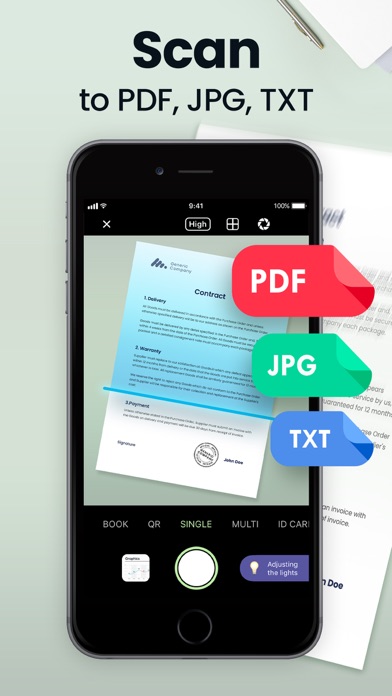
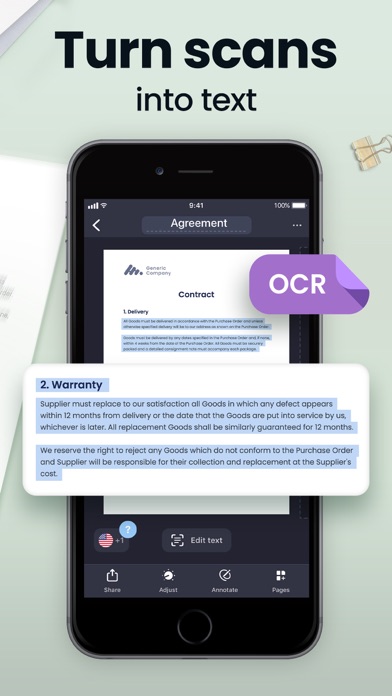
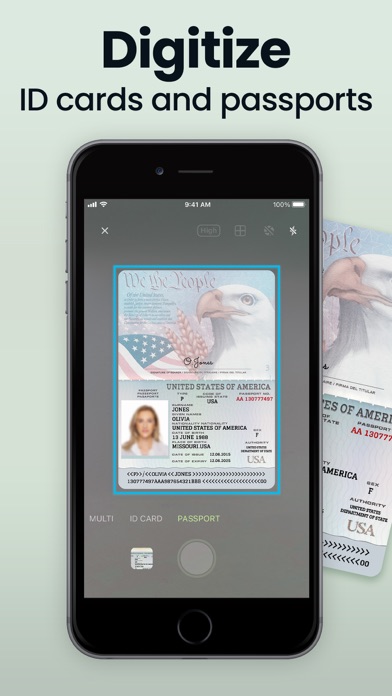
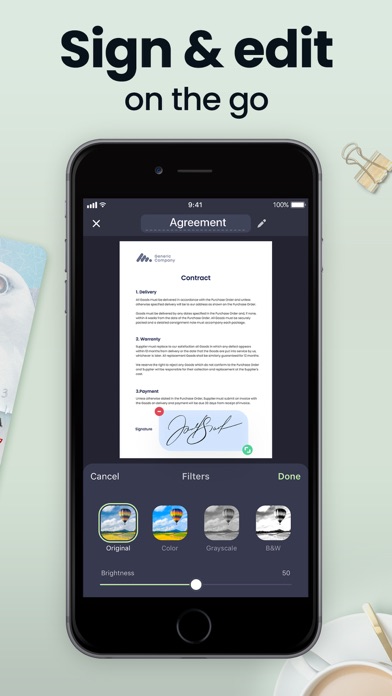
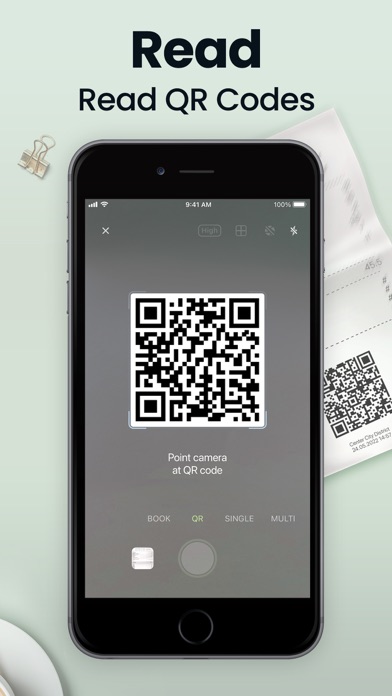
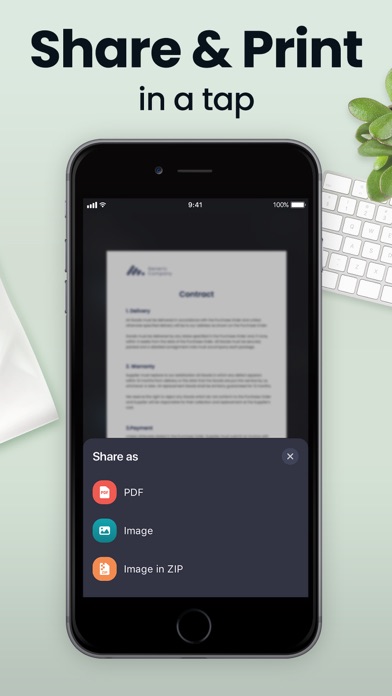
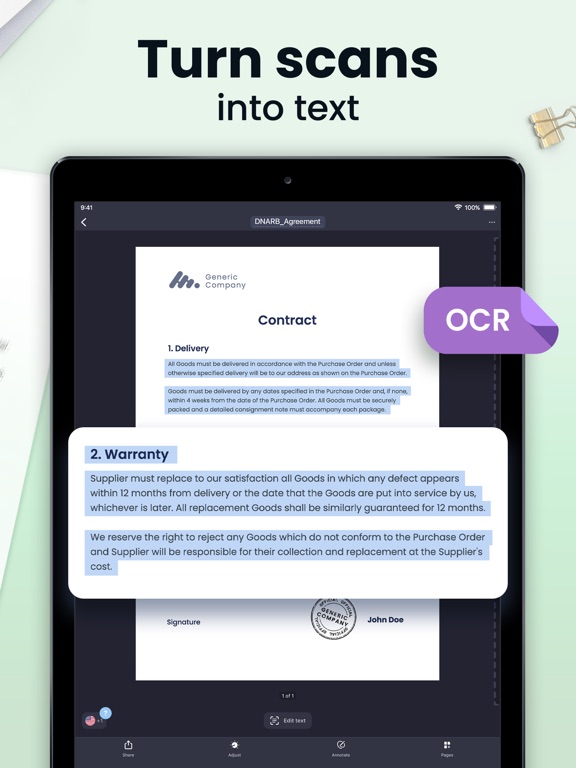
Looking for a mobile assistant? Try the Scan Hero app to corral your paperwork and scan documents on the go! Scan Hero helps you run your business in the ever-changing digital world. Scan documents to PDF, then sign, edit, and share them – no heavy equipment needed! Manage paperwork hassle-free from anywhere – the office, remotely, or from home. Stay one step ahead when it comes to document management. Loved by more than 29 million users. SCAN DOCUMENTS - Scan any document automatically or manually and save it as a PDF file or image. - Try various Camera Modes to scan specific types of documents. - Adjust the quality and file size of your scans: choose low, medium, or high quality. - Import documents right from Photos for further editing and sharing. TRY CAMERA MODES - Single Mode captures a single page. - Multi Mode scans two pages at once. - Passport & ID Card Modes digitize your ID-documents. - Book Mode scans a two-page spread of a book. - QR Mode reads QR codes with your device’s Camera. MAKE EDITS - Re-crop scans, change page perspective and borders, apply filters, adjust contrast, and correct or change the orientation. - Organize and reorder pages in multipage documents. MANAGE SCANS - Print scanned documents and clipboard text wirelessly. - Share scans separately or send a number of files in one PDF file via Mail or iMessage. - Save all your scans to Photos or iCloud and synchronize them between all of your iOS devices. - Protect your files with Face ID or passcode. LEVEL UP WITH PREMIUM FEATURES - Recognize and extract text from your scans with OCR (Optical Character Recognition) technology. Available for texts in English, Simplified Chinese, Traditional Chinese, Spanish, Turkish, Russian, French, Italian, German, Dutch, Swedish, Polish, Norwegian, Japanese, and Portuguese. - Fine-tune scans by selecting HD quality while scanning. - Sign scans right on the screen of your device. Create and save one or more signatures, and add them to scans whenever you need. - Highlight the key points of your scans. - Secure private information in scanned documents using the Hide tool. - Scan and share without limits. *For advanced editing and file management, you can also try our PDF Hero app! Subscription payments will be charged to your App Store account at confirmation of your purchase. Subscriptions will automatically renew and you will be charged unless auto-renew is turned off or unless you cancel at least 24 hours prior to the end of the current subscription or trial period. Any unused portion of a free trial period will be forfeited when you purchase a premium subscription during the free trial period. The cost of renewal depends on the Subscription Plan you choose. Subscriptions and auto-renewal may be managed by going to Account Settings after purchase or by contacting Customer Support. Privacy Policy: https://support.bendingspoons.com/privacy.html?app=1017261655 Terms of Service: https://support.bendingspoons.com/tos.html?app=1017261655 Got questions or suggestions? Please don’t hesitate to email us at support@scanhero.app
Latest release
What’s New
Hey guys! It's just a quick update that we release to make sure the app works smooth. Performance improvements, as they call it. Take care!
Audience growth
Ratings growth
Momentum comes from crawler snapshots for the tracked storefront. “Viral growth signal” means unusually fast recent rating gains; it is an indicator, not download data.
Price tracking
Price intelligence
- First observed Aug 10, 2026 · 6:34 AM Free
Screenshots