About this app
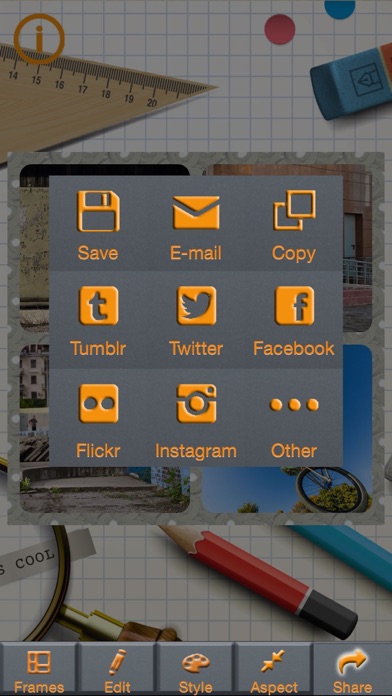
*** Amazing collage photo with beautiful frames! *** Enjoy dressing up your photos with more than 50 frame layouts and huge collection of editing tools. Of course, you can share with your friends and followers on Instagram, Facebook, Twitter, Tumblr, Flickr and other services. How to use: 1. Select a frame 2. Select photos from your photo library, or take shots 3. Place photos into the positions as you like 4. Edit pictures using filters, effects, stickers etc. 5. Save and share! Awesome features: -> 54 layouts -> Enhance with Hi-Def, Illuminate, Color Fix -> Easy-to-use single tap effects -> Focus, just like a single-lens reflex camera -> Rotate, crop and resizing photos -> Modify brightness and sharpness -> Selectively remove and replace color with Splash -> Draw and add text -> Fun and creative stickers -> Redeye and blemish removal -> Teeth whitening -> Share your creations to Instagram, Facebook, Twitter, Tumblr, Flickr etc. -> Save photos to Photo Library
Audience growth
Ratings growth
Baseline captured. Growth appears after the crawler observes a changed rating count.
Momentum comes from crawler snapshots for the tracked storefront. “Viral growth signal” means unusually fast recent rating gains; it is an indicator, not download data.
Price tracking
Price intelligence
First snapshot captured. The trend line starts after the next crawler price observation.
- First observed Sep 9, 2026 · 2:22 AM Free
Screenshots