About this app
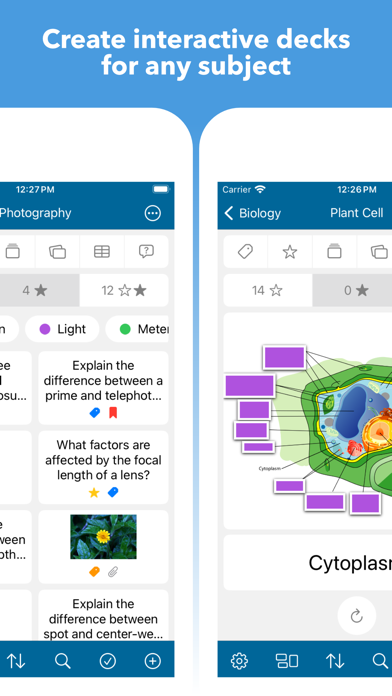
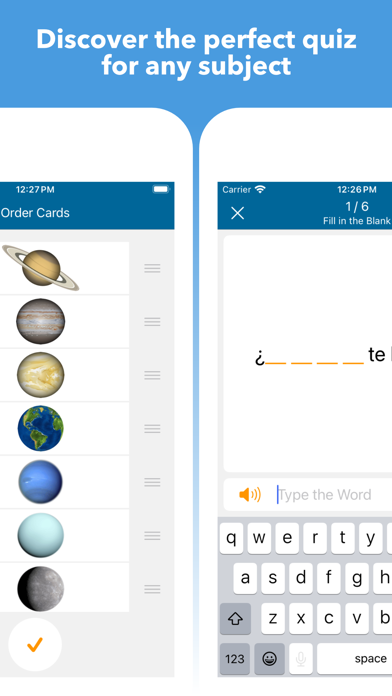
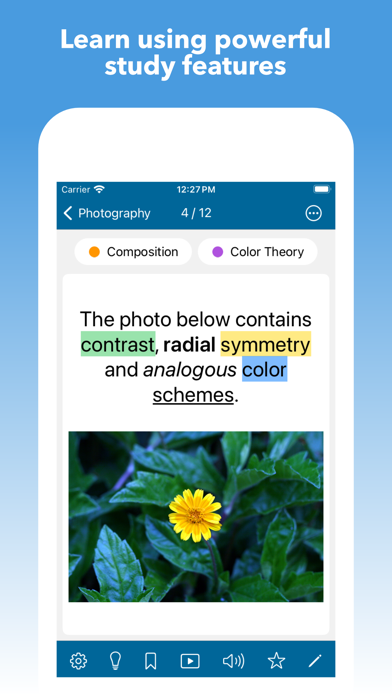
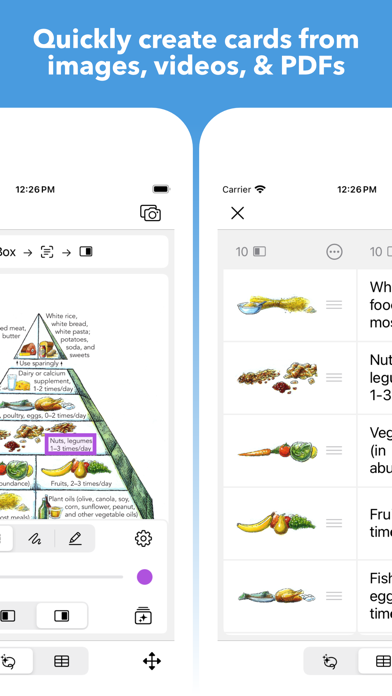
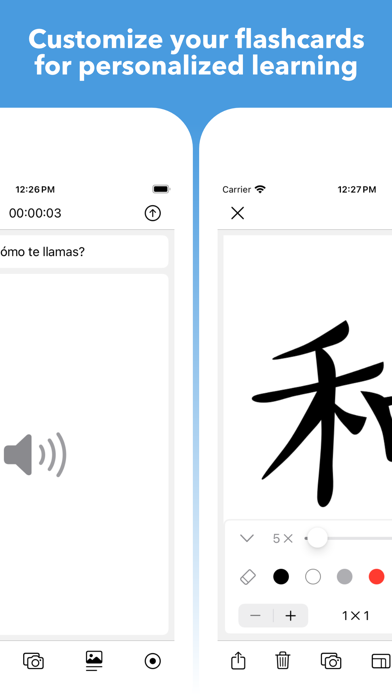
Packed with smart, powerful, and convenient features to help you learn anything! • Use the "Smart" order to study cards based on your active quiz and self-graded study performance. • Take dynamic quizzes from your cards (spelling, multiple choice, fill in the blank, typing, matching, ordering, true or false, drawing, audio, tap the visual area, quick review, and self-graded). • Configure your quizzes to include the number of questions, card side (front, back, random), card order (smart, random, custom), time limit, star filter, tags, answer options (similar, random, tags), autoplay (questions, answers, responses), and redo quiz (all, same, missed, correct). • Transform your images into dynamic visual decks with custom-defined touch areas for interactive learning. • Add rich text, images, audio, videos, drawings, links, lists, hints, and media captions to your cards. • Easily and quickly create cards from images, videos, and PDFs using the 'Extractor' tool. • Built-in drawing/annotation/grid tools, audio recorder, and highlighter (multiple colors). • Add multiple customizable tags to cards and organize them into configurable playlists. • Autoplay mode for convenient hands-free learning that automatically plays text, audio, video, and fullscreen images. • Seamlessly manage settings (formatting, autoplay, slideshow, text-to-speech) using a hierarchical scheme and reusable templates. • Export subjects, decks, and cards to backup or share as study guides with friends (delimited text files, PDF, Mighty, images, audio, video). • Import subjects, decks, and cards as text, images, audio, and video. • Conveniently import delimited text files by configuring the encoding, delimiter, header, and column map. • Study a custom selection of decks using stacks. • Star and filter your learned cards. • Move, copy, combine, and split your subjects, stacks, decks, and cards. • Sort by name, date (added, updated, viewed), study progress, count (cards, decks), or custom. • Search for subjects, stacks, decks, cards, descriptions, tags, and hints. • Bookmark your subjects, stacks, decks, and cards for quick access. • Add descriptions to your subjects, stacks, and decks. • Use external keyboard shortcuts to quickly navigate, create, and edit your cards. • Drag & drop text or images directly onto a deck to quickly create cards (via iPad Multitasking). --- Contact & Support: mighty.flashcards@gmail.com
Latest release
What’s New
Usability and stability improvements for the following items: • Batch apply tag settings. • Descriptions and hints.
Audience growth
Ratings growth
Baseline captured. Growth appears after the crawler observes a changed rating count.
Momentum comes from crawler snapshots for the tracked storefront. “Viral growth signal” means unusually fast recent rating gains; it is an indicator, not download data.
Price tracking
Price intelligence
First snapshot captured. The trend line starts after the next crawler price observation.
- First observed Aug 21, 2026 · 9:04 PM $14.99
Screenshots