About this app
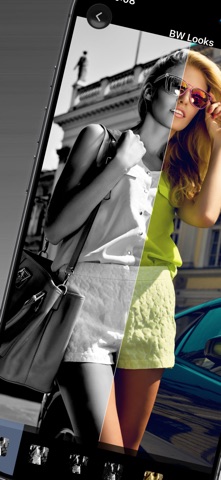
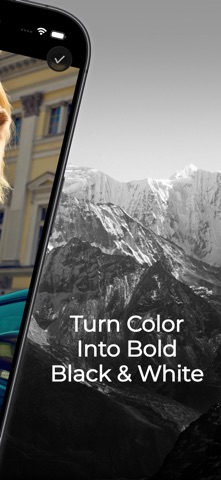
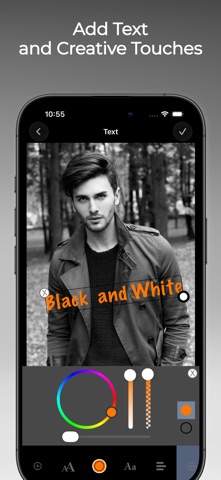
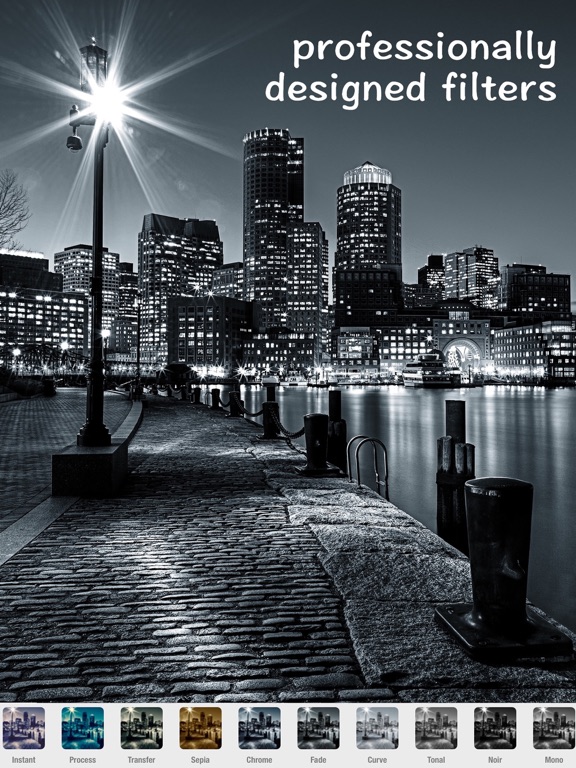
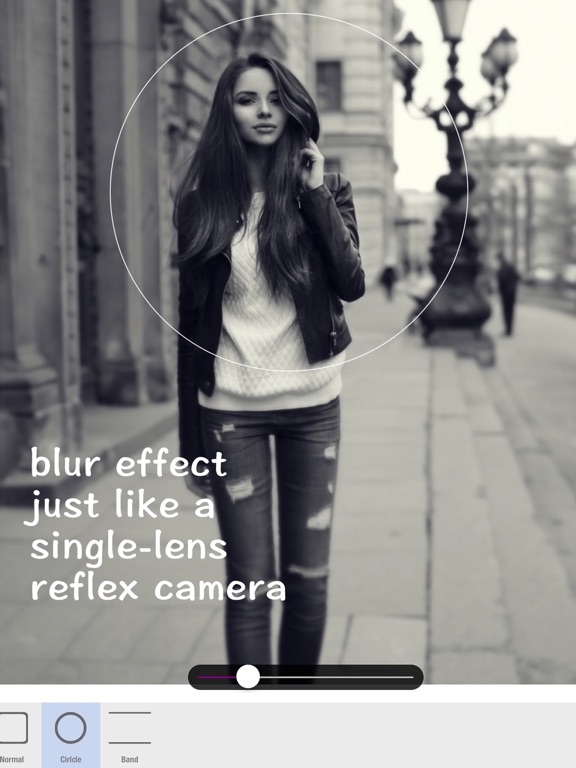
Turn everyday photos into expressive black-and-white images with B&W Retro Photo Editor. Start from your camera or photo library, choose a monochrome look, fine-tune the image, and save the finished photo to Photos. The app is designed for quick black-and-white editing, while still giving you useful tools for shaping the final image. Use one-tap BW Looks to create a range of monochrome styles, from clean black and white to noir, silver, matte, gritty film, warm mono, and cool mono moods. Whether you are editing a portrait, street photo, travel shot, cafe scene, or everyday moment, you can quickly find a look that fits the image. You can also adjust the details after applying a look. Fine-tune brightness, contrast, saturation, and tone. Crop or rotate the photo for a better composition. Use Blur & Focus to draw attention to the subject. Add text, frames, or stickers when you want a more creative finish. Key features: - One-tap black-and-white and monochrome looks - Camera and photo library support - Noir, silver, matte, film-style, warm mono, and cool mono moods - Brightness, contrast, saturation, and tone adjustments - Crop, rotate, blur, focus, text, frames, and stickers - Save edited photos to your photo library B&W Retro Photo Editor is made for people who want a simple, focused way to create black-and-white photos without a complicated editing workflow. Choose a photo, apply a mood, refine the details, and save your finished image.
Latest release
What’s New
This update brings a refreshed editing experience, new black-and-white styles, and improved support for modern iOS devices. What’s new: - Refreshed the interface with a cleaner, more modern design. - Added new one-tap black-and-white enhancement styles for creating expressive monochrome photos more easily. - Improved the main screen flow so you can start editing faster from the camera or photo library. - Updated editing controls with clearer icons and a more streamlined layout. - Improved the save flow, allowing edited photos to be saved directly from the editor. - Added support for the latest iOS devices and modern display layouts. - Updated ad handling and consent flows for a smoother, more reliable experience. - Added No Ads options, including purchase, restore, and temporary ad-free access via rewarded video. - Expanded localization support for many more languages. - Fixed issues with text editing, tool navigation, image positioning, and several legacy UI behaviors. - Updated internal libraries and project settings for improved stability and future compatibility. Thank you for using B&W Retro Photo Editor. We hope this update makes it easier and more enjoyable to create black-and-white and monochrome photos.
Audience growth
Ratings growth
Baseline captured. Growth appears after the crawler observes a changed rating count.
Momentum comes from crawler snapshots for the tracked storefront. “Viral growth signal” means unusually fast recent rating gains; it is an indicator, not download data.
Price tracking
Price intelligence
- First observed Aug 20, 2026 · 2:32 PM Free
Screenshots