About this app
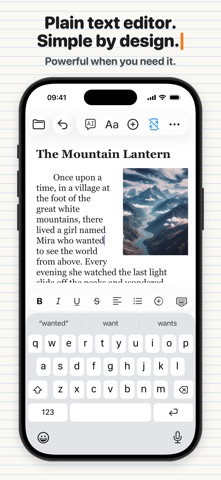
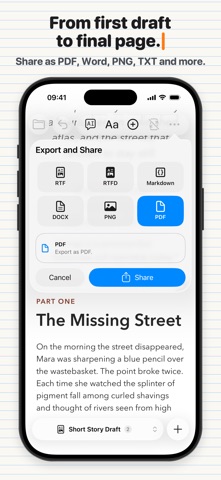
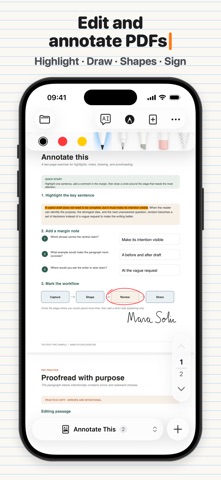
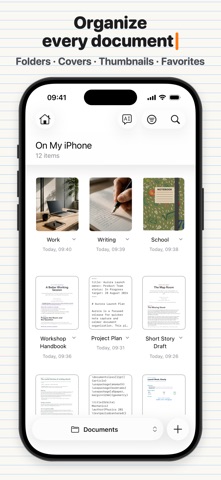
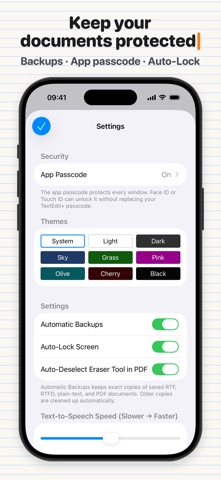
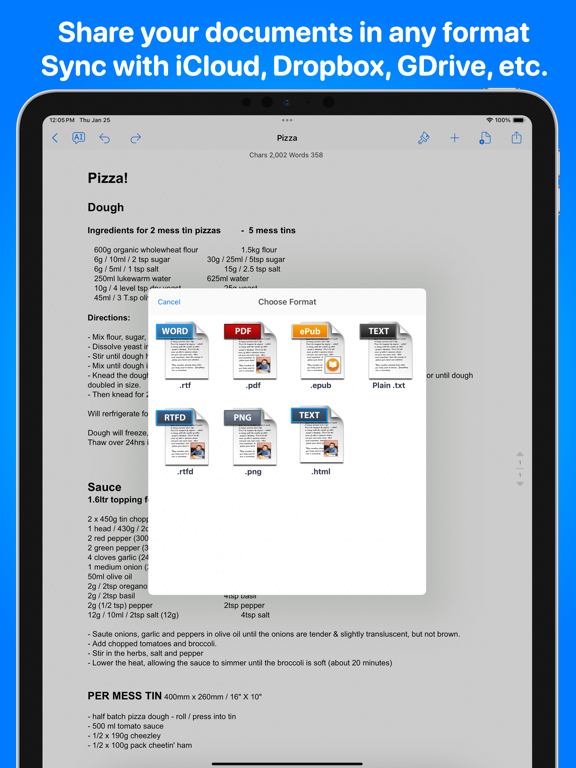
TextEdit+ gives you the control of a capable word processor without the clutter of a full desktop office suite. Create plain-text and rich-text documents, work with Markdown and LaTeX, improve your writing with AI, and keep your files organized in Files and iCloud Drive. You can also open, edit and sync documents created with macOS TextEdit, Microsoft WordPad, Microsoft Word, and Scrivener RTF files directly on your device. WRITE IN THE FORMAT YOU NEED • Create and edit TXT, RTF, RTFD, Markdown, and LaTeX files • Open your documents directly from Files and iCloud Drive • Organize your work with folders and subfolders • Choose where you want to keep your files WRITE AND EDIT WITH AI • Turn your ideas or prompts into a first draft • Rewrite, improve, or summarize any selected text • Adjust the tone, clarity, grammar, and structure of your writing • Use AI without leaving your document FORMAT YOUR DOCUMENT YOUR WAY • Choose your fonts, styles, colors, highlights, and alignment • Create lists and adjust line, paragraph, and document spacing • Use superscript and subscript • Add images and tables to supported document formats • Stay focused with a clean, distraction-free editor WORK WITH MARKDOWN AND LATEX • Preview your Markdown while you write • Write and compile LaTeX directly on your device • Switch easily between your source and the rendered result EDIT FASTER • Find and replace text throughout your document • Check your word, character, sentence, paragraph, and page counts • See the estimated reading time for your text • Use keyboard shortcuts when you work with a hardware keyboard • Move the cursor and select text more precisely with the extended keyboard EXPORT AND SHARE YOUR WORK • Export your documents to PDF, DOCX, RTF, Markdown, plain text, PNG, and HTML • Print, email, or send your files to other apps • Keep your documents in Files or cloud storage and continue working with compatible apps on your other devices Whether you’re writing a quick text file, preparing a formatted document, taking Markdown notes, or working on a LaTeX project, TextEdit+ gives you more control than a notes app without overwhelming you with the complexity of a traditional office suite. Privacy Policy https://www.noteswriter.com/Kairoos_Privacy_Policy.html Terms of Use https://www.apple.com/legal/internet-services/itunes/dev/stdeula/
Latest release
What’s New
- Huge major UI/UX update! We update TextEdit+ frequently to make it even better. Each update has product improvements or bug fixes. If you enjoy using the app, please leave us a review!
Audience growth
Ratings growth
Momentum comes from crawler snapshots for the tracked storefront. “Viral growth signal” means unusually fast recent rating gains; it is an indicator, not download data.
Price tracking
Price intelligence
- First observed Aug 14, 2026 · 12:37 AM Free
Screenshots