About this app
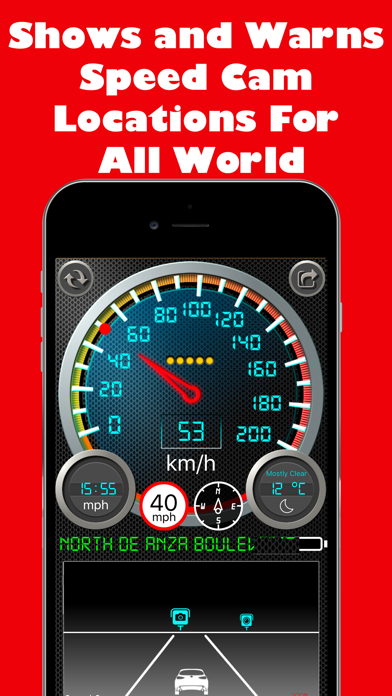
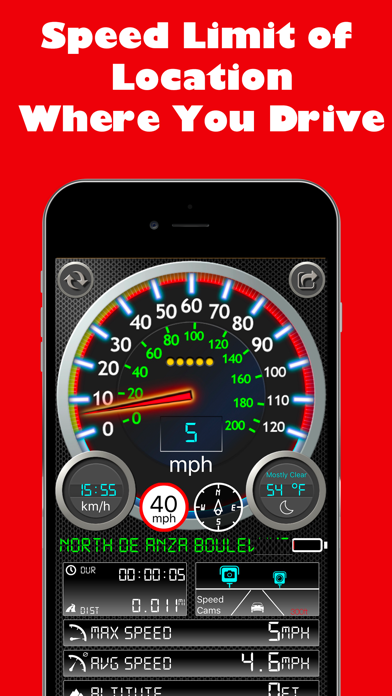
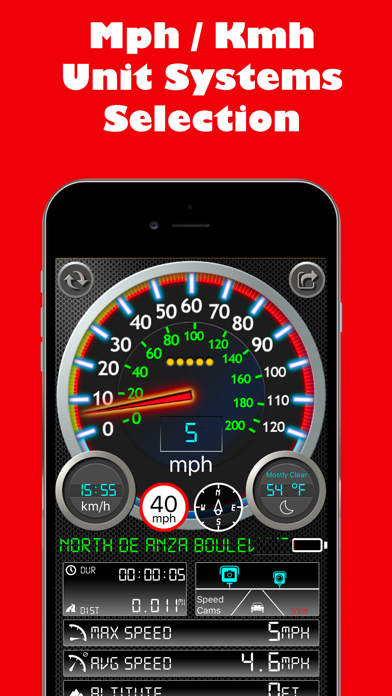
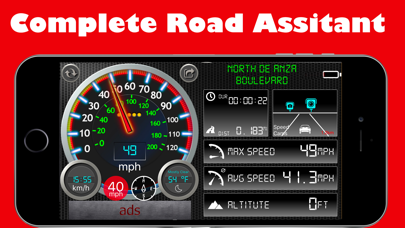
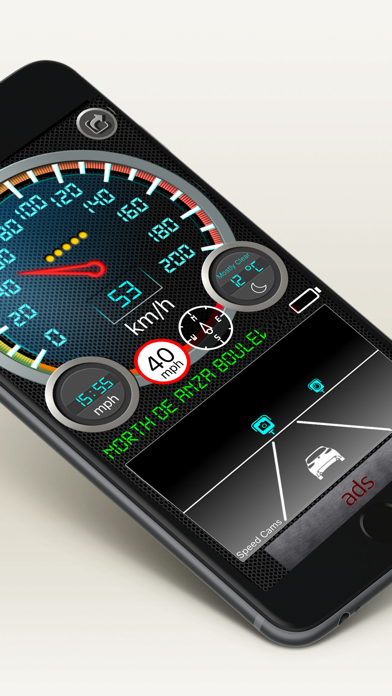
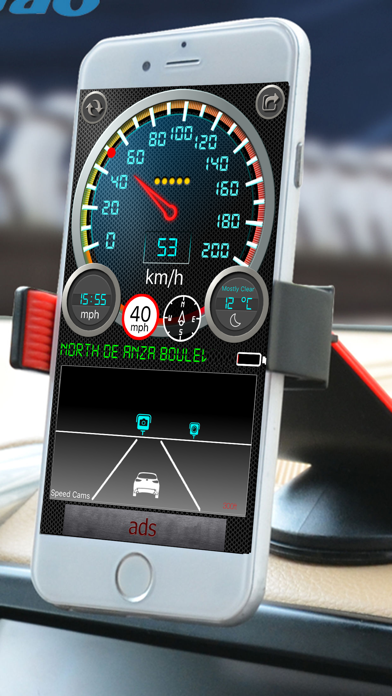
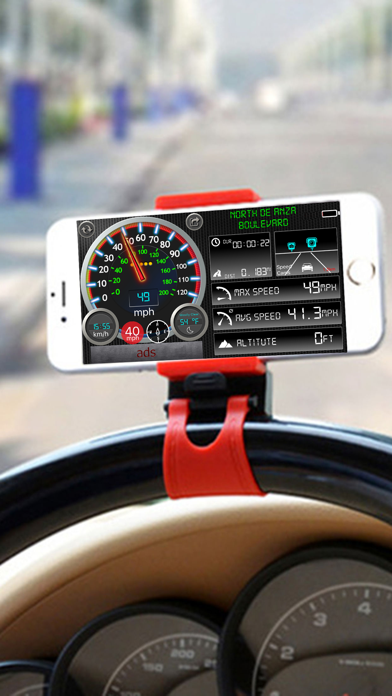
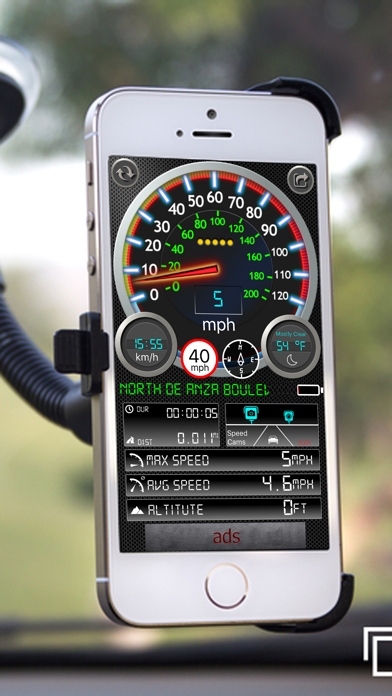
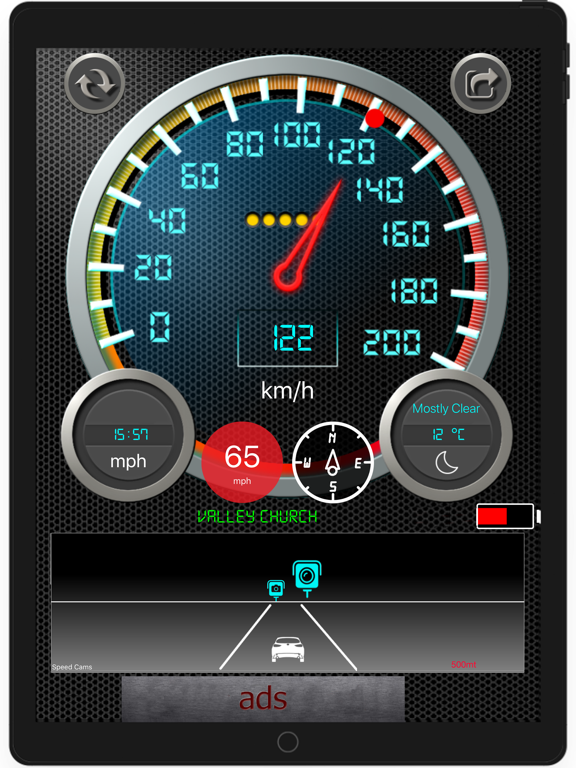
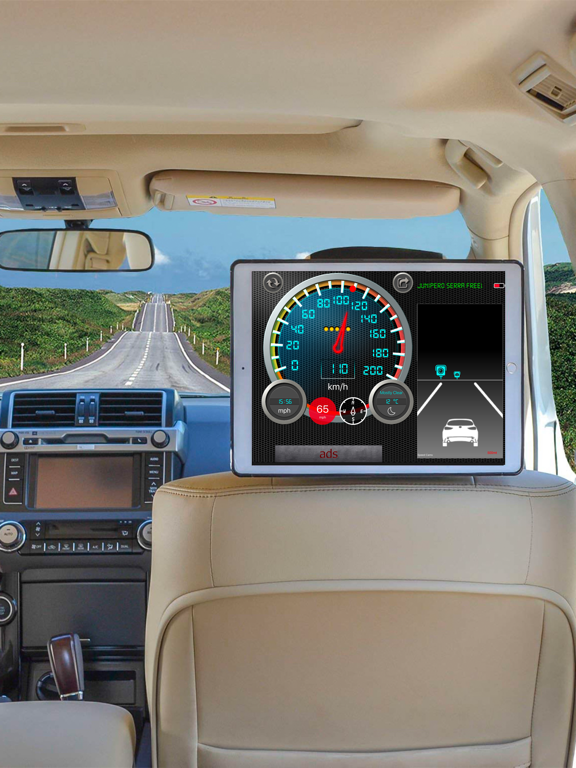
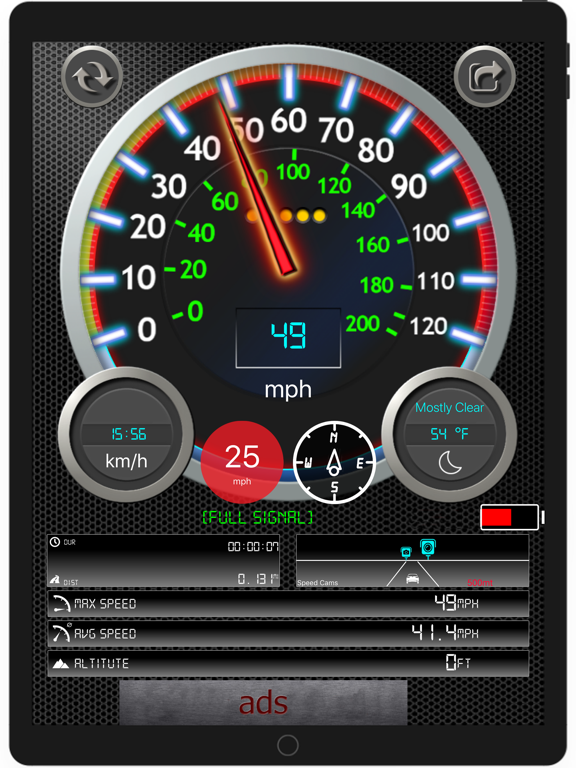
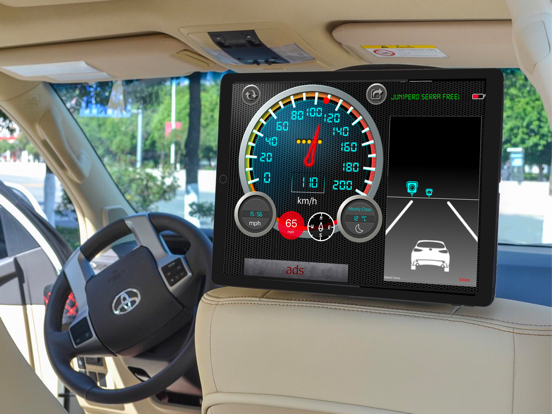
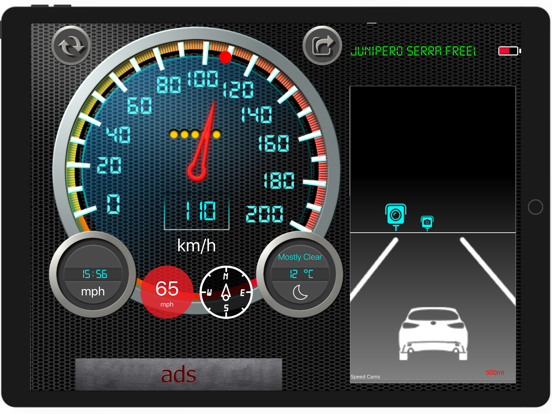
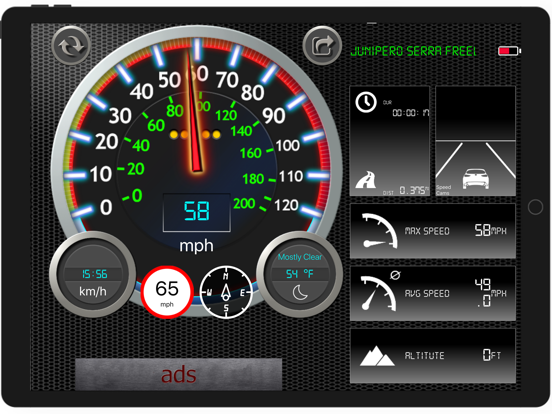
This app is a gps based speedometer, odometer for the iPhone and iPad. Track your speed and distance from your iPhone in Miles and Kilometer! * It can work offline, no need internet * Speed limit feature to check the speed limit of the road that currently using. * Display and warn speed cameras and red light cameras on the Road from the database of 100.000 locations all over world * Check outside weather temperature and condition * Shows your maximum speed * Shows your average speed * Shows your altitude * Shows your trip distance * Shows your trip duration * Switch between mph or km/h metric system * It can show your direction by compass * You can check your speed without opening app by Today widget * You can also use on your Apple Watch
Latest release
What’s New
Fixed crash bugs
Audience growth
Ratings growth
Momentum comes from crawler snapshots for the tracked storefront. “Viral growth signal” means unusually fast recent rating gains; it is an indicator, not download data.
Price tracking
Price intelligence
- First observed Aug 25, 2026 · 6:43 PM Free
Screenshots