About this app
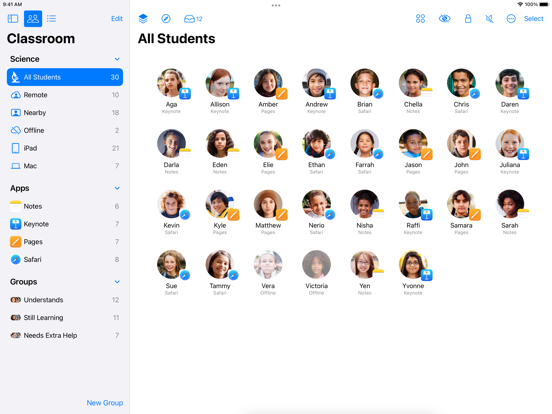
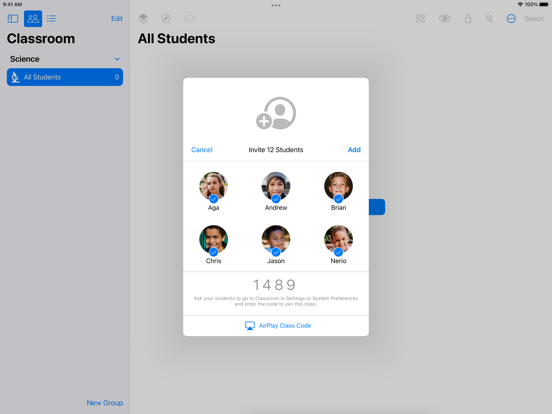
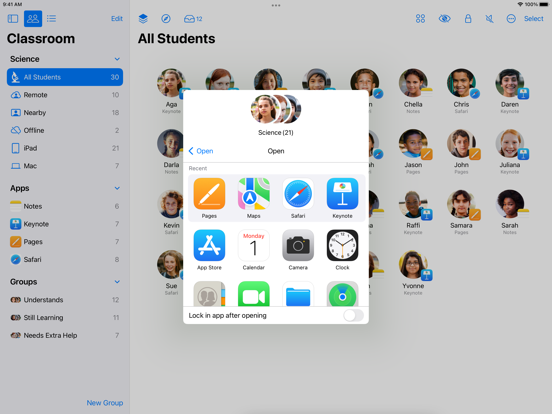
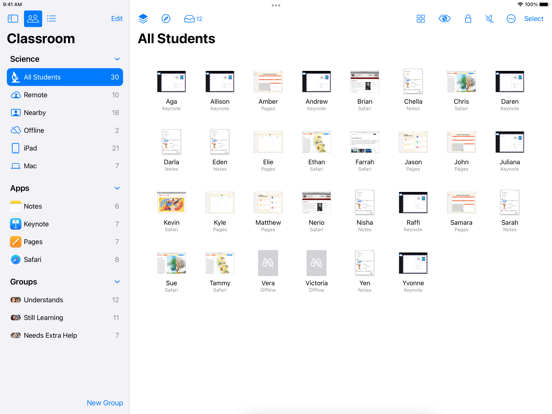
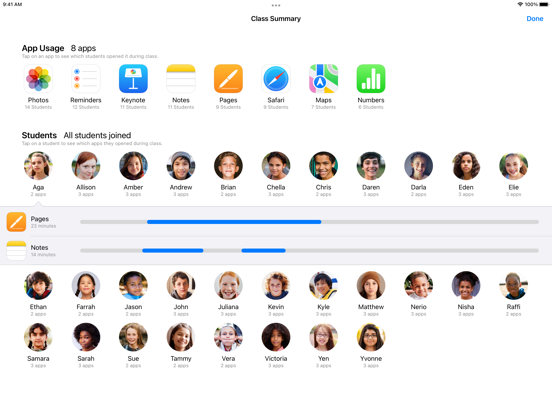
Classroom turns your iPad into a powerful teaching assistant, helping a teacher guide students through a lesson, see their progress, and keep them on track. With Classroom, you can easily launch the same app on every student iPad or Mac at the same time or launch a different app for each group of students. Classroom helps teachers focus on teaching so students can focus on learning. Assign Shared iPads to students • Once configured, Classroom connects to nearby student iPads • Classroom intelligently assigns students to the Shared iPad they most recently used • Log students out of Shared iPad at the end of a session to prepare for the next class Start, focus, or pause student work • Launch any app, website, or book for students with a tap • Lock into a single app to help students focus • Lock screens to pause work or refocus your class • Mute audio on student devices See what your students see with Screen View • See an overview of all student screens at once • Focus on a single student screen • Students are informed when their screens are being viewed Share documents and links with your class using AirDrop • Share to your entire class with just one tap • Students can also share with you Share student work on the classroom Apple TV • Show the great work your students are doing to the entire class • Use AirPlay to wirelessly present a student’s screen • Students are informed when their screens are being presented Reset forgotten passwords right in the classroom • Reset a Managed Apple ID password without calling IT Organize students using groups • Classroom automatically creates groups of students based on the apps they are using • Teachers can create groups to break students into project teams • Perform actions on entire groups or on individual students within groups Great for use with both 1:1 and Shared iPad student devices Supports IT-managed classes or teacher-created classes All actions take place over the local network only Requirements iPad with iOS 14.4 or later Bluetooth and Wi-Fi enabled on both student and teacher devices Students within Bluetooth range of the teacher running Classroom
Latest release
What’s New
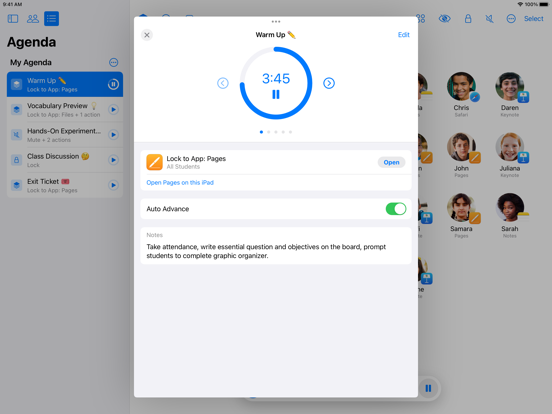
• Easily share files with students as an action item in agendas • Quickly find agendas with a new list view and ability to search and sort
Audience growth
Ratings growth
Momentum comes from crawler snapshots for the tracked storefront. “Viral growth signal” means unusually fast recent rating gains; it is an indicator, not download data.
Price tracking
Price intelligence
- First observed Aug 6, 2026 · 5:52 AM Free
Screenshots