About this app
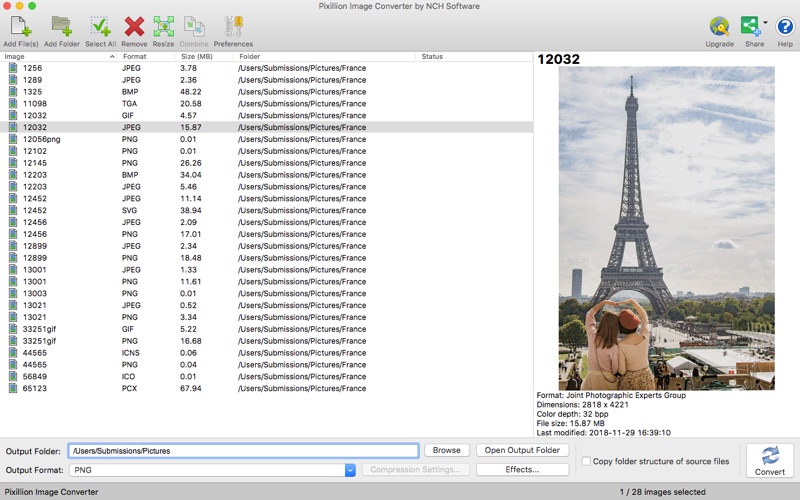
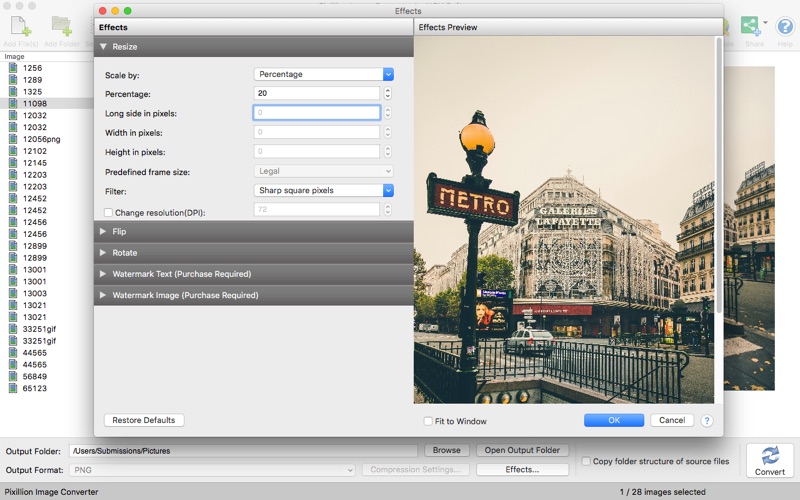
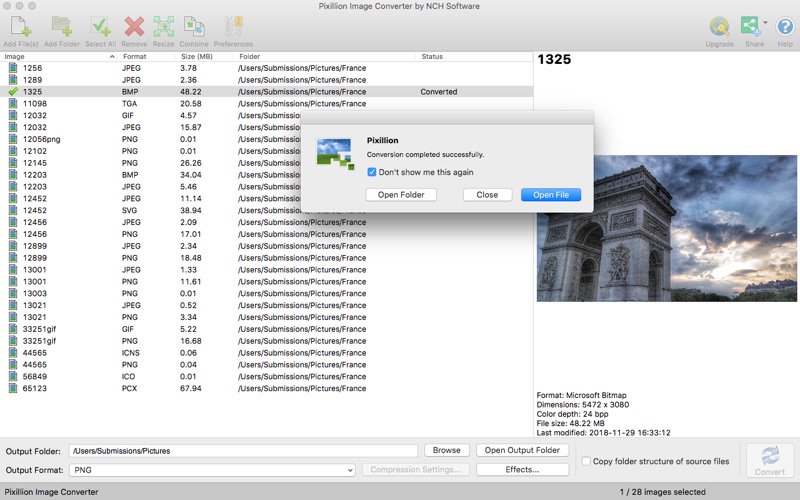
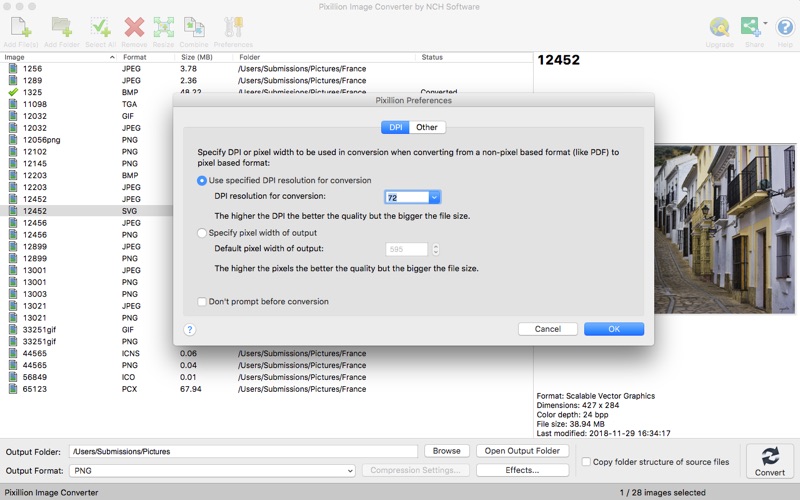
Pixillion Free Image Converter Pixillion Image Converter for Mac OS X is a quick and easy way to convert all your images quickly. Simply drag and drop your files into Pixillion, select your output folder and format, and click convert! Either individually select files you would like to convert or enjoy the efficiency of converting all of your files at once. Pixillion Features Include: + Drag and drop files for convenience. + Rotate, resize and compress digital photos. + Convert all of the most popular file formats, including .jpeg, .png, .tiff, .gif, .bmp, .icns, .maya iff, and much more. + Use batch conversions to convert many files at one time. + Customize your Pixillion by selecting from Overwrite, DPI, Background, and Metadata settings. Pixillion features a useful preview option to see how images will look before conversion. When your done converting your images, save and share them with your friends and family!
Latest release
What’s New
Minor improvements including bug fixes and with support for existing paid users
Audience growth
Ratings growth
Baseline captured. Growth appears after the crawler observes a changed rating count.
Momentum comes from crawler snapshots for the tracked storefront. “Viral growth signal” means unusually fast recent rating gains; it is an indicator, not download data.
Price tracking
Price intelligence
First snapshot captured. The trend line starts after the next crawler price observation.
- First observed Sep 2, 2026 · 9:06 PM Free
Screenshots