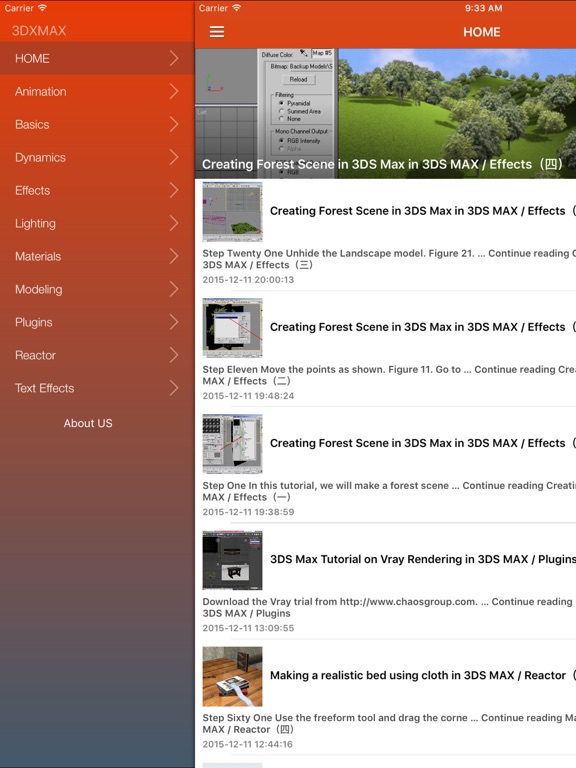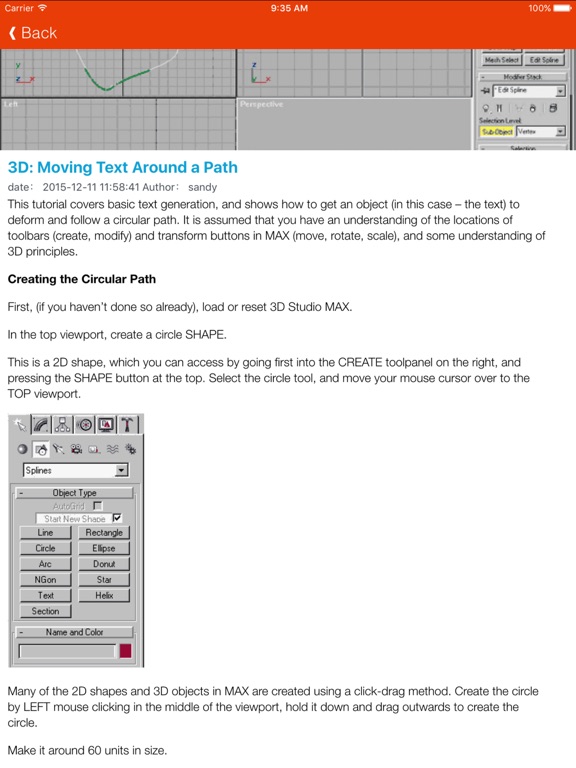
About this app
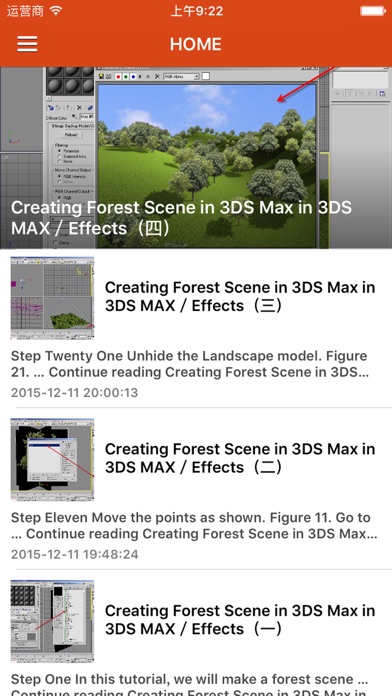
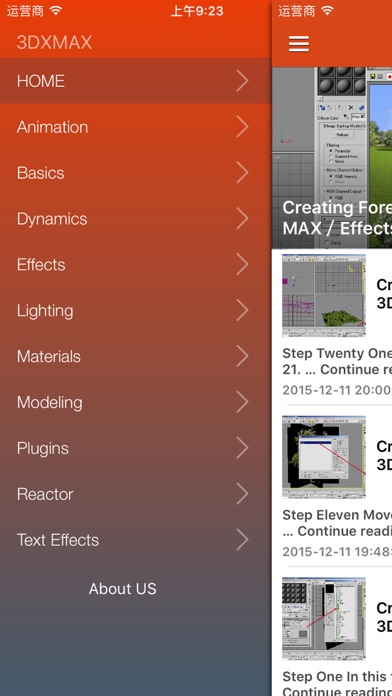
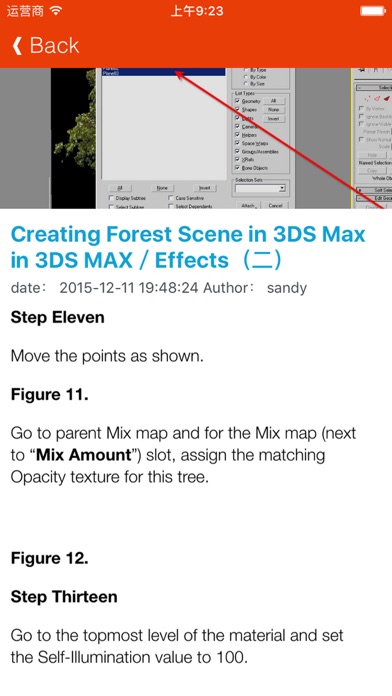
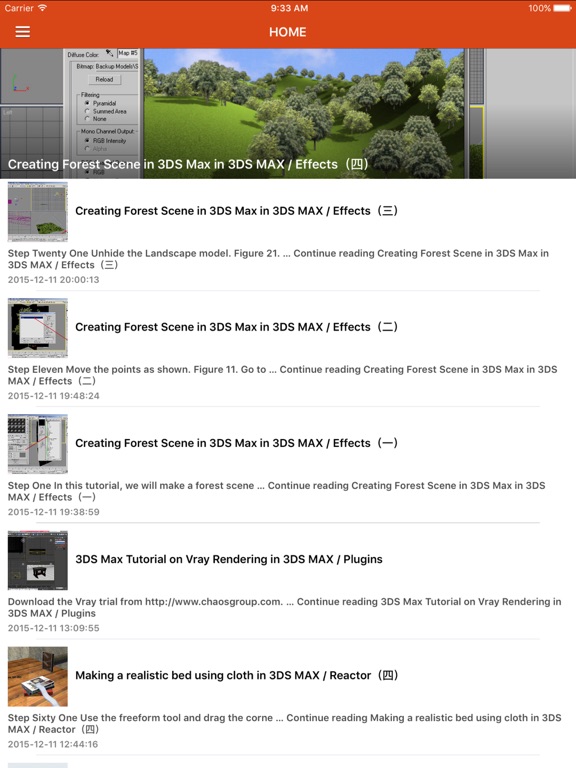
3DS Max is a professional 3D animation rendering and modeling software package used mostly by game developers, design visualization specialists, and visual effects artists. Learn tips to create rich, complex design virtualizations, realistic game characters, or 3D film effects. 3DS MAX Designers Guide Tutorials to Creating Realistic Imagery Using 3ds Max is a practical, hands-on guide to creating some of the most stunning computer-generated images possible. We caters to the design masses; architects, engineers, interior designers, industrial designers, photographers, and enthusiasts will find this App essential in their quest to express themselves through visual communication.
Latest release
What’s New
This update from Apple will improve the functionality of this app. No new features are included.
Audience growth
Ratings growth
Baseline captured. Growth appears after the crawler observes a changed rating count.
Momentum comes from crawler snapshots for the tracked storefront. “Viral growth signal” means unusually fast recent rating gains; it is an indicator, not download data.
Price tracking
Price intelligence
First snapshot captured. The trend line starts after the next crawler price observation.
- First observed Aug 21, 2026 · 3:31 AM Free
Screenshots