About this app
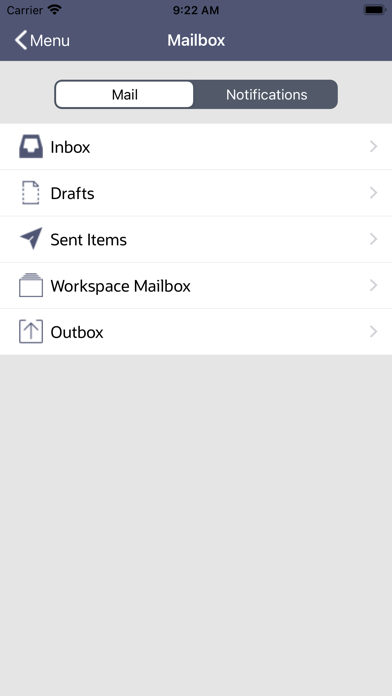
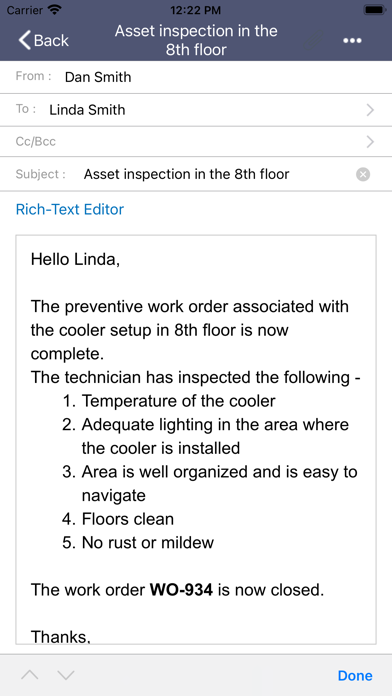
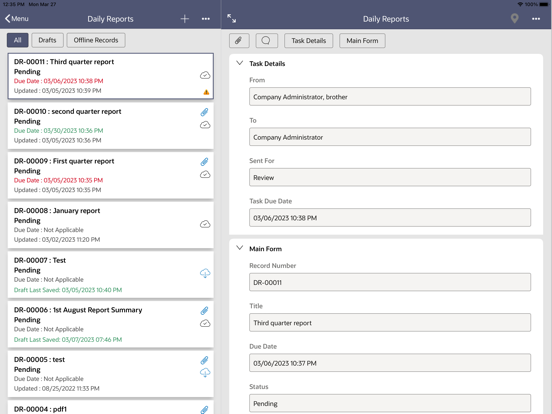
By installing this app, you agree to the End User License Agreement terms at https://docs.oracle.com/cd/F11146_01/EULA/en/EULA.htm The Oracle Primavera Unifier mobile app is the perfect companion for Unifier users on the go. Project managers and field users can use the Unifier mobile app to view, update, and collaborate on projects. Users can manage tasks, create business process records, and review documents. While offline, field users can continue to work on their downloaded project data and documents. Unifier mobile app requires you to have a valid license for Primavera Unifier 16.2 and above. Oracle recommends that you upgrade your Primavera Unifier installation to the latest version to utilize all the features of the mobile app, as some of the recent features are supported only on the latest version of Primavera Unifier. Features: ▪ Manage your assigned tasks and update task progress anywhere, anytime. ▪ Work on your downloaded company and project data without network connectivity. ▪ Synchronize locally saved changes with the Unifier server, once network connectivity is available. ▪ Create new business process records and add line items. ▪ Attach picture, audio, and video files to a business process record, line item, or task. ▪ Review drawings, pdf and image files etc., associated with business process records or in project documents. ▪ Minimize data entry errors by using QR code, bar codes, auto-population, and formula-calculation in the forms. ▪ Use commonly-used pickers and hyperlink fields when working on the forms. ▪ Access and save commonly-used company or project documents. ▪ Access frequently-used business processes faster by adding them as tiles to the Home screen. ▪ View the geo-location of projects and business process records. ▪ Get notified when tasks are assigned to you, without opening the Unifier mobile app. Additional Information ▪ Oracle recommends that you always synchronize your locally saved changes with the Unifier server before upgrading to the latest version of the mobile app. ▪ The Unifier mobile app for iOS supports Apple OS version 12.0 and above. ▪ The app includes a demo mode that enables you to evaluate the app without a license or connection to Primavera Unifier. ▪ Ensure that the business processes are enabled for mobile app use, and you have the required access permissions to view the business processes by way of your mobile app. ▪ Contact your Unifier administrator if you have any questions.
Latest release
What’s New
• Technical improvements and bug fixes.
Audience growth
Ratings growth
Baseline captured. Growth appears after the crawler observes a changed rating count.
Momentum comes from crawler snapshots for the tracked storefront. “Viral growth signal” means unusually fast recent rating gains; it is an indicator, not download data.
Price tracking
Price intelligence
First snapshot captured. The trend line starts after the next crawler price observation.
- First observed Aug 11, 2026 · 6:09 PM Free
Screenshots