About this app
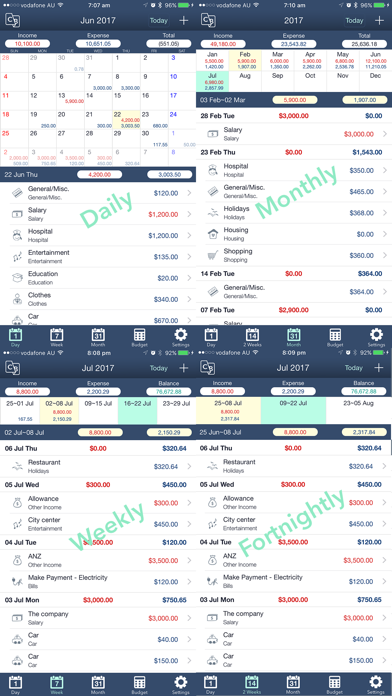
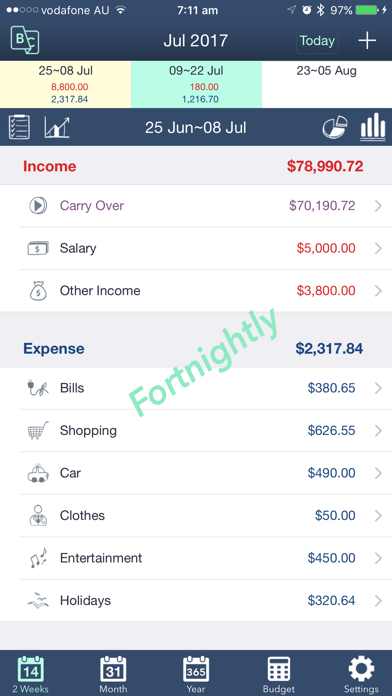
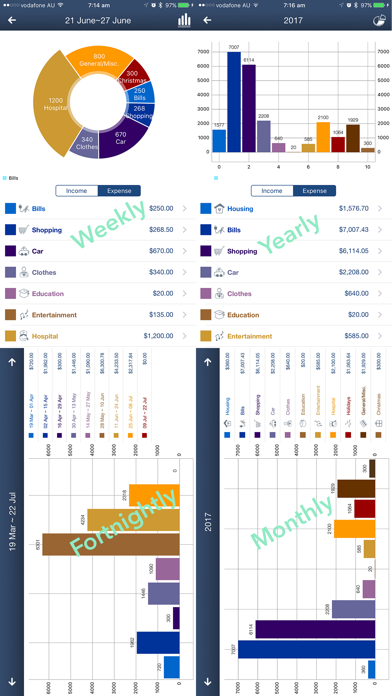
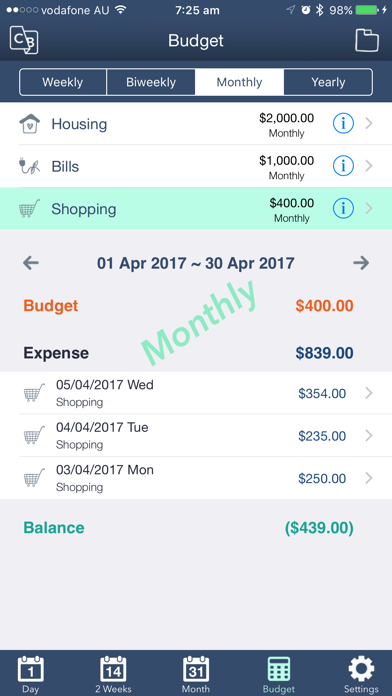
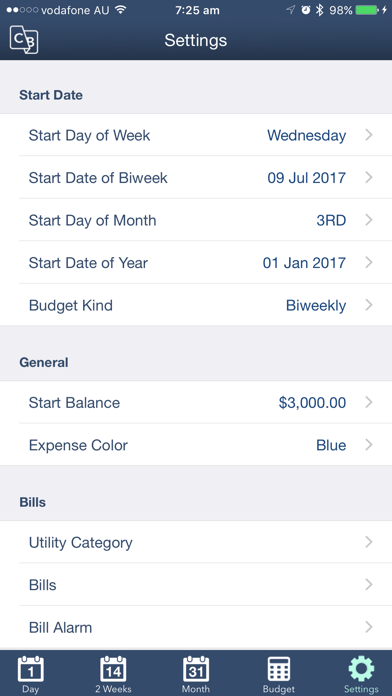
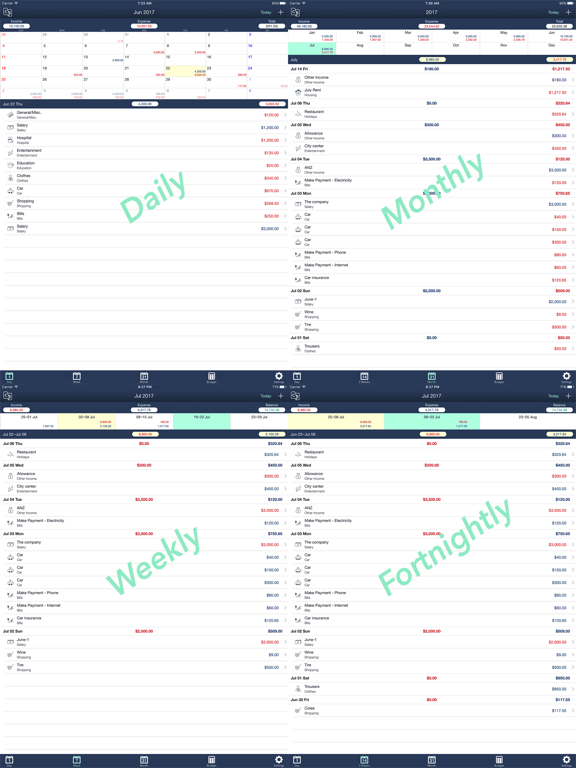
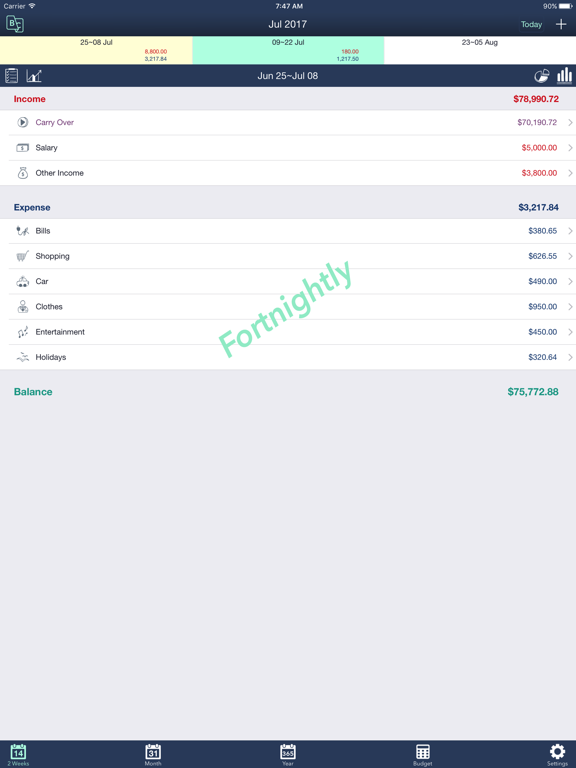
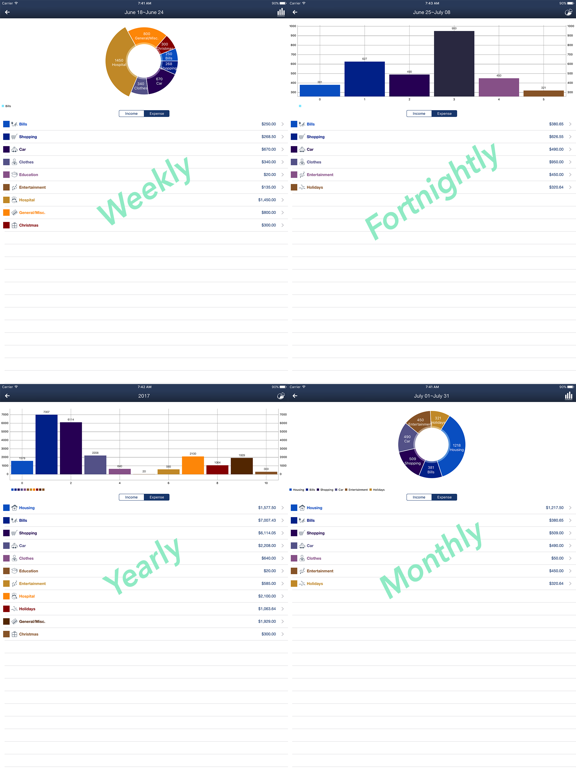
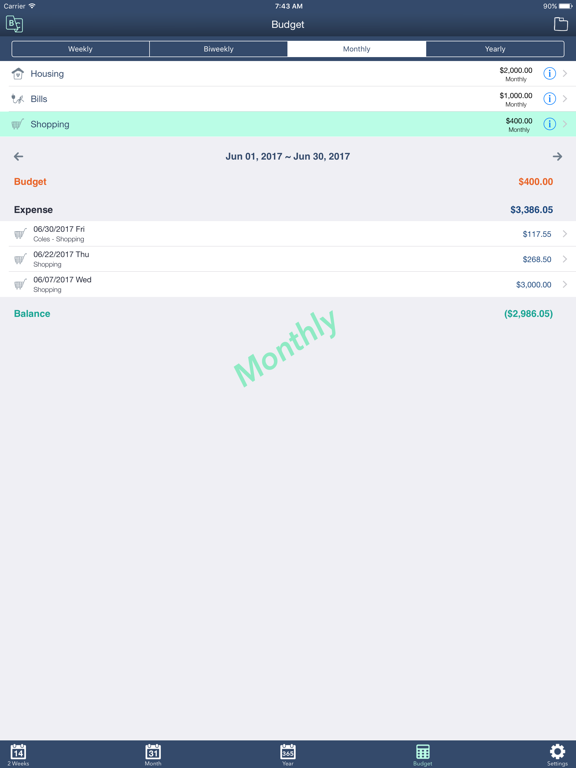
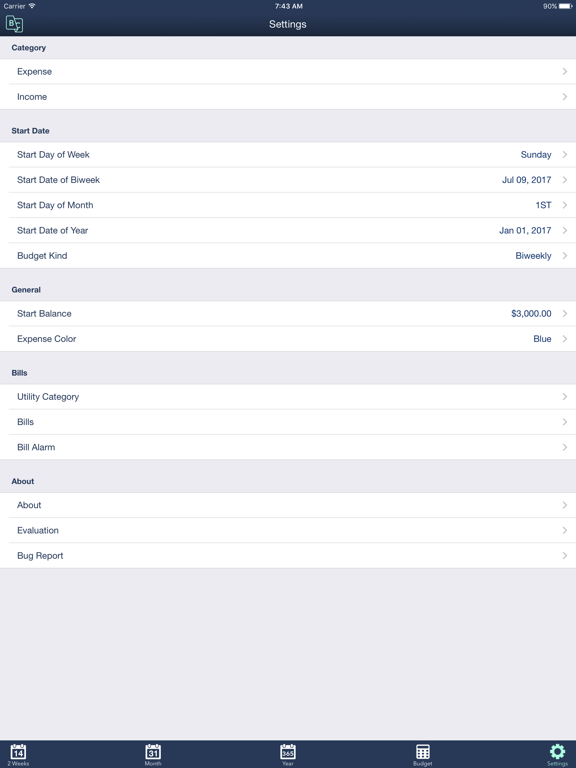
Sweet Money is a convenient money management app to manage income, expense, balance, budget and bills. * Various kinds of calendars It provides various kinds of calendars such as Weekly, Fortnightly, Monthly, and Yearly. All income, expense, balance and budget will be listed based on the period designated by calendars. * Budget by category When you set up categories you can choose the budget type (weekly, biweekly, monthly, yearly) and the budget amount so that you can see the balance for each expense category. * Start dates and Start amount It requires Weekly start date, Biweekly start date and Monthly start date to show the calendars. When you start to use you can enter the start amount and all the balance will be displayed showing the carry-over amounts. * Bill and Alarm It also manages bills and when you pay a bill an expense transaction will be created. You can manage bill alarms not to forget the payments. * Main Features: - Weekly, Fortnightly, Monthly, and Yearly Calendars - Income, Expense and Balance by Calendars - Budget management by category - Bill and Expense Integration - Bill Alarm - Receipt Management - Charts and Graphs by Calendars - Set Weekly Start Day - Set Fortnightly Start Date - Set Monthly Start Day - Set Yearly Start Day - Set Start Balance - Diary based on Calendar * Sweet Money Lite is free version of Sweet Money Pro for testing and it has a limitation of 50 transactions. * If any questions, please send an email to brownapps@gmail.com
Latest release
What’s New
Minor bugs fixed
Audience growth
Ratings growth
Baseline captured. Growth appears after the crawler observes a changed rating count.
Momentum comes from crawler snapshots for the tracked storefront. “Viral growth signal” means unusually fast recent rating gains; it is an indicator, not download data.
Price tracking
Price intelligence
First snapshot captured. The trend line starts after the next crawler price observation.
- First observed Sep 1, 2026 · 11:28 AM Free
Screenshots