About this app
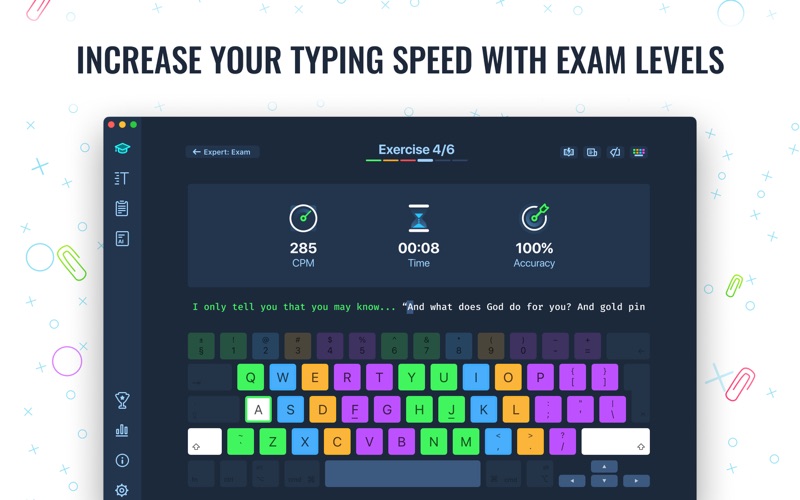
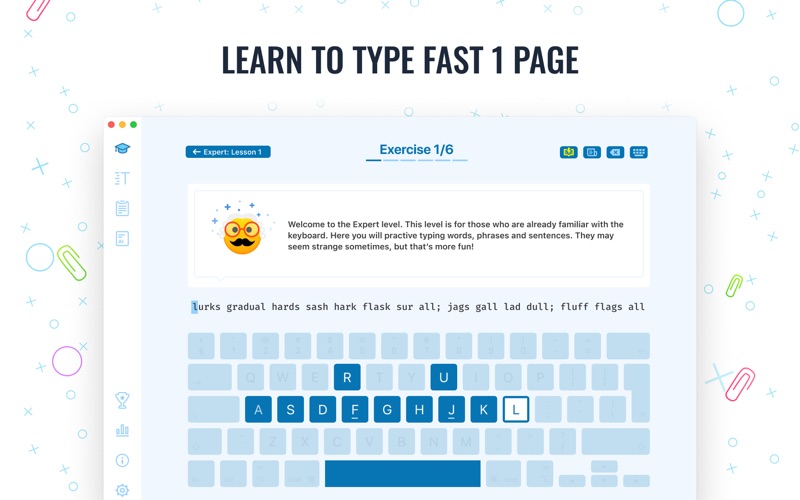
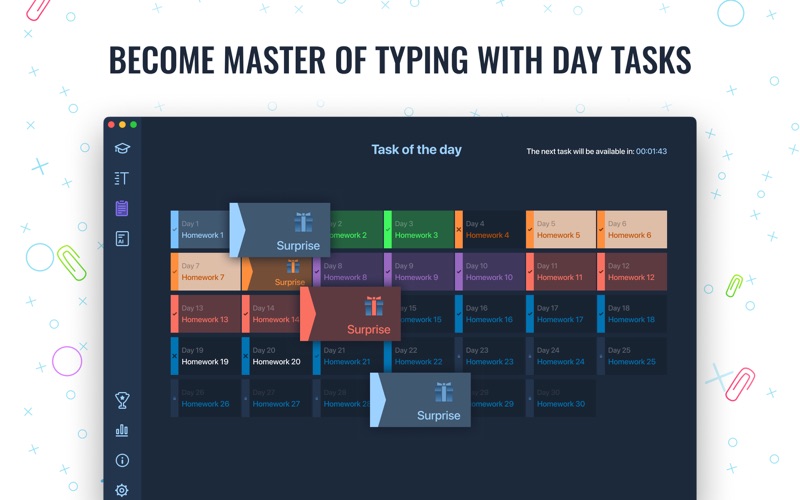
Master of Typing 3 is an effective TOUCH typing course for mastering fast typing technique using all your 10 FINGERS simultaneously. INCREASE YOUR TYPING SPEED - Variety of exercises: letters & special characters, words & phrases. 1. Click Settings (bottom left corner). 2. Please, make sure that Auto Difficulty is OFF. 3. Select a difficulty level, and then a lesson. 4. Select a lesson section using left / right arrow keys. - Auto Difficulty settings: 1. Click Settings (bottom left corner). 2. Select auto-difficulty to move to the next lesson automatically if you do an exercise successfully. 3. Deselect auto-difficulty and select a lesson if you want to exercise letters of this lesson only. CHECK NEW SKILLS - Multiple levels of exams. - Accurate statistics results: - Best & average speed, - Best & average accuracy. - Tips system - AI generated typing exercises ENJOY BENEFITS: - AI-powered dictation mode Dictate the text and then type it OR select the suggested text and type it at dictation - Smart timer - stops when you click outside the app window. So, you can come back to the exercise and continue doing it at any time. - Leaderboard: Compete with other users in typing speed and accuracy and rank yourself in the ranking based on your skills. - 3 themes: Light, Dark and East - choose the most universally convenient theme that fits your needs. - Swipe and hotkeys for quickly switching between windows. - Colored keyboard's scheme to memorize finger positions. - Ideal for self-study at any time. TYPE IN DIFFERENT LANGUAGES: - English (QWERTY), - Russian (ЙЦУКЕН), - Spanish - French (AZERTY), - German (QWERTZ), - Italian. Certain features are accessible exclusively through a subscription, including all difficulty levels, all texts, the typing exam, and a personalized certificate. The free version includes the complete Beginner level and one lesson from each level. Privacy Policy: http://improvisionapps.com/privacy Terms Of Use: https://improvisionapps.com/tos
Latest release
What’s New
We’ve polished a few things behind the scenes and fixed minor bugs to keep every typing session running smoothly. Thanks for practicing with Master of Typing!
Audience growth
Ratings growth
Baseline captured. Growth appears after the crawler observes a changed rating count.
Momentum comes from crawler snapshots for the tracked storefront. “Viral growth signal” means unusually fast recent rating gains; it is an indicator, not download data.
Price tracking
Price intelligence
First snapshot captured. The trend line starts after the next crawler price observation.
- First observed Sep 8, 2026 · 12:54 AM Free
Screenshots