About this app
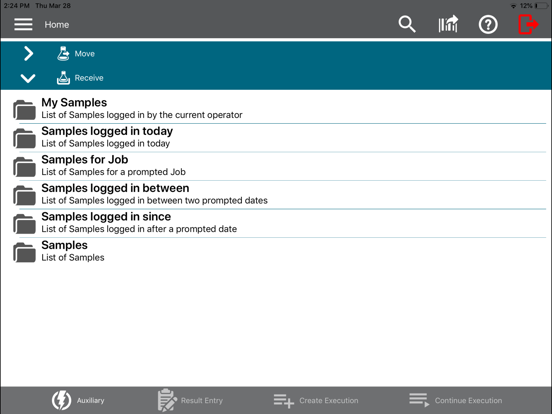
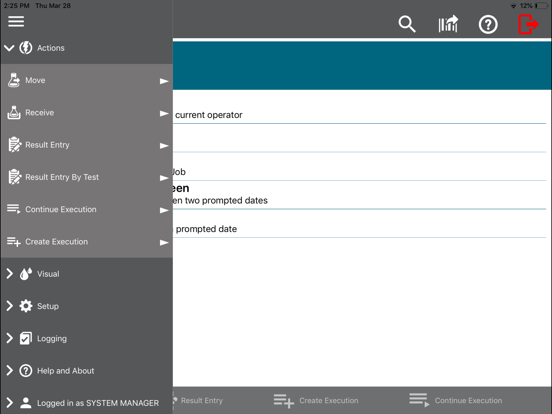
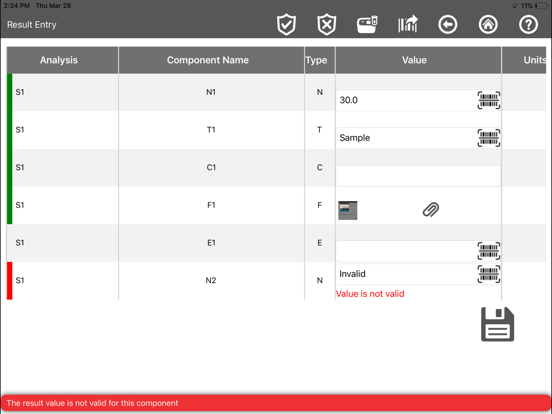
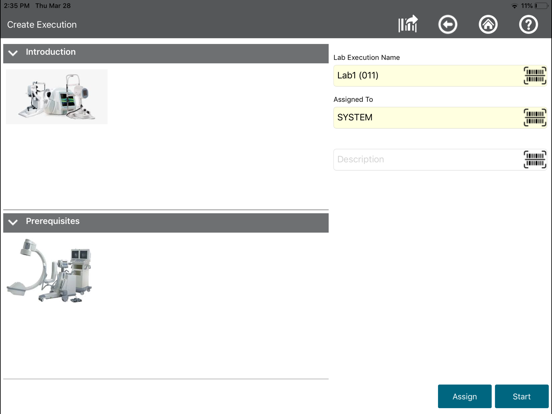
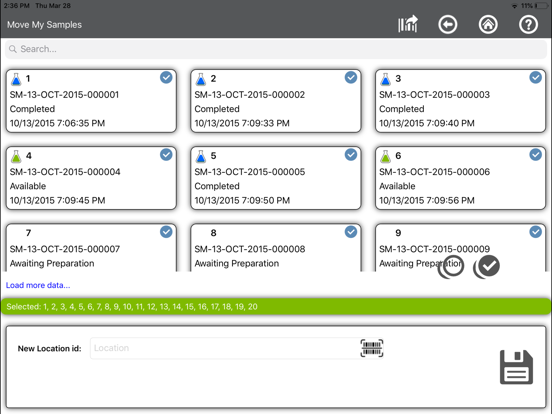
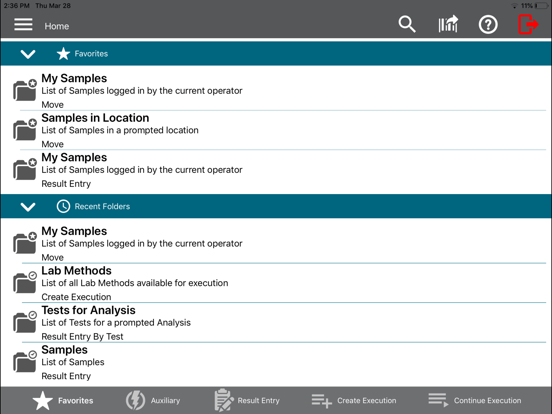
The Thermo Scientific SampleManager Mobile app lets you connect to SampleManager LIMS using a mobile device. The app can be used in the lab or out in the field, for data acquisition or result entry. The SampleManager Mobile app supports the following features by default: • Result entry & authorization by test • Result entry & authorization by sample • Receive samples • Move samples • Create lab execution tasks • Execute lab execution tasks The app uses your device's camera to scan barcodes and upload photos (as file results) from the photo stream or directly from the camera. Your system administrator can set up your SampleManager server with extra auxiliary functions accessible through the app. These let you perform simple changes to data items, for example changing the priority of a sample or the status of a test. If SampleManager LES is available on your SampleManager instance, the mobile app can create and execute lab execution tasks. The app is configurable to use any language available on your SampleManager server. SYSTEM REQUIREMENTS The SampleManager Mobile app requires a connection to SampleManager LIMS 11.2 or higher. The app has been developed in line with the Thermo Fisher Scientific Informatics Quality Management System.
Latest release
What’s New
Bug fixes: - LES result entry detects locked sample. - Audit reason handles non-ASCII characters. - Application supports Single Sign-on for Microsoft Entra ID
Audience growth
Ratings growth
Baseline captured. Growth appears after the crawler observes a changed rating count.
Momentum comes from crawler snapshots for the tracked storefront. “Viral growth signal” means unusually fast recent rating gains; it is an indicator, not download data.
Price tracking
Price intelligence
First snapshot captured. The trend line starts after the next crawler price observation.
- First observed Aug 18, 2026 · 5:54 AM Free
Screenshots