About this app
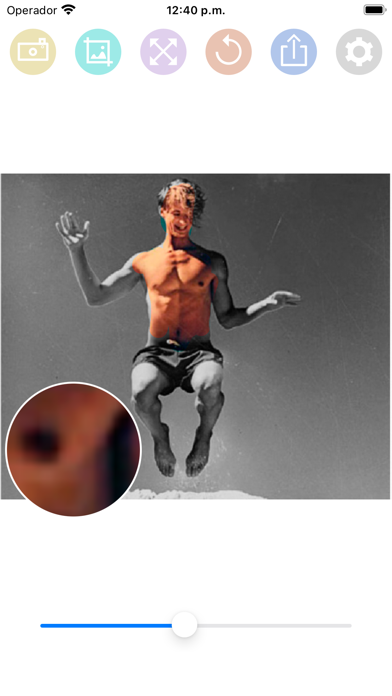
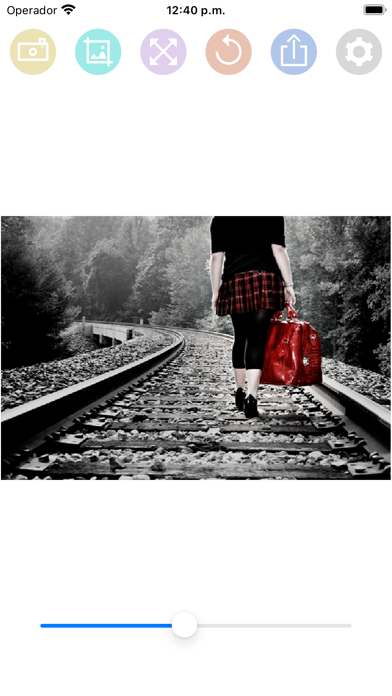
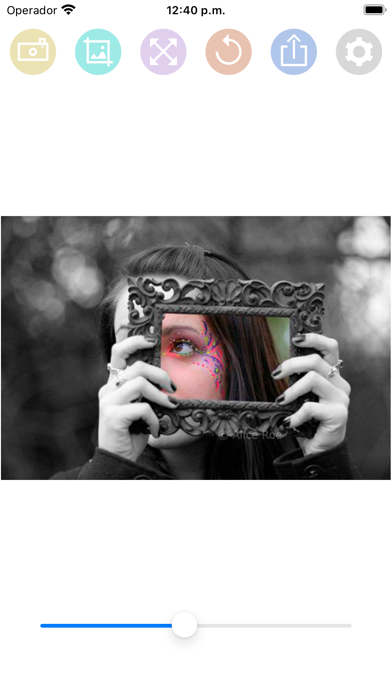
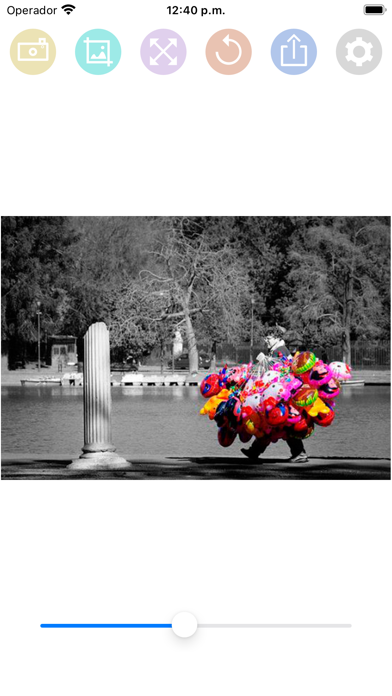
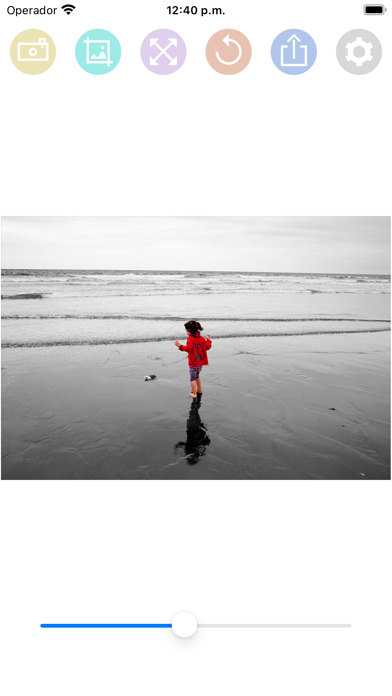
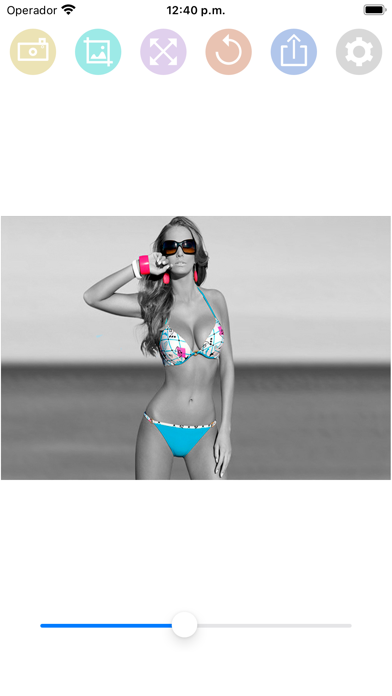
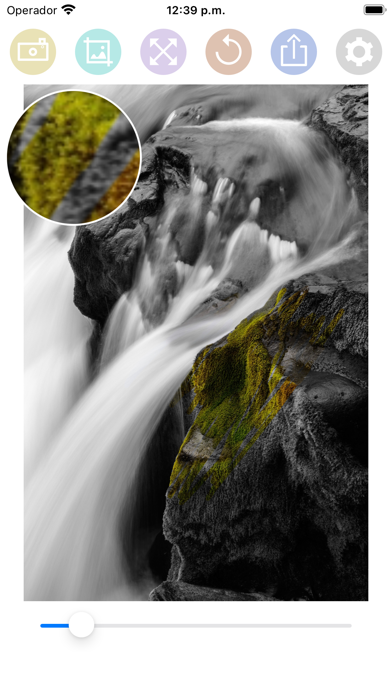
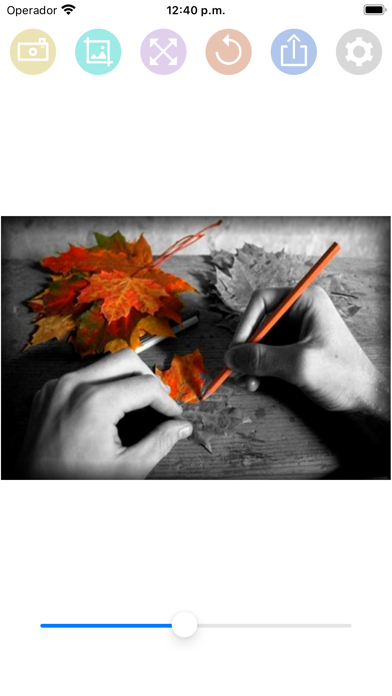
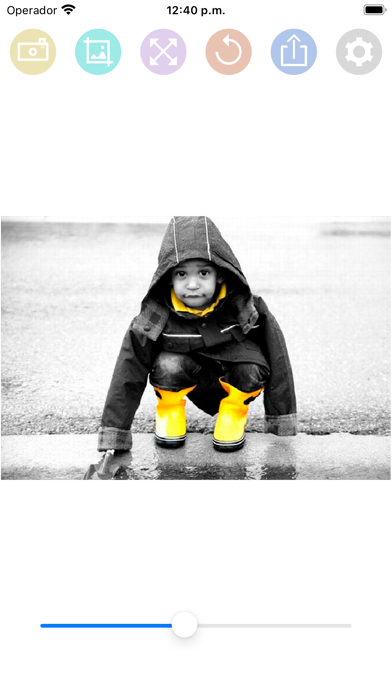
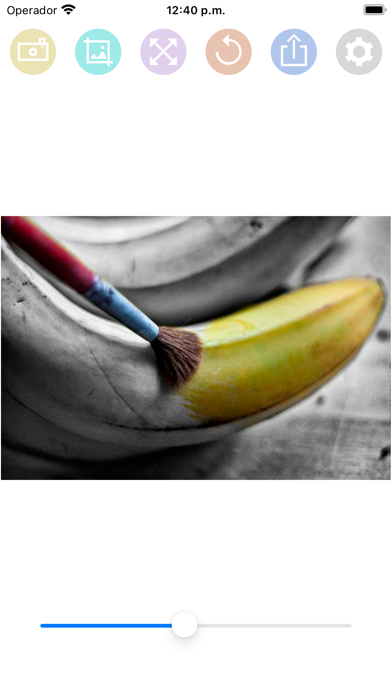
HOW TO USE: - Select a photo from the gallery by pressing the camera button. - Paint with your finger the part of the photo that you want to be colored. - You can change the size of the brush with the slider bar. - You can zoom the photo and move it to better paint the areas of the photo in color. - If you move the photo, you can press the button with the four arrows to put the photo back in place. - If you have made a mistake in a stroke, you can press the undo button. - You have a magnifying glass window to better see what you are painting with your finger. - Share the photo with your friends on your social networks or through messaging applications.
Latest release
What’s New
Fixed bug that caused some photos to rotate when uploaded to the app.
Audience growth
Ratings growth
Baseline captured. Growth appears after the crawler observes a changed rating count.
Momentum comes from crawler snapshots for the tracked storefront. “Viral growth signal” means unusually fast recent rating gains; it is an indicator, not download data.
Price tracking
Price intelligence
First snapshot captured. The trend line starts after the next crawler price observation.
- First observed Aug 19, 2026 · 8:39 AM Free
Screenshots