About this app
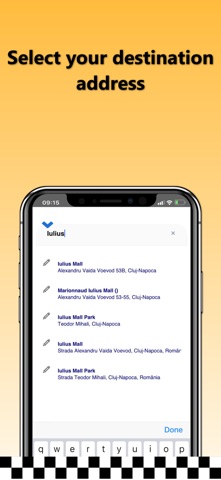
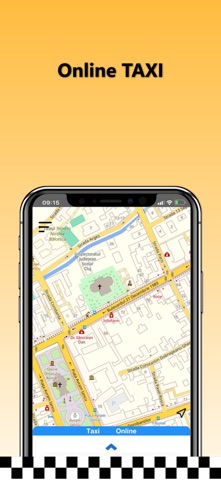
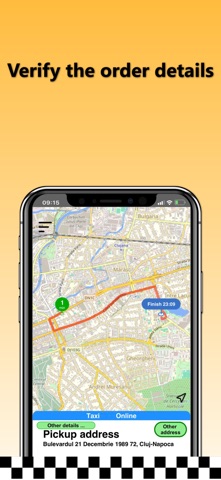
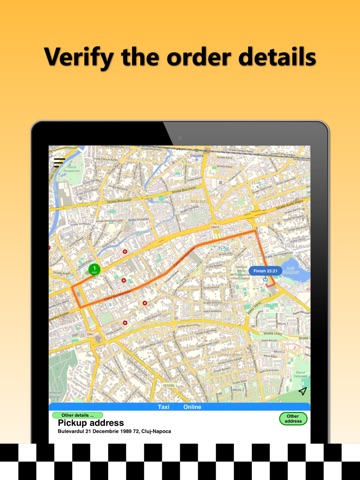
App Usage: - Open the "TAXI Deniz" app. - On the first use, you need to enter a name and phone number. - The terminal's location is determined automatically. For accurate localization, please enable the location service and WiFi connection. - Enter the destination address in the field "Where would you like to go?" and select a destination address from the displayed options. To choose the precise address, please fill in all details: street, number, block, location name, or landmark. - If you do not wish to enter the destination address, press the "I want a TAXI here!" button. - Press the "Next step" button, check all the order details, and place the taxi order by pressing the "START order" button. - Wait for the first driver’s confirmation and view the driver's route in real-time as they travel to the requested address. Thank you and have a pleasant journey! TAXI Deniz
Latest release
What’s New
New user interface.
Audience growth
Ratings growth
Baseline captured. Growth appears after the crawler observes a changed rating count.
Momentum comes from crawler snapshots for the tracked storefront. “Viral growth signal” means unusually fast recent rating gains; it is an indicator, not download data.
Price tracking
Price intelligence
First snapshot captured. The trend line starts after the next crawler price observation.
- First observed Aug 19, 2026 · 12:04 PM Free
Screenshots