About this app
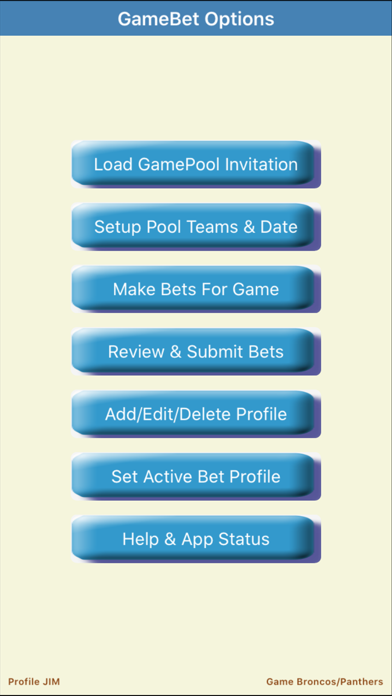
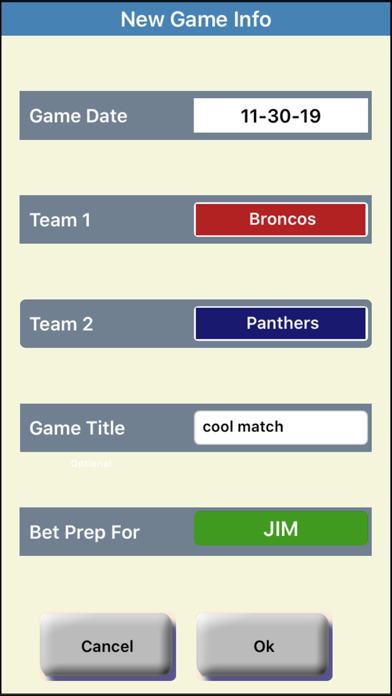
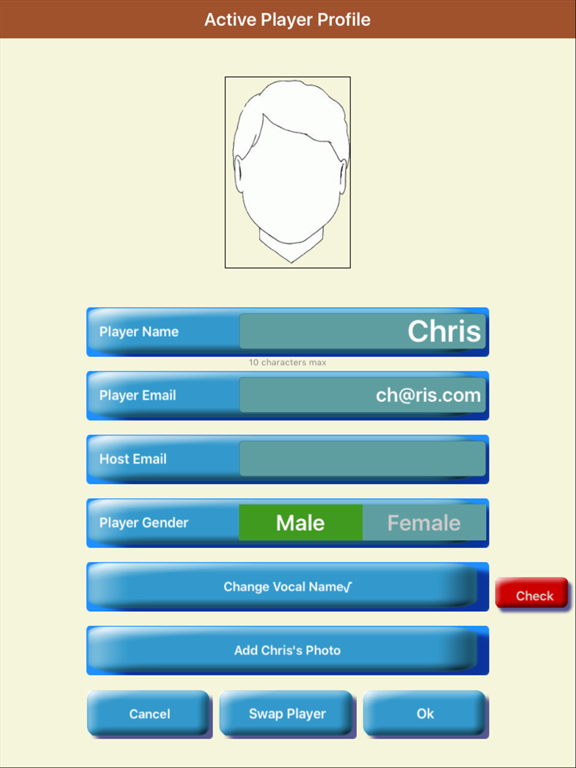
A supplemental app to coordinate football pool info with GamePool hosts.. GameBet can help you in the following tasks- • Opening be invitation from a GamePool host • Preparing your bets for a football match • Submitting bets to the GamePool host It provides a convenient way to compose and submit your bets for a football game pool to a host who is using the GamePool app to host the pool. GameBet provides you the ability to perform the following tasks- • Prepare personal profile and betting information for submission to the host • Import the game invitation sent by the host • Allows host invitation to be filled with details and resubmitted to host • Update GamePool host for new or changing information • Place Game and Score bets in your profile • Request host an allocation of random lucky squares on the grid • Add a selfie or other photo in the profile • Add your name vocals in the profile • Submit profile to activate the bets in the host pool GameBet can be used to place new bets to the game pool or it could be used to respond to an invitation from a GamePool host with your bet details. This provides an efficient way to exchange bet and profile related details with confidence. It works as follow- 1. Hosts sends player a personalized invitation from the GamePool app 2. Player opens this emailed invitation using the GameBet app 3. Player adds the desired bets and other details 4. GameBet sends back completed bets to the host 5. Host acknowledges the bets and their inclusion in the pool GameBet helps you complete the betting task for the hosted game pool with confidence in anticipation of the game results. It provides a clean and simple interface between the pool host and participants for all occasions including the Super Bowl, NFL Playoffs, college matches or your local school team in a match play.
Latest release
What’s New
• Modified to adapt to safe screen areas on newer iPhones • Easy load & review of host invitation • Modified composition and submission of bets to host GamePool
Audience growth
Ratings growth
Baseline captured. Growth appears after the crawler observes a changed rating count.
Momentum comes from crawler snapshots for the tracked storefront. “Viral growth signal” means unusually fast recent rating gains; it is an indicator, not download data.
Price tracking
Price intelligence
First snapshot captured. The trend line starts after the next crawler price observation.
- First observed Aug 16, 2026 · 4:21 AM Free
Screenshots