About this app
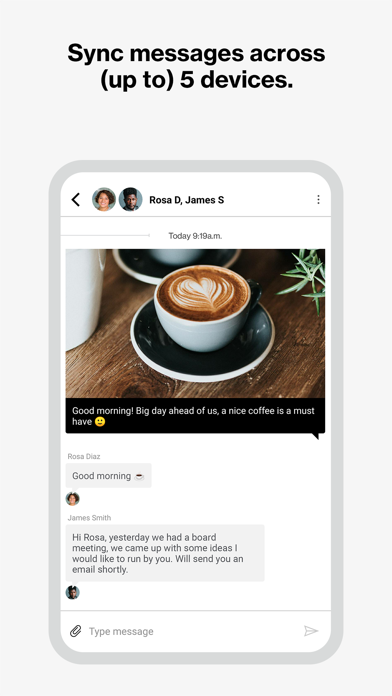
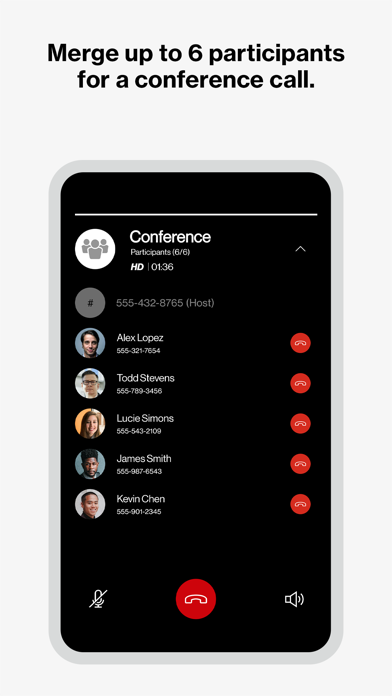
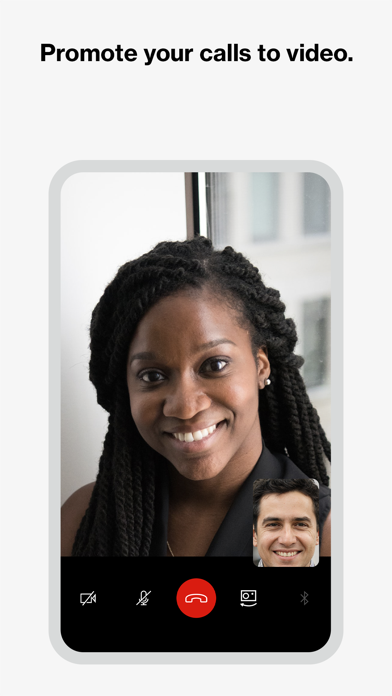
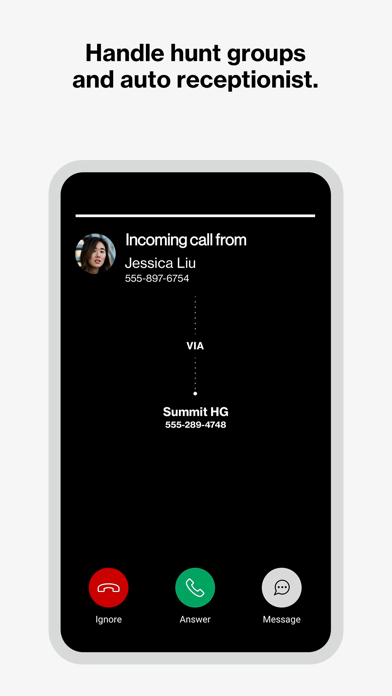
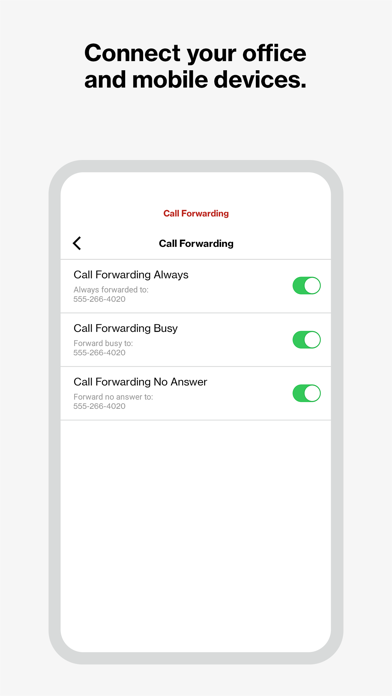
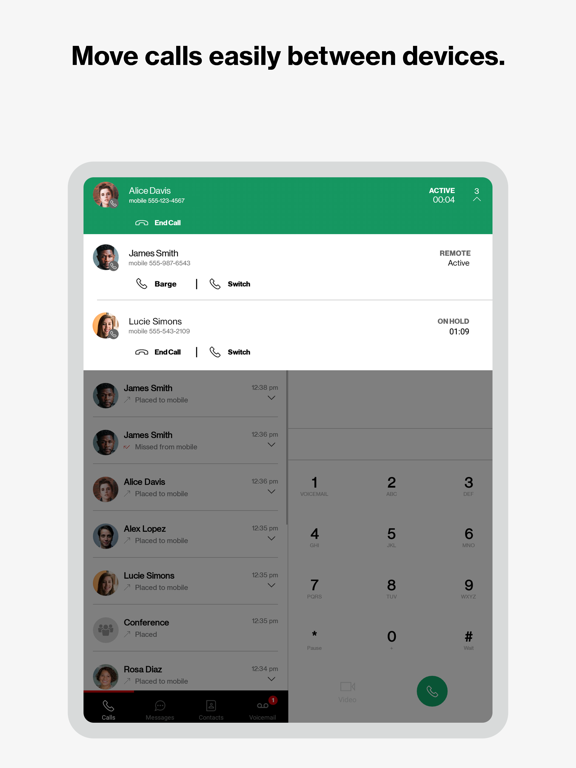
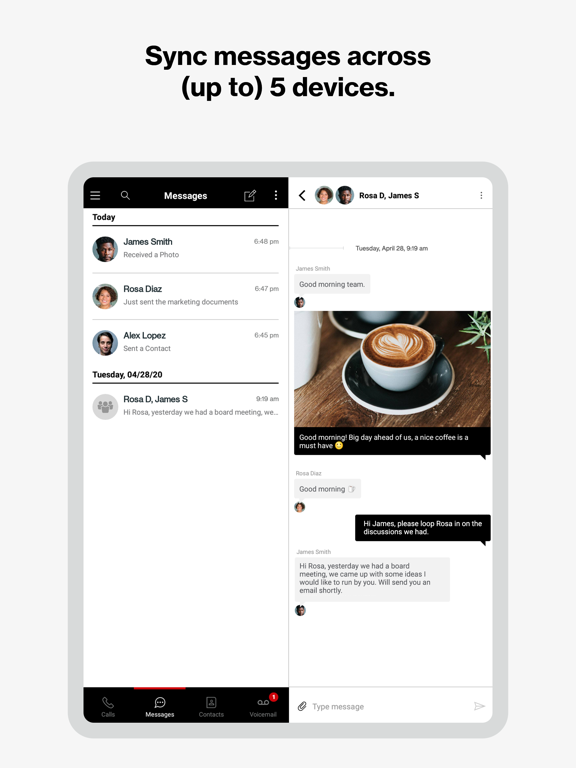
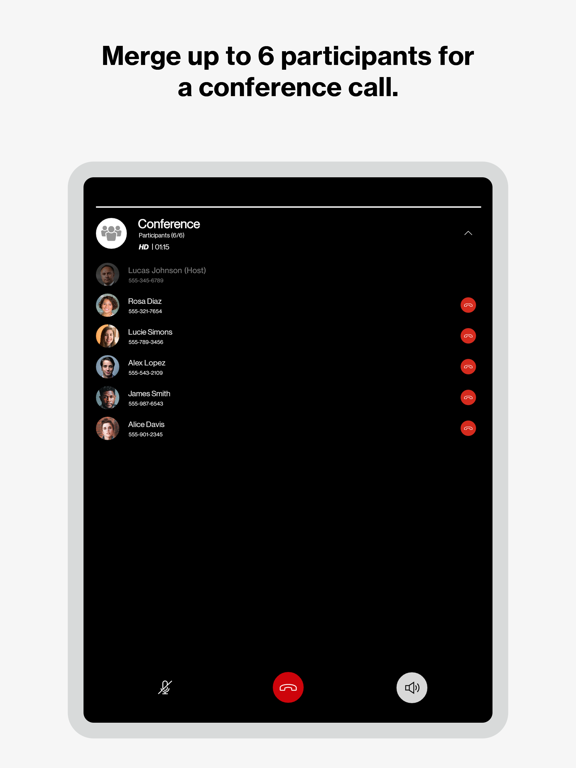
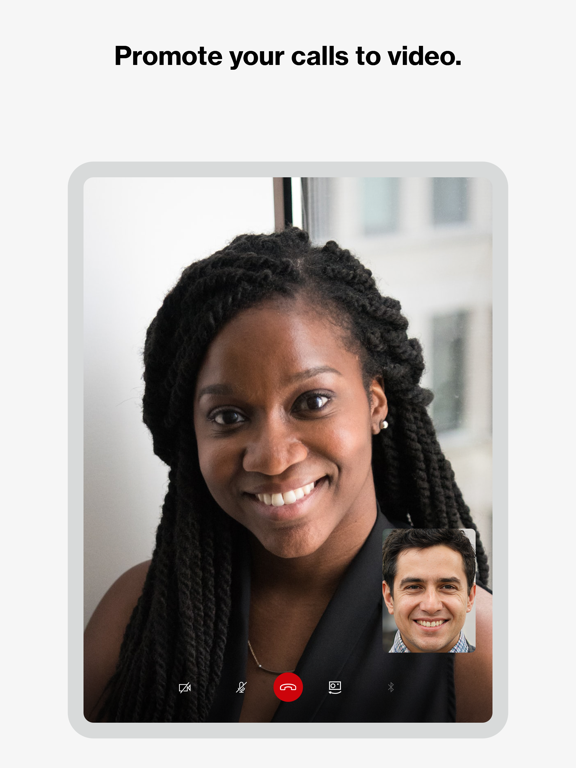
Verizon One Talk: Voice, video and messaging business solution Your business is constantly evolving, so you need a phone and collaboration solution that can keep up. We have you covered for how you work today and in the future. One Talk is a mobile-first business phone solution built for how you work today, allowing you to connect with customers, employees and others in the office or on-the-go. Easily manage 50+ business and user features from the Verizon One Talk web portal or mobile app. One Talk includes multiple user device & app options: * Smartphone Native Dialer. Connect mobile employees to the office and customers from their smartphone native keypad— all over the reliable and award-winning Verizon network. * Desk, conference, and cordless phones. Enhance calling and collaboration with a range of Voice over Internet Protocol (VoIP) phones, including the nation’s first 4G cellular enabled desk phone, and accessories for your office-based employees. * Mobile App for smartphones and tablets. Enable employees using business-owned or personal smartphones and tablets (including other carrier devices) to access One Talk features from a single number. * Desktop App for computers. Easily make and receive voice/ video calls and SMS/text messages on your computer (PC or Mac®), similar to using your smartphone. One Talk has 50+ powerful features to enhance communications, providing: * Anywhere calling. Provide flexibility and a better calling experience with business-grade features like Caller ID and Simultaneous Ring. * Easy collaboration. Boost your employees’ ability to collaborate more effectively with messaging (chat, SMS and IM) and video conferencing from BlueJeans by Verizon on a single unified app. * Engaging customer experience. Connect callers to the people they need with features like Auto Receptionist, Hunt Groups and more. Get started: 1. Subscribe to the Verizon One Talk service 2. Install the One Talk app. Enter your One Talk phone number. Request PIN 3. An email will be sent to the email associated with your number with an activation PIN. Enter your PIN and complete setup 4. Start using the One Talk App for calling, video and messaging. One Talk Terms and Conditions Apply. See OneTalk.com for more information.
Latest release
What’s New
Fixes for voicemail greetings and visual voicemail display
Audience growth
Ratings growth
Momentum comes from crawler snapshots for the tracked storefront. “Viral growth signal” means unusually fast recent rating gains; it is an indicator, not download data.
Price tracking
Price intelligence
- First observed Aug 13, 2026 · 11:49 PM Free
Screenshots