About this app
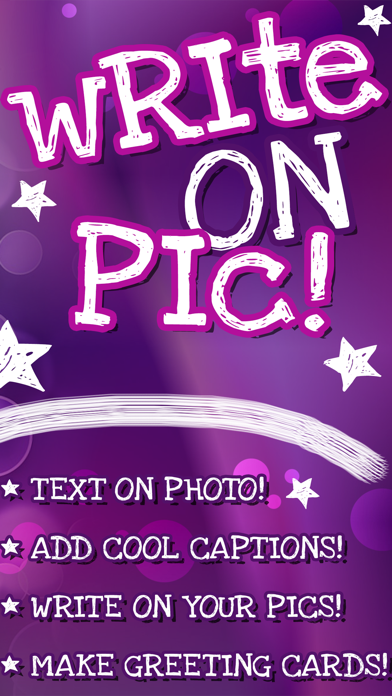
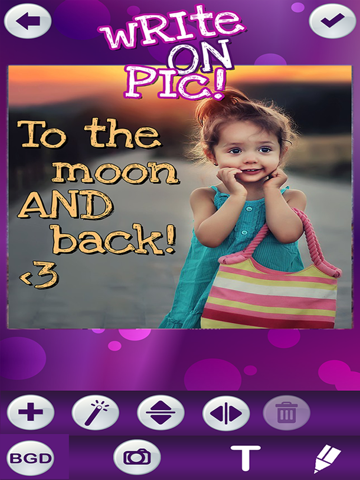
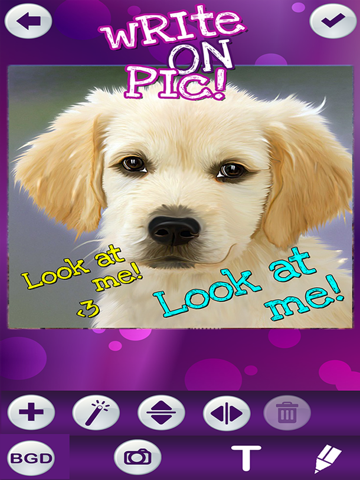
Get ready for some memorable experience! “Write on Pics Free Photo Studio Editor – Add Text and Caption.s over your Favorite Picture.s” is at your disposal! If you want your photos to be unique and brand new, it's perfect time to try something new! Transform you ordinary pictures in order to look amazing! Write beautiful quotes that will perfectly suit your favorite pictures! Let the text be in accordance with the images! Download this incredible free app and be a poet yourself! - Simple-to-operate photo studio designer. - Snap a picture using your front or back camera, or browse one from the gallery. - Select the frame, background pattern, layout, color, and font to add to pics. - Apply the chosen features to your image. - Add amazing special effects and filters to enhance the image. - Rotate, scale, move up and down, zoom in and out to adjust to the frame perfectly. - Put text on photos using different font size, color palette, and style. - Save your brand new art works to the gallery. - Social share button to share via e-mail, messengers, and social networks. If you want to go beyond the simple and ordinary editing, you are in the right place at the right time! Either you want to write a text about love or life, get ready! This great app provides you with many awesome possibilities! Choose a photo from your phone gallery, think about a text you want to write on it and let the app do the job! You can browse through palette of colors and font sizes! Decorate you pictures with love messages or family quotes! Wish someone a happy birthday by writing on your picture! Surprise someone by sending them the most amazing pictures with the text written on them! Don't miss the chance o express your feelings! Add text and create the best greeting cards for all occasions!
Audience growth
Ratings growth
Baseline captured. Growth appears after the crawler observes a changed rating count.
Momentum comes from crawler snapshots for the tracked storefront. “Viral growth signal” means unusually fast recent rating gains; it is an indicator, not download data.
Price tracking
Price intelligence
First snapshot captured. The trend line starts after the next crawler price observation.
- First observed Aug 19, 2026 · 12:37 PM Free
Screenshots