About this app
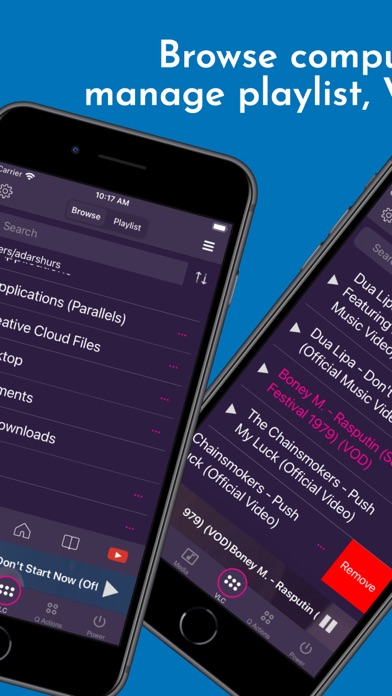
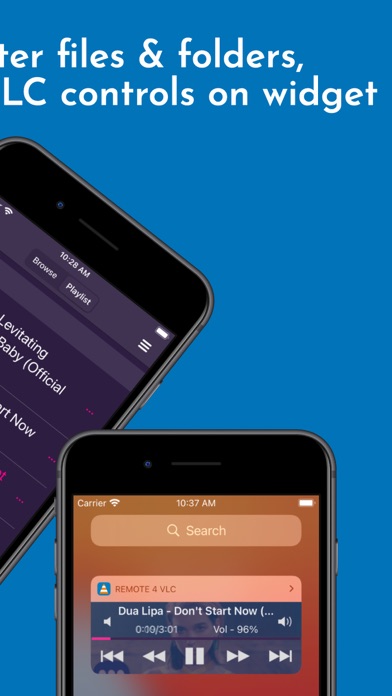
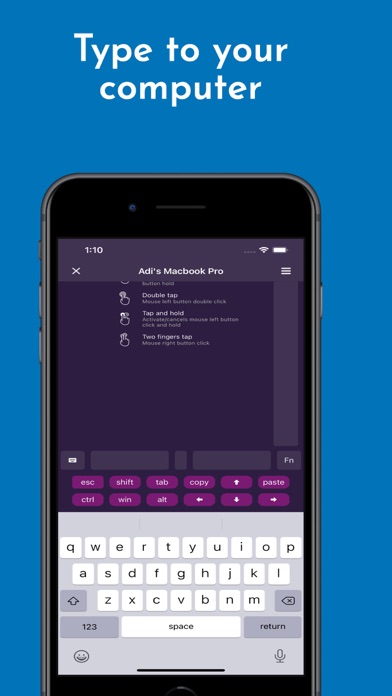
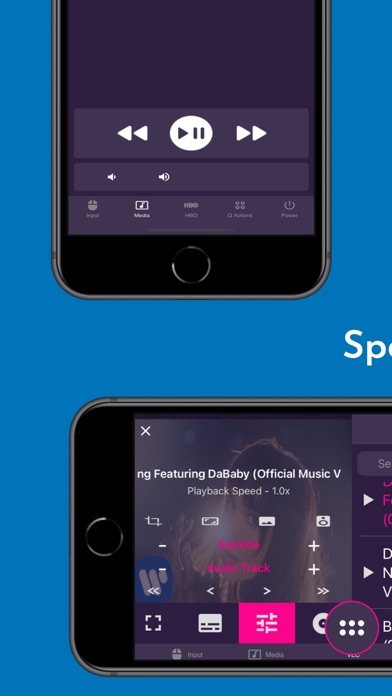
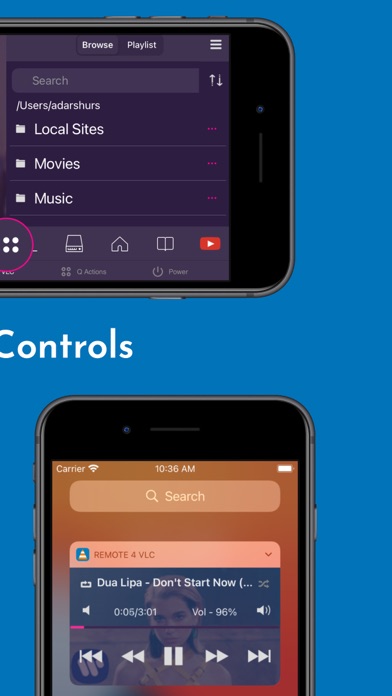
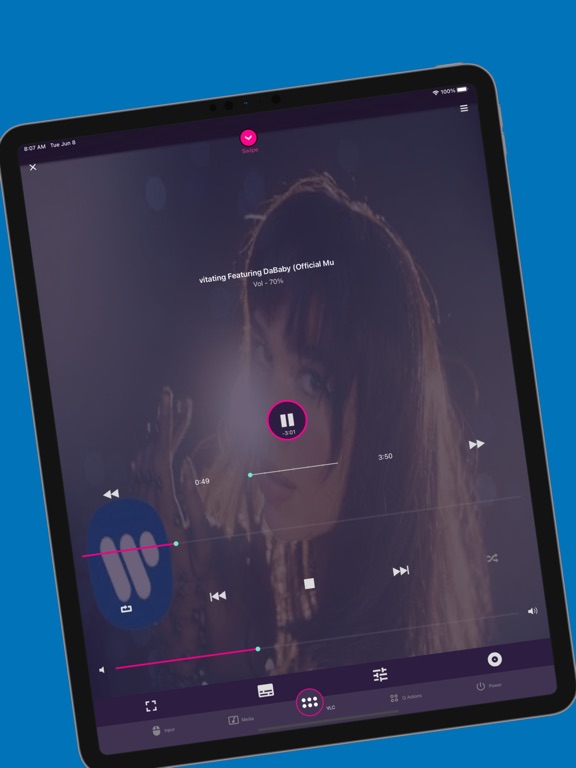
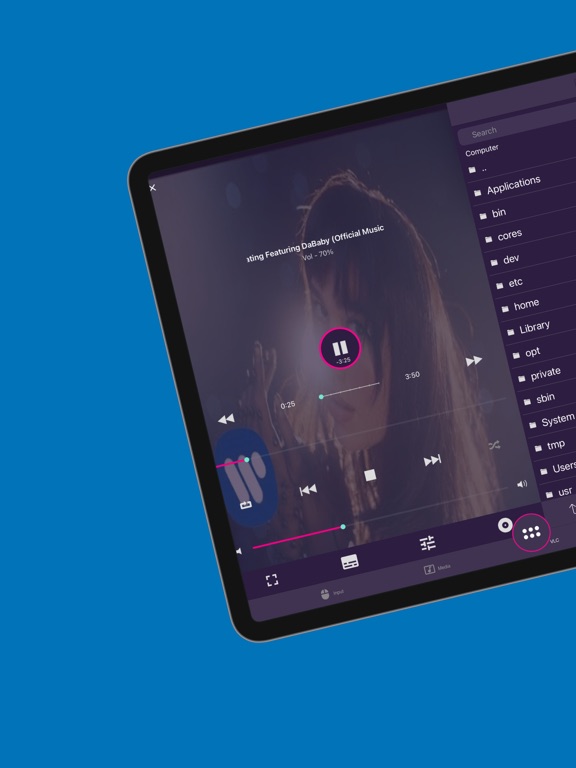
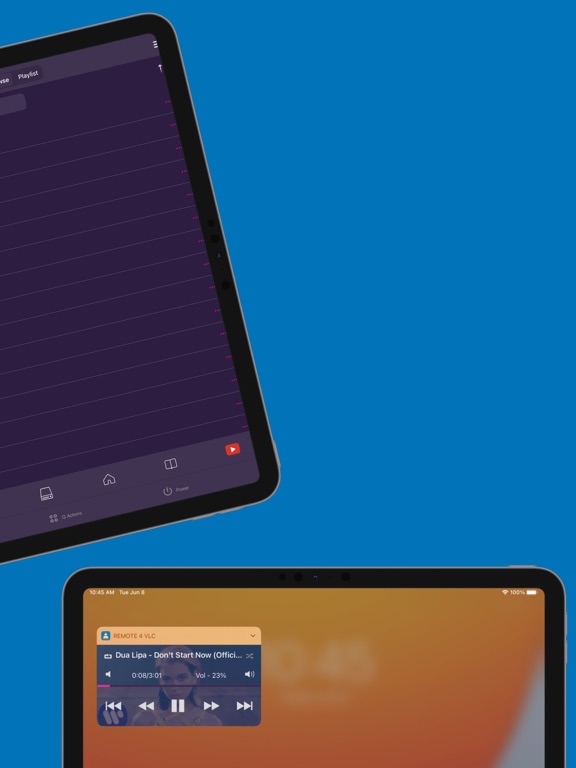
The simplest VLC Remote you'll ever find. Period. But now the simplest VLC Remote is also a complete Mac Remote & PC Remote app. Groping in the dark for keyboard shortcuts whilst watching a movie or racing to your computer in the middle of a steamy date just to change the music track? well, you'll no longer have to do that. Meet VLC media player’s most compatible, up-to-date and user-friendly partner—VLC Mobile Remote for iOS. VLC M Remote is the most convenient way of controlling VLC Player from your smartphones and tablets. No more couch-to-computer workouts. If you watch movies and videos offline or online on your computers, this VLC Remote gives you the awesome power to control VLC Media Player wherever you're seated, whether in the kitchen or in the garden. Just install the app, sit back, relax and remotely control VLC Player, Netflix, YouTube and Amazon Prime from the couch. Works well with VLC running on both Desktops & Laptops based Windows, Mac OS or Linux. "This is the best remote app for VLC and can't even think about watching movies without it" - Vishal "App does everything I need it to with a modern UI and nice features. Setup is very in-depth and simple to understand" - Colby347 Remote for VLC This VLC Remote Control App lets you control VLC Media Player on your desktop or laptop and allows you to browse, play your computer files as well as YouTube videos. + With this VLC Remote App, You don't need to install any software on your PC or Mac! (or alternatively, install our helper app, VMR Connect to your PC/Mac for easy setup) + 'Setup Wizard' step by step guide makes it easy to setup VLC Media Player with this VLC Remote app. + Control VLC from Apple Watches + This VLC Remote App auto connects to VLC Player when you're on same Wi-Fi + Stop, Play and Pause + Control volume, next track and previous track + Seek control, fast forward and fast rewind + Toggle full-screen, Repeat, Shuffle, Loop, Aspect Ratio, Audio Track + Manage Subtitle, playback speed, crop + DVD Controls + Use this app as a PC remote to access all your media files. + Works as a YouTube remote. + Manage playlist + Add subtitle files to currently playing video (supports .srt files only and requires VLC v2.2.0 or up). + Play online media files (Website videos, radio channels etc) + Take screenshot or snap of video frame + Set a folder as 'Home location' + Save favourite folders + Home Screen Widget & Notification controls + Lock screen notification controls/widget + Incoming call handling with soft pause & soft resume options + Use device volume buttons to control VLC volume + Handle multiple files on the saved computer + Fast scrolling on browse & playlists + Switch Audio output devices + Sort Browse list + Save multiple host/computer addresses + Quit VLC Media player directly from the App PC Remote & Mac Remote (Windows & Mac) With VMR Connect on your Windows PC or Mac, it also works as a complete Remote for your PC or Mac. This app is the most convenient way to watch not only offline videos but also online videos from Netflix, YouTube, Amazon Prime, HBO, HotStar etc. + Mouse & Keyboard Remote + System Power Control (Shutdown, restart, sleep etc) + Works as Netflix Remote, Amazon Prime Remote, YouTube Remote. + Remote control for any media player. + Launch and Control Chrome, Firefox or any other internet browser on your PC/Mac. All You Need + VLC Media player ( v2.0 or newer) on your Windows PC, Mac computers or Linux PC + Common local network (LAN or WiFi) connection between your phone & desktop or laptop + Install VMR Connect (Optional) to Windows PC or Mac from https://vlcmobileremote.com/download Supported Operating Systems + Works as a VLC Remote with Windows, OSX/Mac OS and Linux operating systems. + With Windows systems, works as a PC Remote Controller. + Also Works as Mac Remote for Mac OS running devices. Visit our website for more info - https://vlcmobileremote.com/ "Terms of Use: https://vlcmobileremote.com/terms/"
Latest release
What’s New
Updated Libraries
Audience growth
Ratings growth
Baseline captured. Growth appears after the crawler observes a changed rating count.
Momentum comes from crawler snapshots for the tracked storefront. “Viral growth signal” means unusually fast recent rating gains; it is an indicator, not download data.
Price tracking
Price intelligence
First snapshot captured. The trend line starts after the next crawler price observation.
- First observed Sep 1, 2026 · 3:07 PM Free
Screenshots