About this app
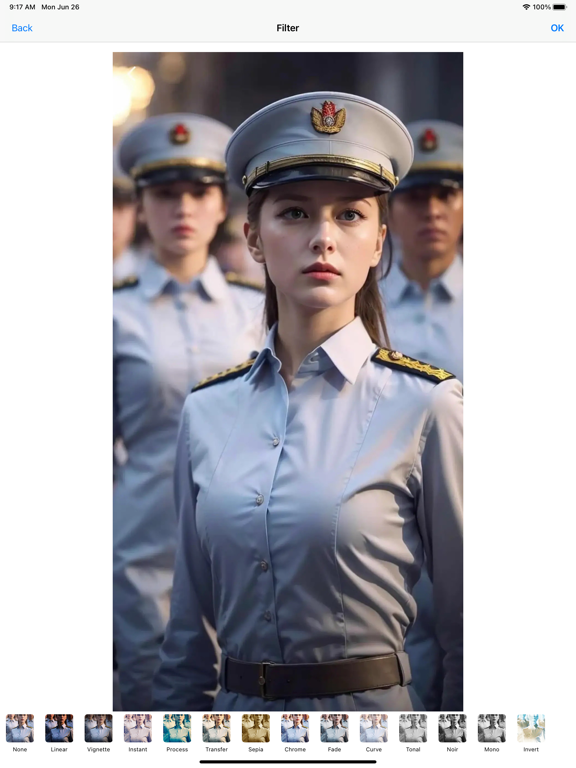
• With Edit Drawer you can draw something what you want on blank image and make it to one picture, and save it or share with it, also you can enhance your photos, apply effects, add stickers, paint & draw, remove blemishes, whiten smiles and so much more! • Express yourself with many free Tools and Effects you want Edit on your photos in this Edit Drawer app! • Edit Drawer app Include: Filter,Adjustment,Effect,Blur & Focus,Rotate,Draw,Splash,Crop,Resize,ToneCurve,Sticker,Emotions,Text... Many many tools and effects and they are all FREE!. Main Features: • Easily import photos from Camera Roll. • Enhance any photo with gorgeous photo effects and frames • Adjust Brightness, Saturation and Contrast. • Crop, rotate, and straighten your photos • Draw,add fun stickers, add text, create your own memes • Sharpen and blur, fix redeye, remove blemishes and whiten teeth • Share photo to Facebook,Twitter,Message,Email....
Latest release
What’s New
-Fix bugs -Performance & stability improvements
Audience growth
Ratings growth
Momentum comes from crawler snapshots for the tracked storefront. “Viral growth signal” means unusually fast recent rating gains; it is an indicator, not download data.
Price tracking
Price intelligence
- First observed Sep 17, 2026 · 8:50 AM Free
Screenshots