About this app
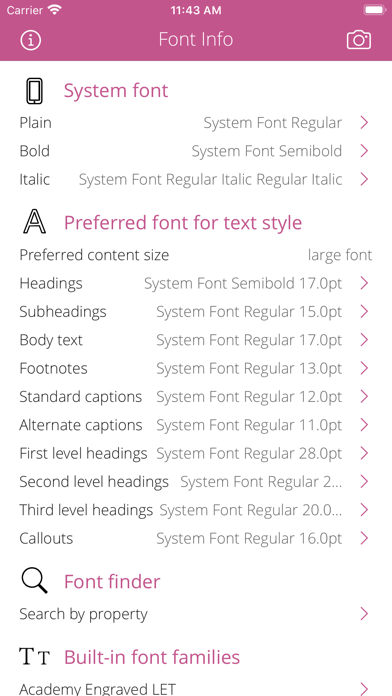
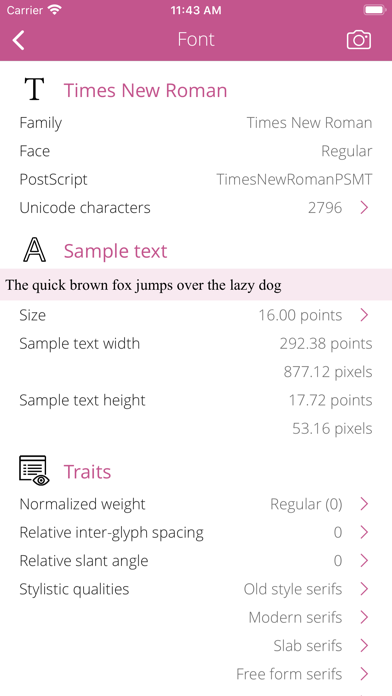
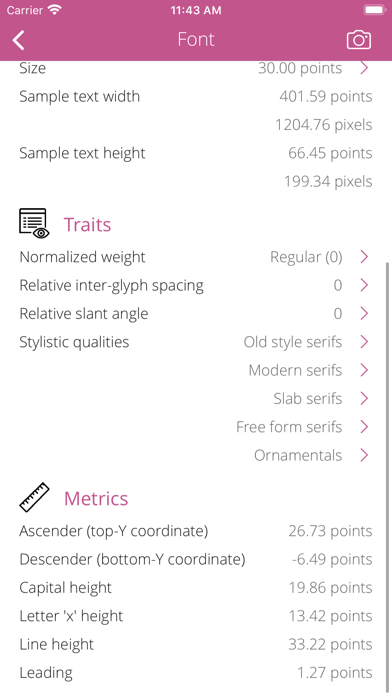
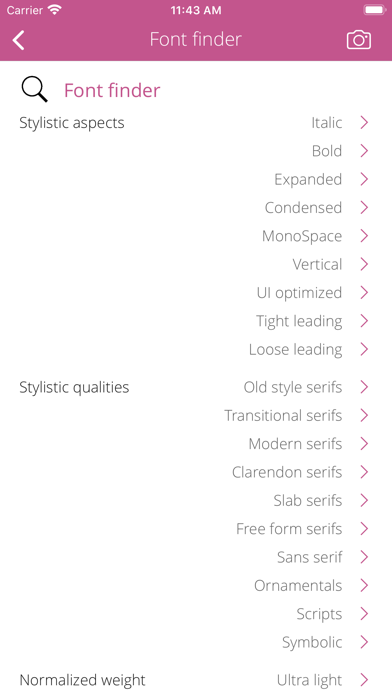
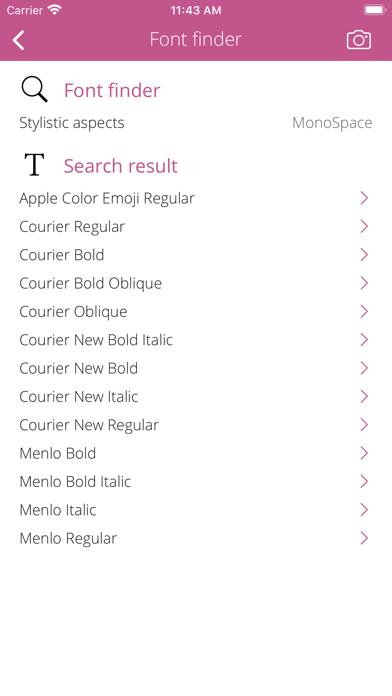
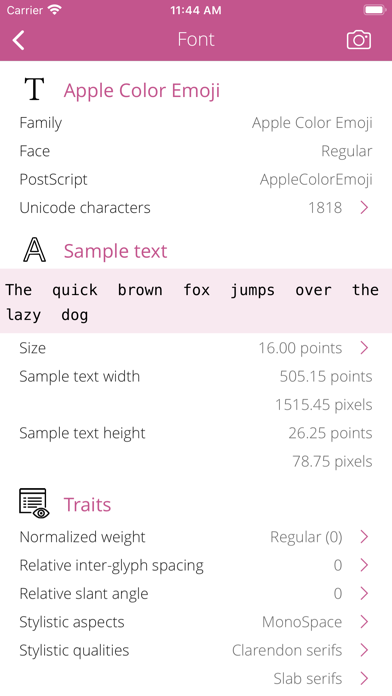
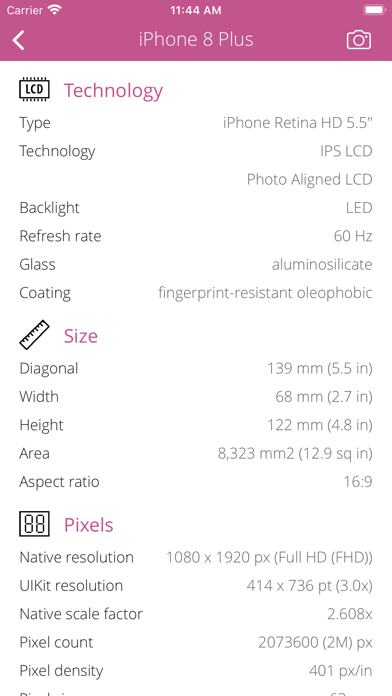
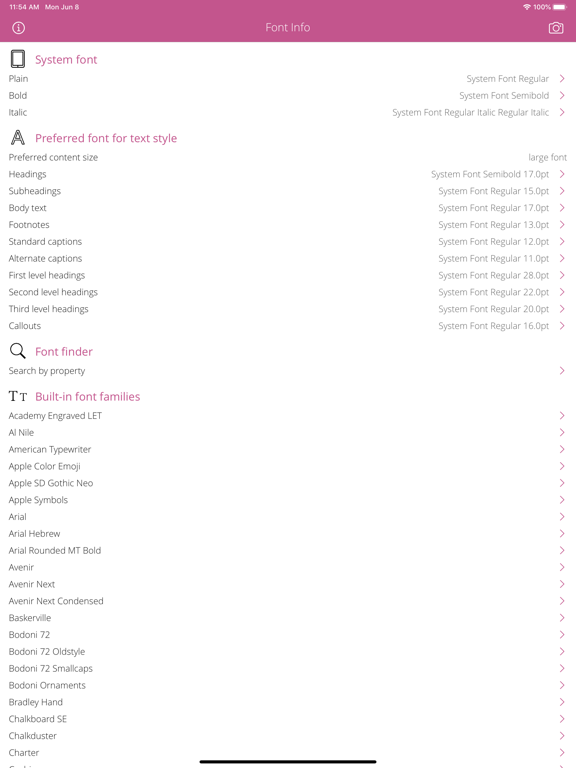
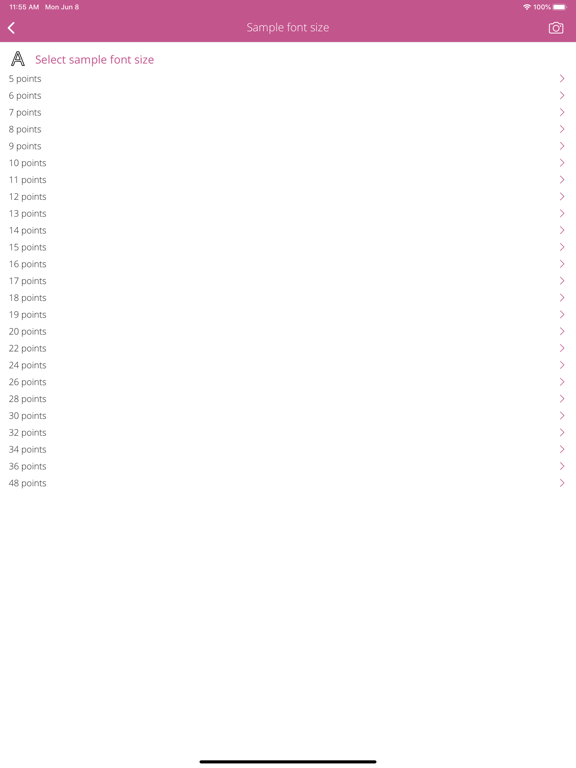
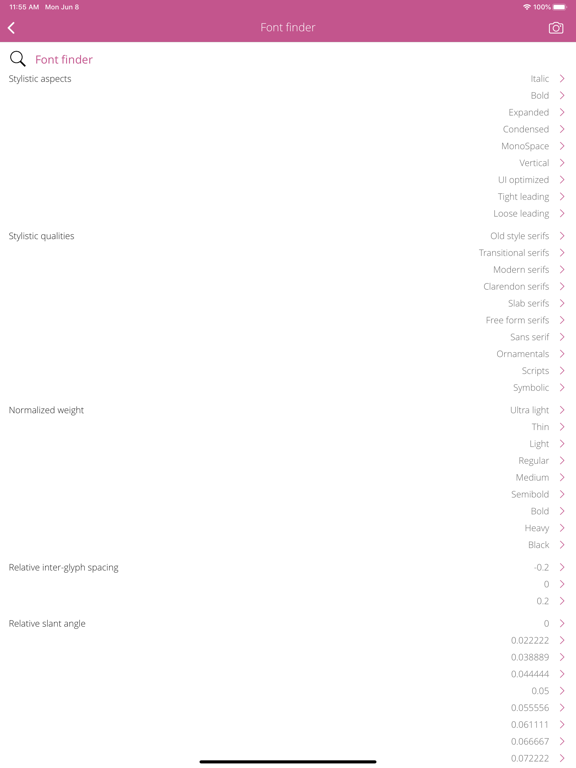
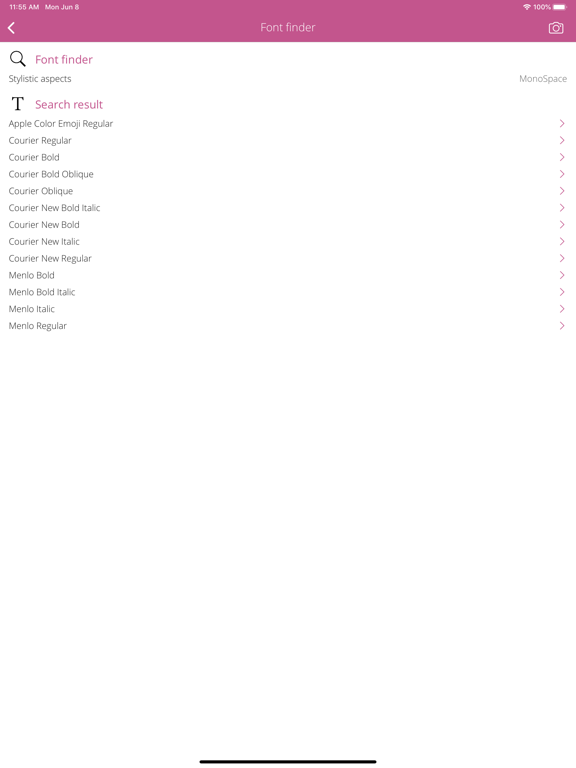
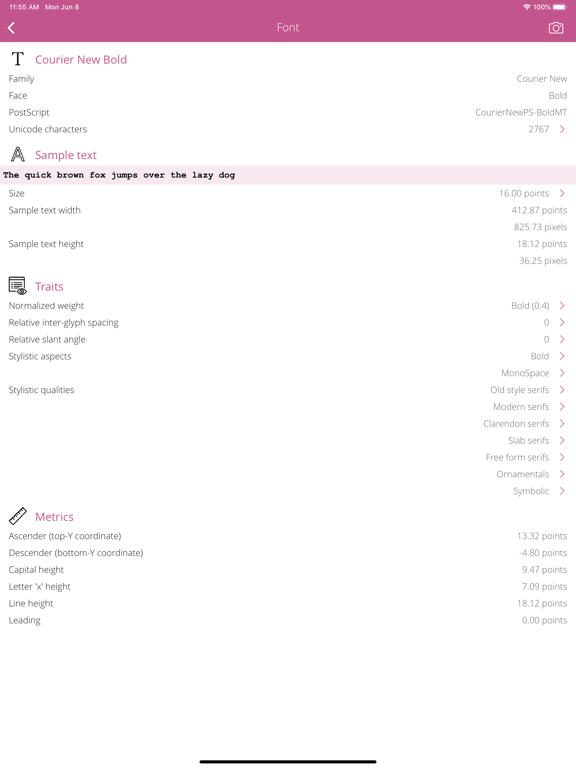
Everything you want to know about the available FONTS in your device but were afraid to ask. Font Info is a small and useful utility that lets you see detailed information about installed font families and faces in your device. SHOW SYSTEM FONT • Detect the fonts used for standard interface items that are rendered in regular / bold / italic type. • Detect the fonts and sizes associated with the text style (headings, body, footnotes, captions, etc) and scaled appropriately for the user's selected content size category. SHOW BUILT-IN FONT FAMILIES • List the font families supported by your device. • Explain the font family: designer, design date, publisher and copyright information. • List the font faces (regular, bold, italic, heavy, etc.) of each font family. FONT FACE INFORMATION • Show visible name and PostScript name. • Detect the number of characters in a font organized by unicode planes. FONT TRAITS • Show normalized weight value. The valid value range is from -1.0 to 1.0. The value of 0.0 corresponds to the regular or medium font weight. • Show the relative inter-glyph spacing value. The valid value range is from -1.0 to 1.0. The value of 0.0 corresponds to the regular glyph spacing. • Show the relative slant angle value. The valid value range is from -1.0 to 1.0. The value of 0.0 corresponds to 0 degree clockwise rotation from the vertical and 1.0 corresponds to 30 degrees clockwise rotation. • Describe stylistic aspects of a font: italic, bold, expanded, condensed, monospace, etc. • Describe stylistic qualities of a font: old style serifs, modern serifs, sans serifs, ornamentals, scripts, symbols, etc. FONT METRICS • Ascender: the top y-coordinate, offset from the baseline. • Descender: the bottom y-coordinate, offset from the baseline. • Capital height. • The height of letter 'x'. • The height of text lines. • Leading: This value represents additional space between lines of text. SAMPLE TEXT • Multiline text editor for testing the font by typing letters, words, sentences. • Selectable sample font size from 5 to 48 points. • Calculate the sample text width and height in points and pixels. • Save the sample text for all font faces and the save the selected font size for each font face. FONT FINDER • List similar font families for a font family. • Search font faces by traits, stylistic aspects and qualities. REACH UI FEATURES • Info menu with feedback and privacy settings • Use the camera icon (upper-right corner) to create and print/send/share a screenshot from the entire page. • Pull down with your finger to refresh the informations. • Long press on a cell to copy/print/send/open as/share the cell value. • Shake your device to refresh the informations.
Latest release
What’s New
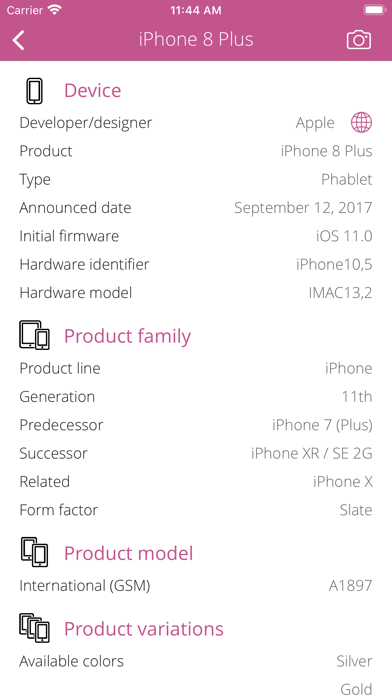
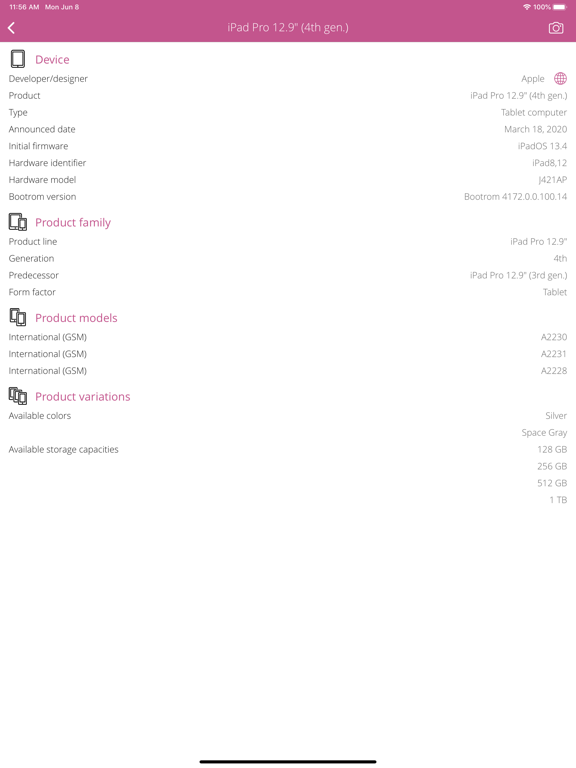
DEVICE SUPPORT • iPhone 13 (2021) family.
Audience growth
Ratings growth
Baseline captured. Growth appears after the crawler observes a changed rating count.
Momentum comes from crawler snapshots for the tracked storefront. “Viral growth signal” means unusually fast recent rating gains; it is an indicator, not download data.
Price tracking
Price intelligence
First snapshot captured. The trend line starts after the next crawler price observation.
- First observed Aug 24, 2026 · 5:40 PM $1.99
Screenshots