About this app
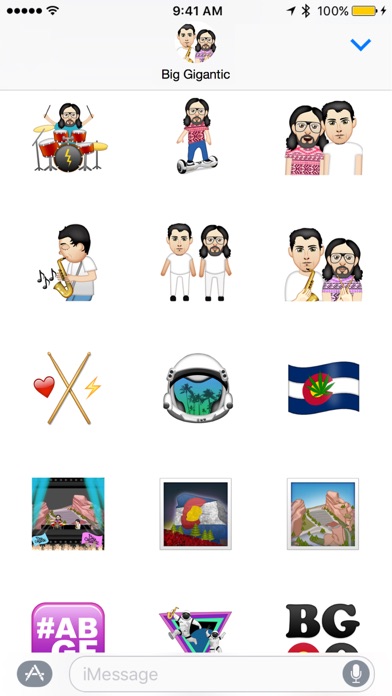
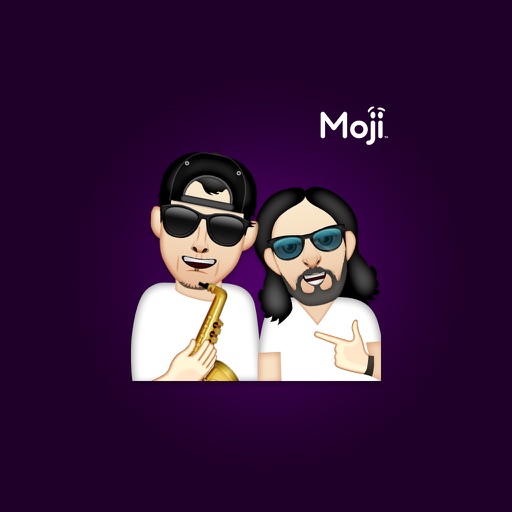
Officially endorsed Big Gigantic Stickers! Bring your conversations to life with over 65 personally curated icons from Big Gigantic by Moji Stickers and best of all... It's FREE! Quick tips on installing and using Sticker apps: • To access iMessage apps, tap the App Store icon alongside the compose field to see your most recently used iMessage app. • To continue browsing, tap the icon on the lower left corner which brings up the app drawer. From there, tap the plus icon to access the App Store for iMessage, where you can browse and download more apps. Here, you can also go to Manage where you can add your apps to your app drawer. • To use a sticker within a conversation, you simply tap to send or you can touch and hold to place them on top of bubbles, other Stickers, or even photos. It feels just like peeling and pasting a traditional sticker. • iPhone and iPad users (running iOS 10) and Apple Watch owners (running watchOS 3) can receive stickers. On Apple Watch, you can send any of the stickers you recently sent from iPhone or iPad. You can receive stickers on earlier versions of iOS and other platforms but they’re received inline as images and don’t support being pasted on top of text, photos etc.
Latest release
What’s New
This app has been updated by Apple to prepare for watchOS 27 compatibility. No new features are included. -Updated Icon -Updated Sticker Size
Audience growth
Ratings growth
Baseline captured. Growth appears after the crawler observes a changed rating count.
Momentum comes from crawler snapshots for the tracked storefront. “Viral growth signal” means unusually fast recent rating gains; it is an indicator, not download data.
Price tracking
Price intelligence
First snapshot captured. The trend line starts after the next crawler price observation.
- First observed Sep 5, 2026 · 6:21 PM Free
Screenshots