Apps by Nattapon Kittisuphat
Best OCR - How to scan PDF with Image Recognition app icon

Business

Best OCR - How to scan PDF with Image Recognition

Nattapon Kittisuphat

Free download In-app purchases unconfirmed
Open on Apple

About this app

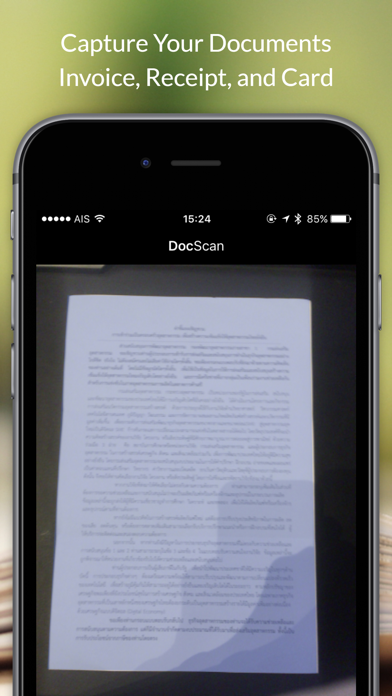
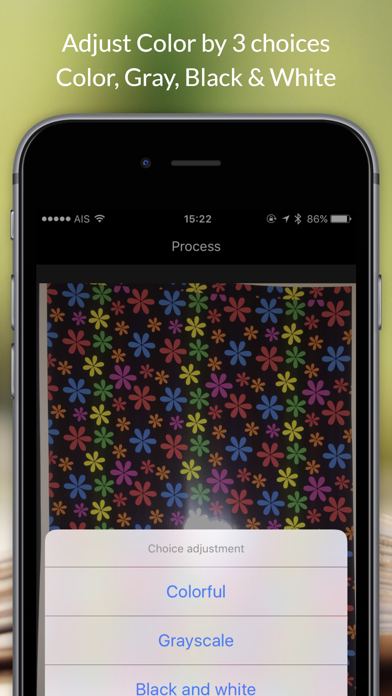
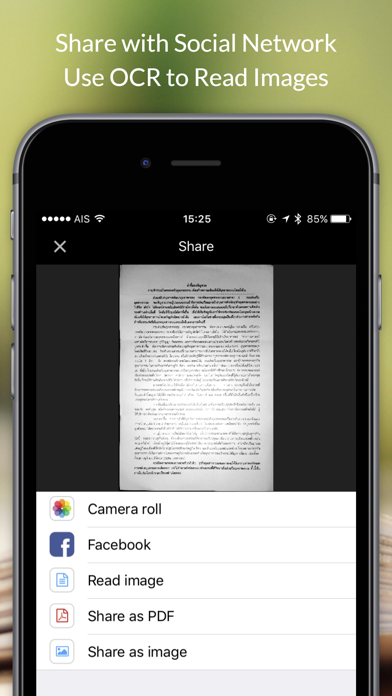
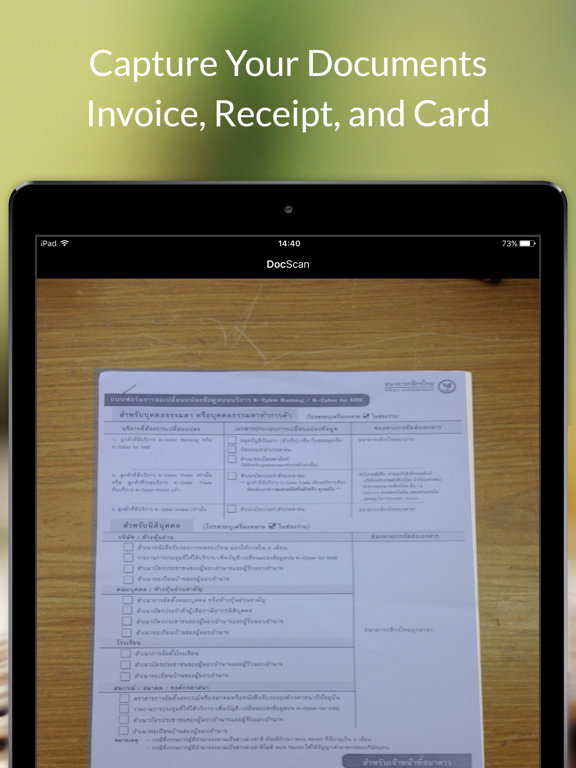
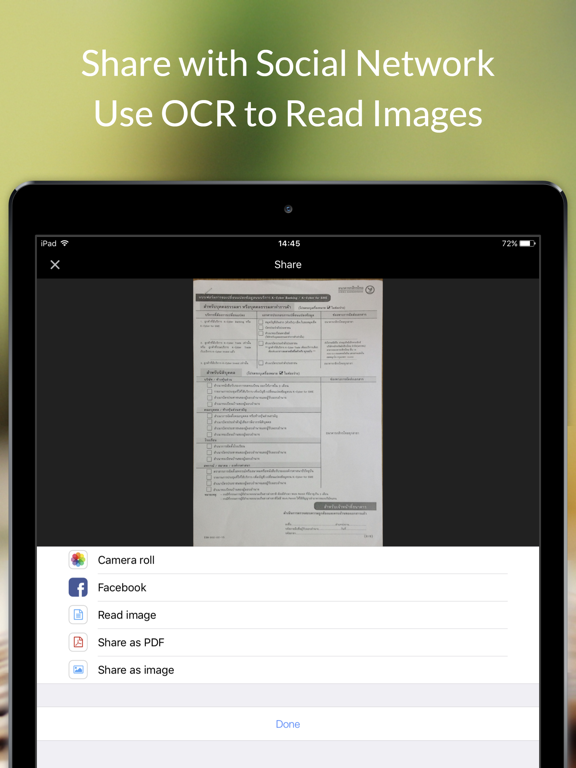
Capture document and detect border. Make your life simply with OCR Image Reader Increase Productivity. Scan documents and Business Card Feature : -Easy to use -Clean Design -Detect Border -Crop Image -Change Color -Share to Social -Save Photo -OCR -Support iOS 10 -Support iPad

Latest release

What’s New

Version 1.0 Oct 2, 2016

This app has been updated by Apple to prepare for watchOS 27 compatibility. No new features are included.

Audience growth

Ratings growth

Steady
7-day gain +0
Ratings / day 0.0
30-day gain +0
US rating-count history
0 ratings
0 Sep 8, 2026 · 0 ratings Sep 8, 2026

Baseline captured. Growth appears after the crawler observes a changed rating count.

Momentum comes from crawler snapshots for the tracked storefront. “Viral growth signal” means unusually fast recent rating gains; it is an indicator, not download data.

Price tracking

Price intelligence

1 captured event
Current Free
Historical low Free
Paid → free
Price history
Current Free
Free Sep 8, 2026 · Free Sep 8, 2026

First snapshot captured. The trend line starts after the next crawler price observation.

  1. First observed Sep 8, 2026 · 9:49 PM Free

Screenshots
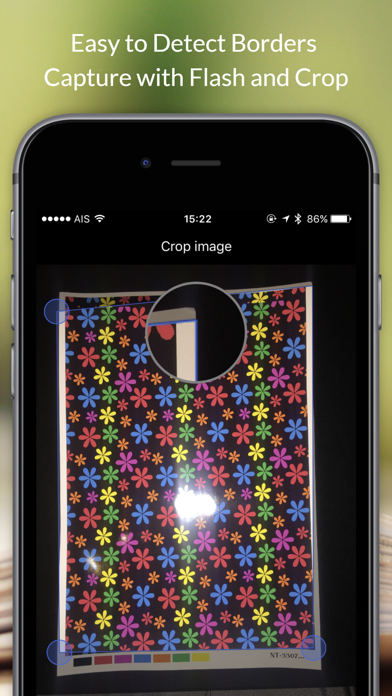
Best OCR - How to scan PDF with Image Recognition iPhone screenshotBest OCR - How to scan PDF with Image Recognition iPhone screenshotBest OCR - How to scan PDF with Image Recognition iPhone screenshotBest OCR - How to scan PDF with Image Recognition iPhone screenshot Best OCR - How to scan PDF with Image Recognition iPad screenshotBest OCR - How to scan PDF with Image Recognition iPad screenshotBest OCR - How to scan PDF with Image Recognition iPad screenshotBest OCR - How to scan PDF with Image Recognition iPad screenshot