About this app
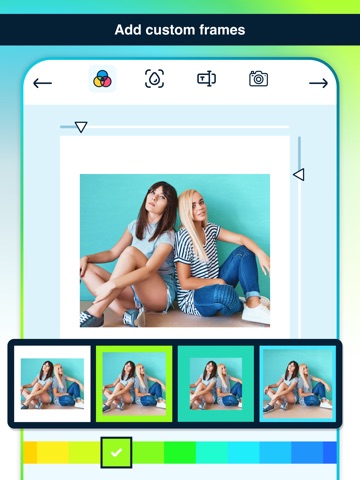
A great one that circumvents the cropping feature of social networks and allows for full-sized, full-framed images to be uploaded. Our App is a great one that circumvents the cropping feature of social networks and allows for full-sized, full-framed images to be uploaded. Just open up our app and import an image from your Camera Roll. It will automatically resize your image and add a white border, making it fit the square specifications for uploading. Our user friendly app gets you around having to crop your photo before you upload it any other service that wants you to crop or resize it first. The app adds the necessary whitespace around your photo to make it fit. You can use it after you take a photo, or load up photos you've previously taken, and before you hit upload, you can choose to share the same photo or to just save the final product to post later. Add white border or white background to frame the picture in size of 1080 x 1080. If you are a user of social networks, you'll like this photo editor to put blank photo frames.
Latest release
What’s New
New design with a cleaner and more modern interface Code fully rewritten in Swift for better performance and stability Improved modularization for higher efficiency Updated libraries and dependencies Updated in-app texts New screenshots on the App Store Added watermark and new purchase options (Full version, watermark, and no ads)
Audience growth
Ratings growth
Baseline captured. Growth appears after the crawler observes a changed rating count.
Momentum comes from crawler snapshots for the tracked storefront. “Viral growth signal” means unusually fast recent rating gains; it is an indicator, not download data.
Price tracking
Price intelligence
First snapshot captured. The trend line starts after the next crawler price observation.
- First observed Aug 10, 2026 · 3:00 PM Free
Screenshots