About this app
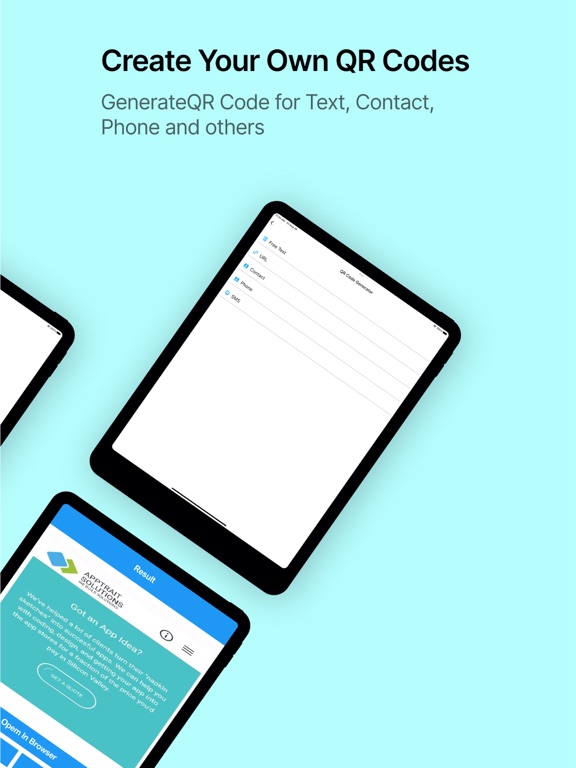
Tired of blurry codes and slow scanners? Fast QR Code Reader & Generator delivers up to 5× faster scanning, even in low-light conditions. Scan, generate, and manage QR codes with speed, accuracy, and ease. Create custom QR codes for websites, text, contacts, and more. Enjoy advanced features like bulk scanning, damaged code detection, and powerful history management. Download now and experience the future of QR scanning! Powerful QR & Barcode Scanner Scan, generate, and manage all major QR codes and barcodes with lightning-fast performance and strong privacy controls. Features You’ll Love • Instant scanning: Decode all major QR and barcode formats, including damaged and multi-code scans • QR code generator: Create personalised QR codes for websites, text, contacts, and more • Bulk scanning: Scan multiple QR codes at the same time • Smart history management: View, search, pin, copy, edit, and delete scan & generate history • Filter & sort history easily: Filter and sort your history by type (All, Pinned, Text, URL, Image) and by order, including Newest First, Oldest First, A–Z, or Z–A • Actionable results: Open links, call numbers, send messages, or copy text instantly • Offline scanning: Scan QR codes and barcodes without internet access • Web previews: URL previews require an internet connection • Data anonymisation: Optionally anonymise personal data before saving Additional Capabilities • Ultra-fast scanning, even in low light • Copy scanned text with one tap • Preview websites before visiting • Secure and privacy-focused design Premium Feature • Export bulk scan history as CSV or PDF This is the only premium feature. All scanning, generating, filtering, and history management features remain completely free. Use Cases • Shoppers: Compare prices, read reviews, and access product information • Business professionals: Scan business cards, manage contacts, and network efficiently • Travelers: Access maps, information, and audio guides at attractions • Students: Link to online resources, videos, and interactive content • Event attendees: View schedules, speaker bios, and exclusive content • Home users: Track packages, access digital manuals, and simplify daily tasks • Job seekers: Learn about opportunities instantly from company QR codes • Event organizers: Generate QR codes for registration, check-ins, and surveys • Book enthusiasts: Discover reviews, author interviews, and purchasing options FAQs Q: How does the app work? A: Open the app and point your camera at a QR code or barcode. It automatically detects and decodes the content. Q: Can I scan QR codes offline? A: Yes. Most QR codes can be scanned offline. An internet connection is required only for opening links or viewing webpage previews. Q: Can I generate QR codes? A: Yes, you can create QR codes for websites, text, contacts, and more. Q: Can I manage my scan history? A: Yes. You can search, filter, sort, pin, copy, edit, and delete your scan and generated history. Q: Is the app free? A: Yes. The app is free to use. Only bulk scan history export (CSV/PDF) is a premium feature.
Latest release
What’s New
We've completely revamped the UI for a cleaner, faster experience – everything feels smoother and more intuitive on your device. New features to make QR handling effortless: Bulk Scan: Capture multiple codes at once and get instant results with easy export. Import Bulk Scan: Quickly bring in scans from other sources to process them all together. More QR Categories: Generate codes for WiFi, contacts, events, social media, and beyond – all in one spot. Smart History Management: Filter, sort, search, and organize your scanned and generated codes without any hassle. Update now and streamline your QR workflow!
Audience growth
Ratings growth
Baseline captured. Growth appears after the crawler observes a changed rating count.
Momentum comes from crawler snapshots for the tracked storefront. “Viral growth signal” means unusually fast recent rating gains; it is an indicator, not download data.
Price tracking
Price intelligence
- First observed Sep 16, 2026 · 12:56 PM Free
Screenshots