About this app
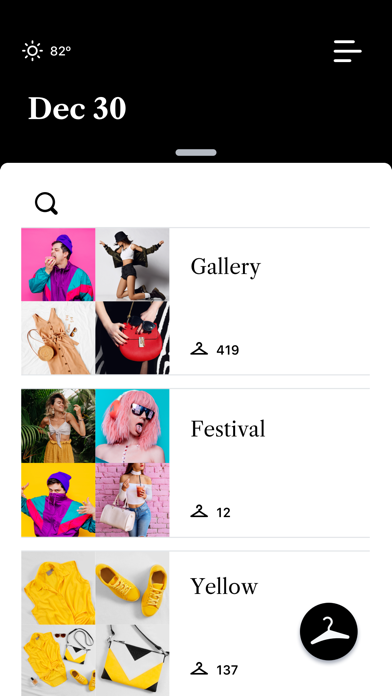
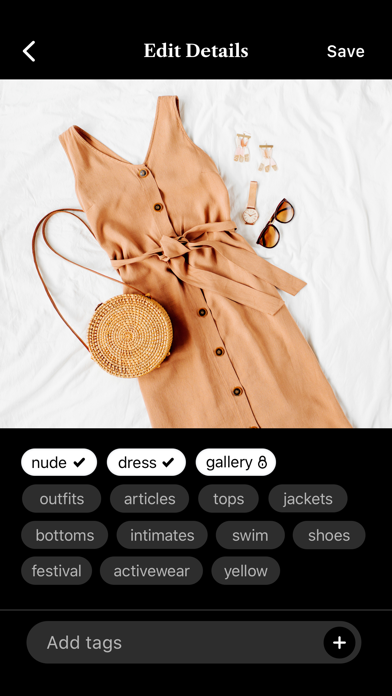
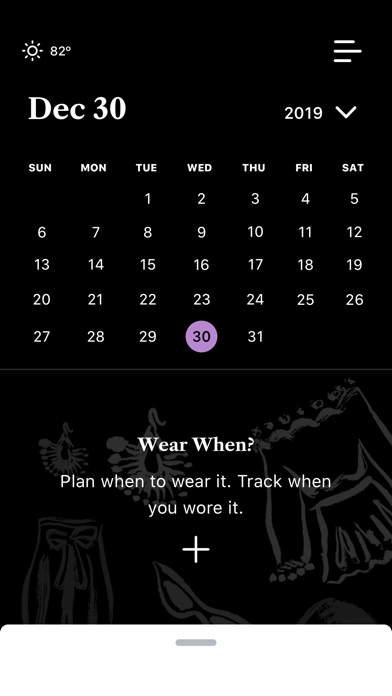
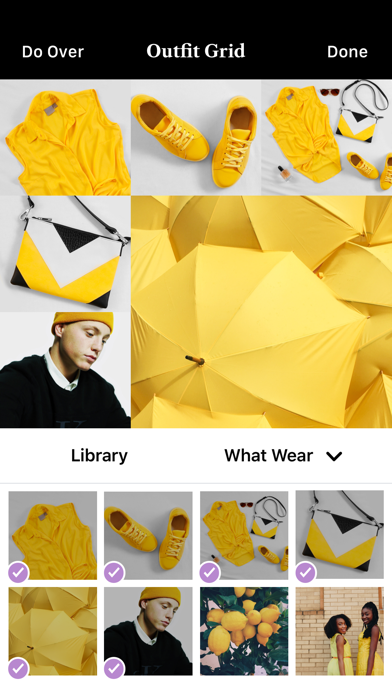
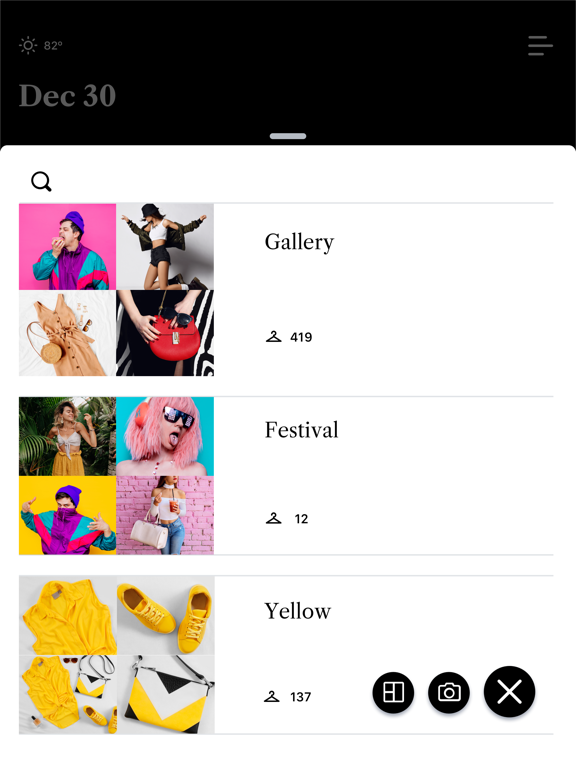
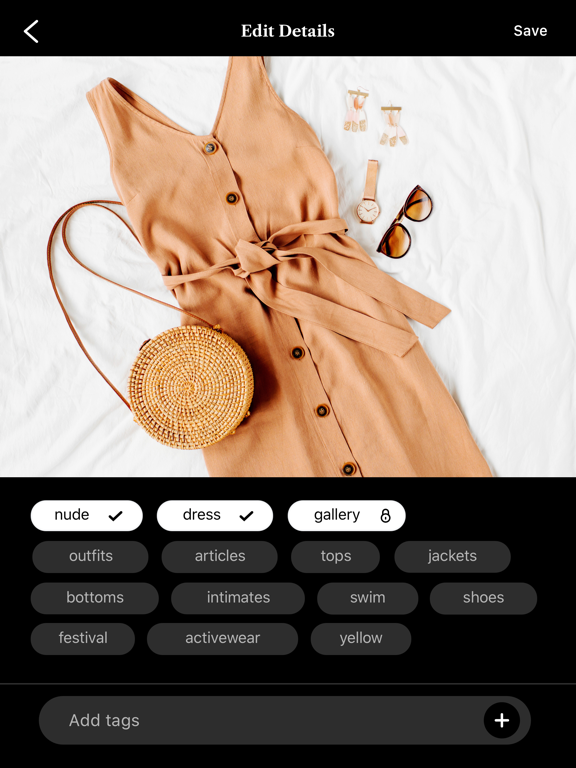
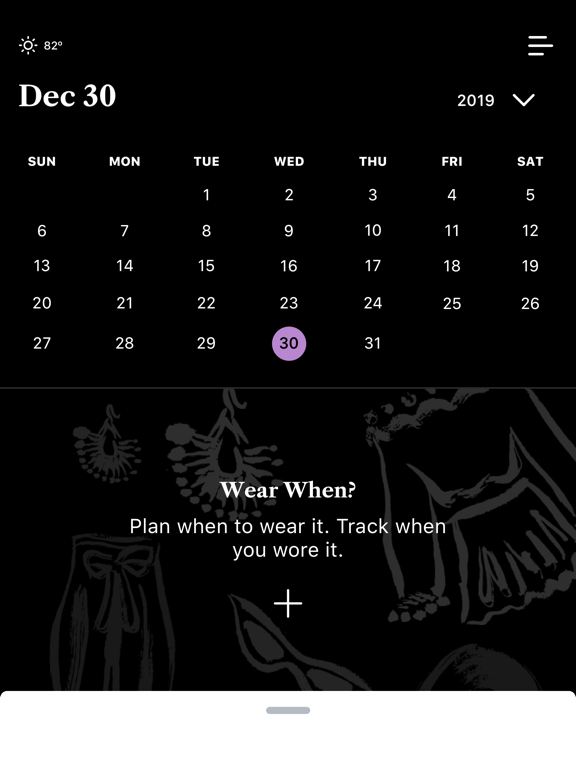
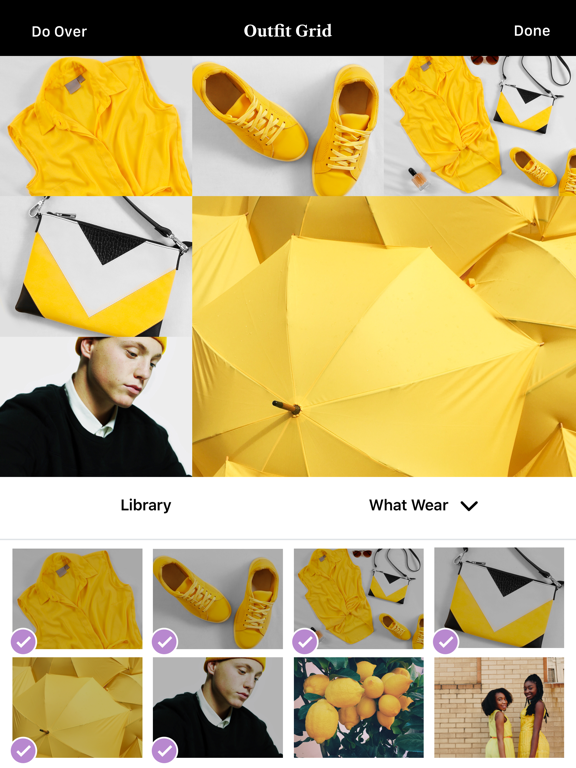
Snap quick photos and easily organize your clothes and accessories with the What Wear & When app. Use the articles to catalog all your clothing, shoes and accessories. Then organize them with the outfits feature. Plus, use event scheduling to track when you wore an outfit to ensure you will never have to repeat it– like to a second date, interview, or concert with the same friends. Make a Collection Use your tags to create a collection of articles and outfits. Using a tag twice will create a new collection. Add Articles Snap photos of your clothes in the app to keep everything organized in your digital closet. Create Outfits Search through your uploaded clothing and accessories to create outfits based on what you’ve already worn or never tried before. Use the grid feature to put multiple articles together. Track Outfits with the Event Feature Going out with friends? Have a family gathering coming up? Use the event feature to add outfits to your calendar so you won’t have to waste time digging through your closet or Instagram to see when you wore an outfit. Explore Your Style Keeping everything organized in a digital space will help you explore your style even further. *** “I have been looking for an app to organize my closet for a while. I love this app because it is so easy to use! I especially like that you do not always need a pic to save an item, as this gives me the ability to quickly input from memory what I have in my closet” - Cyarina “I’m obsessed with this app, I was looking for something similar and this is exactly what I needed! It’s incredibly easy to use , you just snap pics of your wardrobe and are able to see exactly when you wore an article of clothing last as well as plan your outfits. I would definitely recommend to anyone” - Rchxel
Latest release
What’s New
General Fixes & Improvements
Audience growth
Ratings growth
Baseline captured. Growth appears after the crawler observes a changed rating count.
Momentum comes from crawler snapshots for the tracked storefront. “Viral growth signal” means unusually fast recent rating gains; it is an indicator, not download data.
Price tracking
Price intelligence
First snapshot captured. The trend line starts after the next crawler price observation.
- First observed Aug 15, 2026 · 4:54 PM Free
Screenshots