About this app
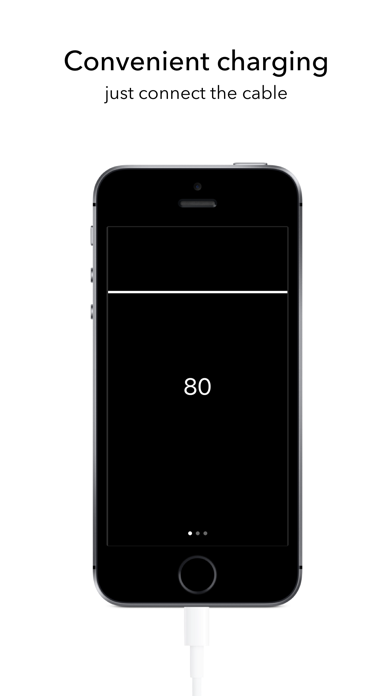
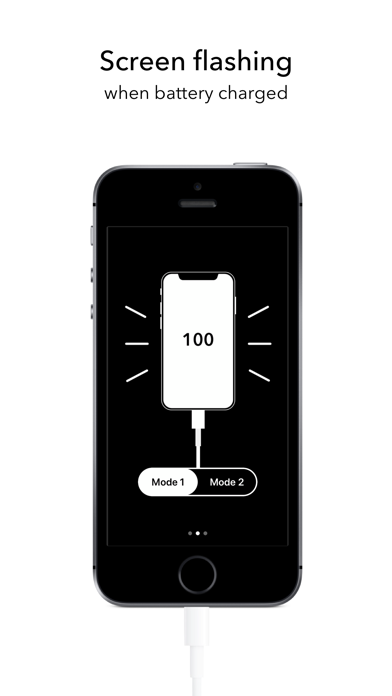
Phone will inform you when it's charged to 100%. Just connect the cable. To disable the sound signal, disconnect the charging cable from the device. The ringtone will playing in Ring/Silence modes. Use volume buttons to change the ringtone volume. Use Widget for fast launch of app. ● 2 modes Mode 1. (Foreground) Screen Autolock is off. Screen brightness is reduced automatically. At 100%, display flickers, starts vibration and sound signal. Mode 2. (Background) Screen Autolock is on. App works in background mode. At 100% battery, starts vibration and sound signal, notification appears on the lock screen. During charging, the launch of Siri disables the application. If power is off, app sends "Battery doesn't charge" notification. ●3 ringtones + 3 relax music Choose a sound signal that you like.
Latest release
What’s New
- minor update
Audience growth
Ratings growth
Baseline captured. Growth appears after the crawler observes a changed rating count.
Momentum comes from crawler snapshots for the tracked storefront. “Viral growth signal” means unusually fast recent rating gains; it is an indicator, not download data.
Price tracking
Price intelligence
First snapshot captured. The trend line starts after the next crawler price observation.
- First observed Aug 19, 2026 · 10:00 AM Free
Screenshots