About this app
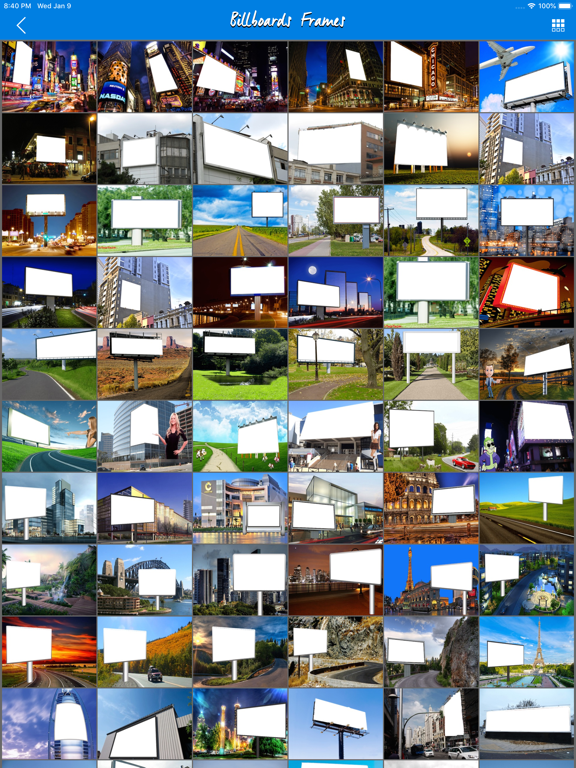
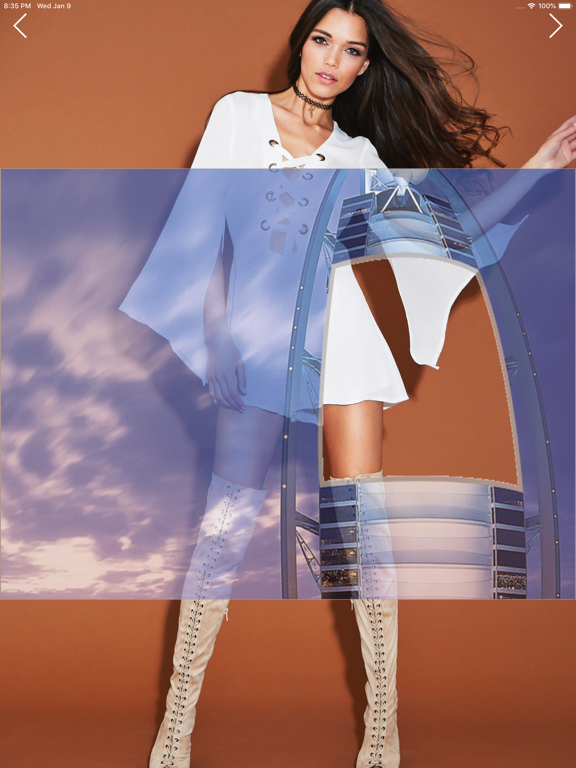
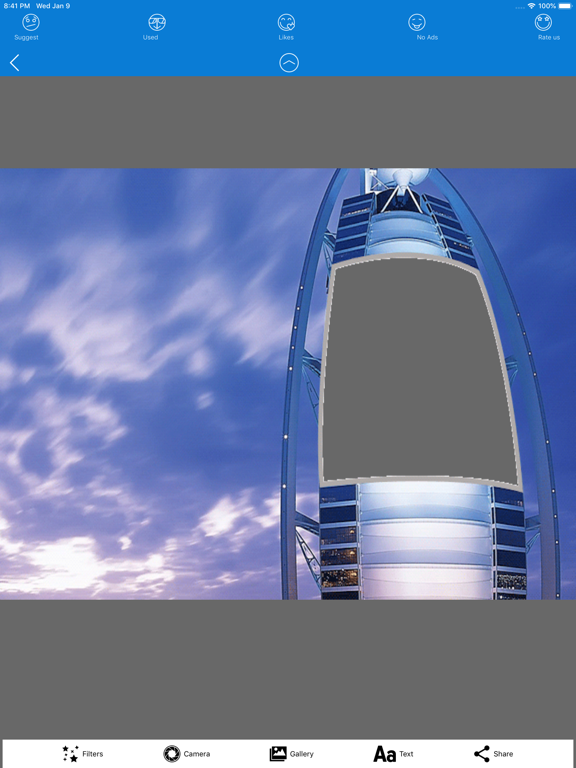
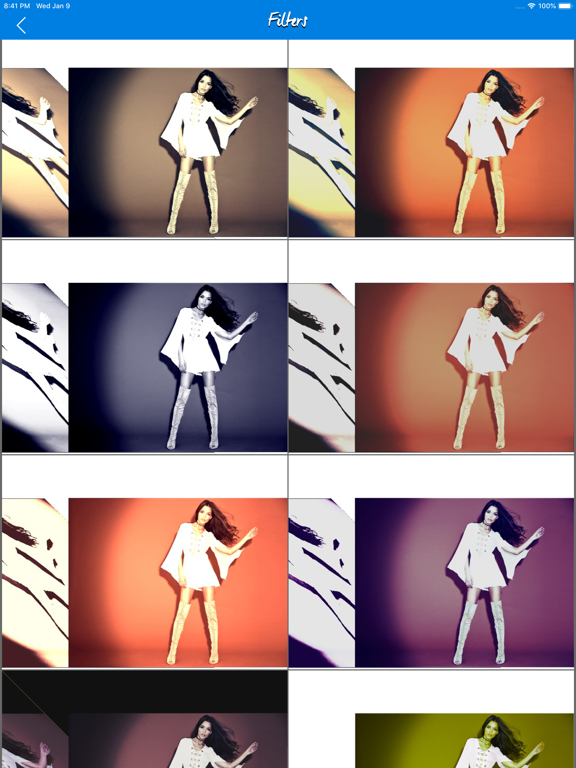
Unleash your creativity with a powerful Collage Maker designed for creating beautiful photo collages, seamless carousels, social media posts, marketing designs, and perfectly planned feeds. Choose from a growing collection of Collage Templates, Photo Grids, Seamless Carousel layouts, Marketing Templates, Frames, Stickers, and creative design elements. Create everything from simple photo grids to layered scrapbook collages, magazine-style layouts, travel stories, mood boards, photo dumps, product showcases, promotional graphics, announcements, and social media content. Build collages your way with flexible Photo Grids. Combine multiple photos into clean grid layouts or use creative freeform templates for a more expressive look. Create seamless carousels where photos, backgrounds, text, and design elements flow naturally from one slide to the next. Turn a collection of photos into an engaging swipeable story for Instagram and other social platforms. Our Collage Maker gives you the freedom to customize your designs with your own photos, backgrounds, stickers, frames, text, and decorative elements. Resize, reposition, rotate, flip, and arrange your content to create a layout that feels completely yours. Explore professionally designed templates for: • Photo Collages and Grids • Seamless Instagram Carousels • Scrapbook and Photo Dump layouts • Travel and Lifestyle Stories • Product Showcases • Marketing and Promotional Posts • Sales and Announcements • Events and Celebrations • Quotes and Personal Branding • Seasonal and Trending Content Creators, businesses, and brands can use ready-to-customize marketing templates for product launches, promotions, campaigns, offers, announcements, events, and branded social content. Use the Feed Planner to organize upcoming posts and preview how your Instagram profile will look before publishing. Rearrange posts, experiment with different combinations, and create a more consistent and visually appealing feed. Our creative library is delivered from the cloud, allowing us to regularly add new collage templates, grids, seamless layouts, marketing designs, stickers, frames, and seasonal collections without filling your device with a huge asset library. Whether you're creating a quick two-photo collage, a multi-photo grid, a seamless carousel, a scrapbook-style memory, or an entire social media campaign, you'll have the tools and templates to bring your ideas to life. Create. Collage. Arrange. Swipe. Plan. Share. Save your finished designs and share them on Instagram, Facebook, X, WhatsApp, and your favorite social platforms. Our library will continue growing with fresh Collage Maker templates, Photo Grids, seamless carousel layouts, trending styles, marketing designs, stickers, frames, and creative assets. We'd love to hear your feedback. Your ideas help us improve the app and inspire future templates and features. Thanks for downloading and creating with us!
Latest release
What’s New
Added new templates and features.
Audience growth
Ratings growth
Momentum comes from crawler snapshots for the tracked storefront. “Viral growth signal” means unusually fast recent rating gains; it is an indicator, not download data.
Price tracking
Price intelligence
- First observed Aug 18, 2026 · 9:50 PM Free
Screenshots