About this app
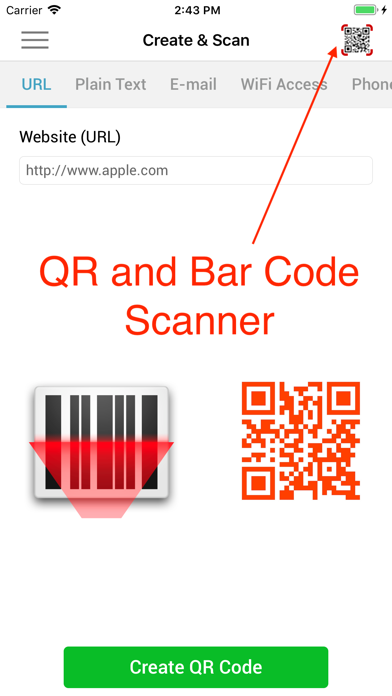
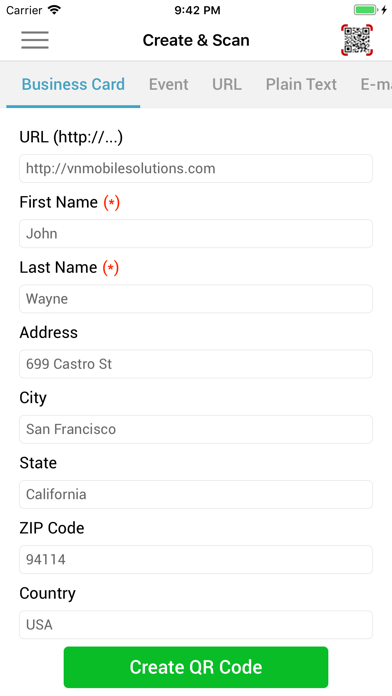
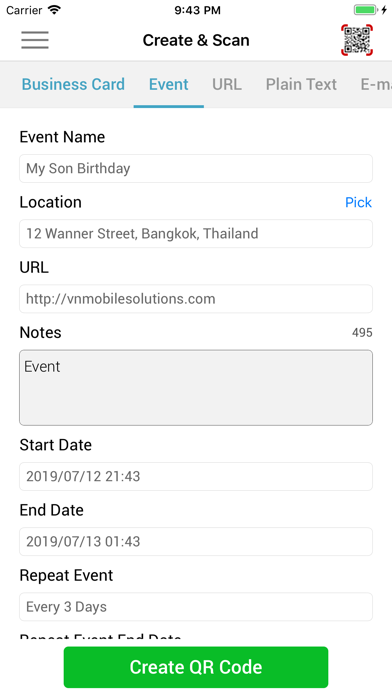
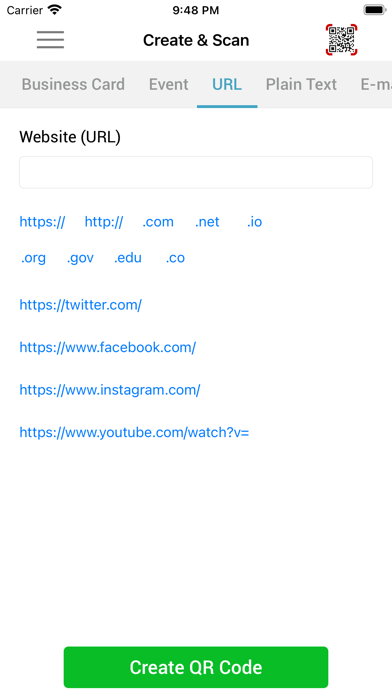
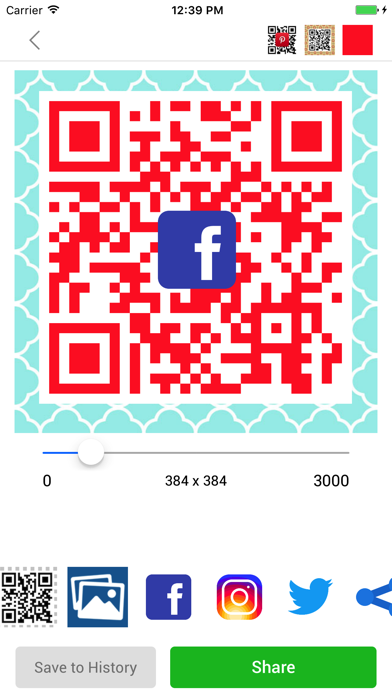
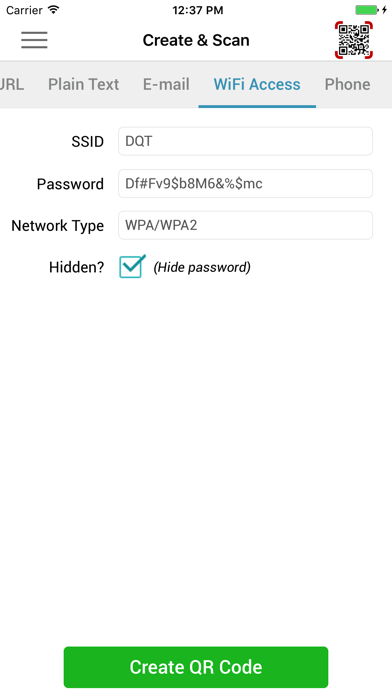
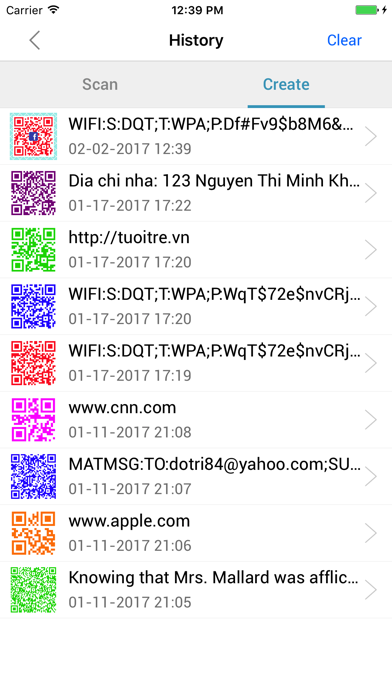
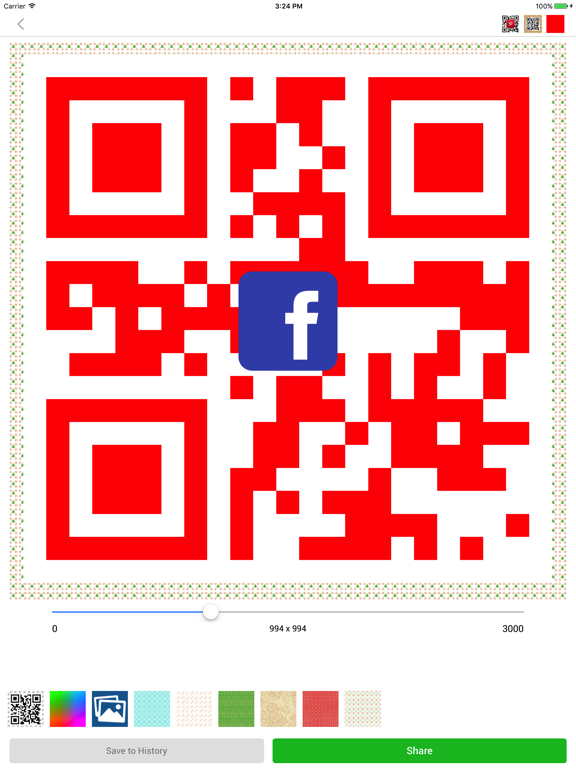
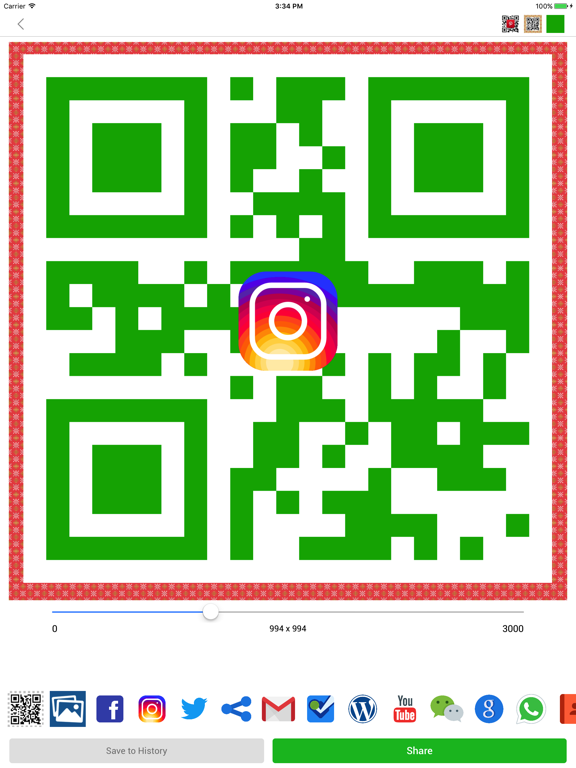
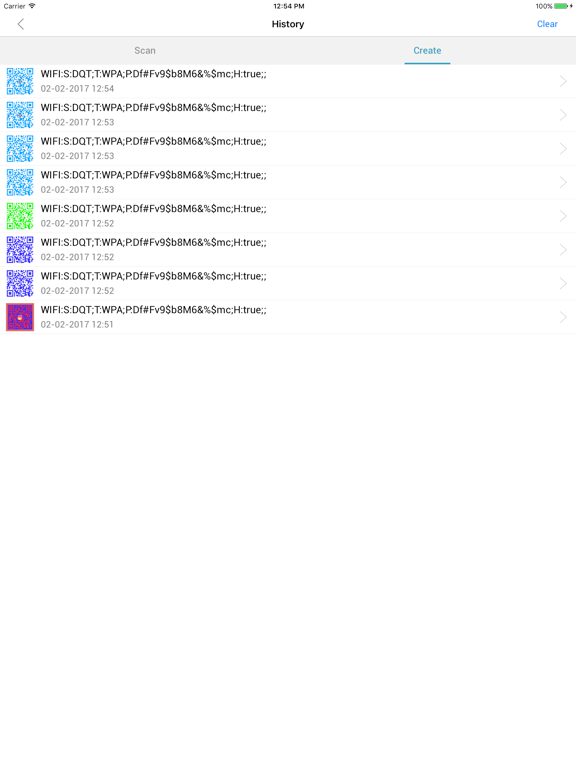
Scan, create, and share QR codes instantly. Fast, accurate, and beautifully simple — everything you need in one powerful QR & barcode app. Turn your iPhone into an everyday tool for scanning payments, sharing WiFi, saving contacts, and more. FEATURES Scan QR & Barcodes • Instant scanning with your camera • Scan codes from photos or gallery • Works in low light with flashlight • Automatic scan history Smart Actions • Save contacts from vCard • Add events to Calendar • Pay quickly with VietQR • Open websites instantly Create QR Codes • WiFi, URL, contact, email, text, phone, events • Customize colors and size • Add logo to your QR code • Use photos as background Share Easily • Share via Messages, Mail, or social apps • Save to Photos • Access your codes anytime WHY YOU’LL LOVE IT • Fast and accurate scanning • Clean, easy-to-use design • Works whenever you need it • All-in-one QR solution
Latest release
What’s New
• Added support for more languages • Improved performance and stability • Updated libraries for better reliability • Minor bug fixes and optimizations
Audience growth
Ratings growth
Momentum comes from crawler snapshots for the tracked storefront. “Viral growth signal” means unusually fast recent rating gains; it is an indicator, not download data.
Price tracking
Price intelligence
- First observed Aug 10, 2026 · 3:39 PM Free
Screenshots