About this app
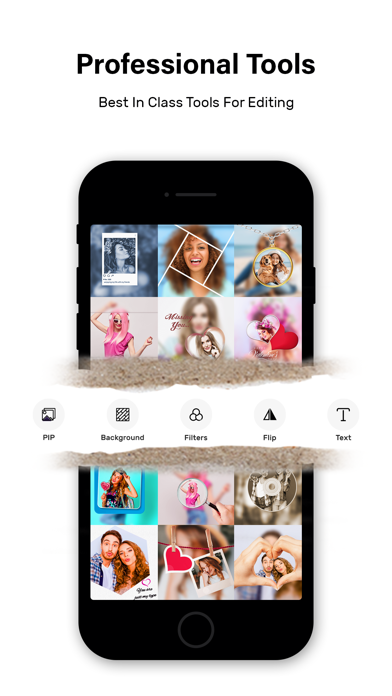
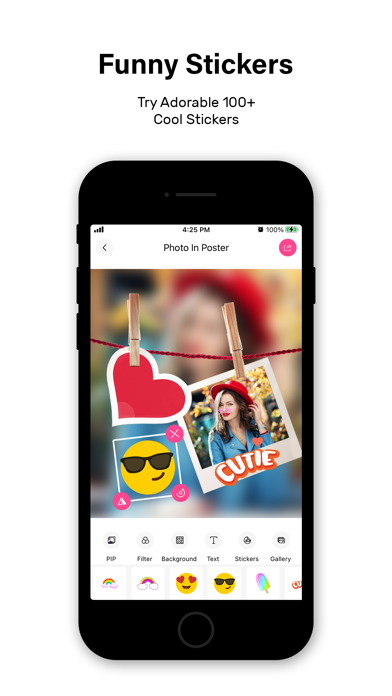
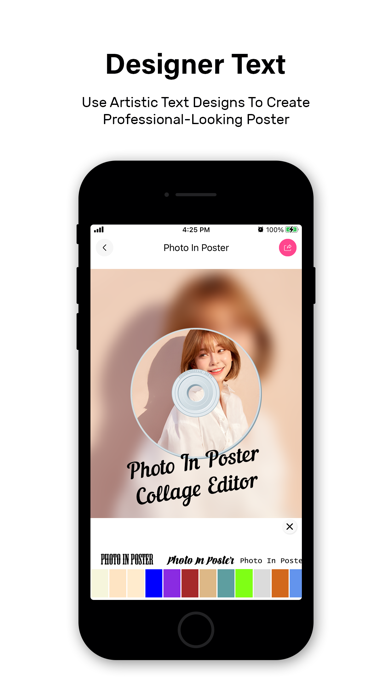
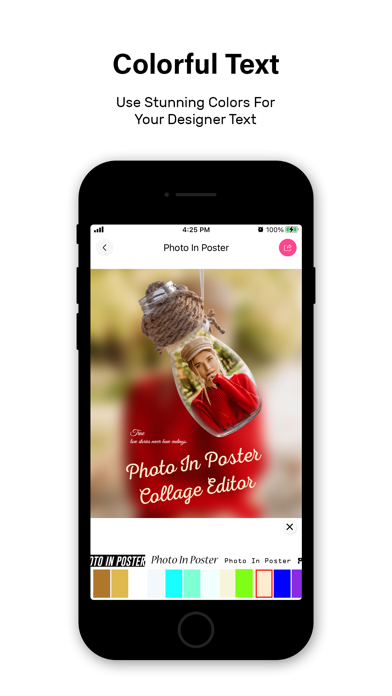
Photo In Poster Collage Editor lets you create awesome looking Poster with your Photo. In the application first select the any photo of lIbrary or capture from camera set the photo in the Best Poster frame in your Application. And default background same blur image of your photo and you also change the backgrounds. And this photo you can set the social media Display Picture(DP) very easily because you can save photo in your mobile phone. Main feature of the app: - Select Photo From Gallery. - Take Direct From the Camera. - Change Poster Frame Very Fast. - Change the Background of your Photos. - Flip the Image Easy to single click. - Put the Best Stickers in Your Photo. - Then rotate, zoom in, zoom out or drag photo as you want. - Give background effect as you want. - You can share your Poster photo directly from application to social apps. SUBSCRIPTION: You can subscribe to premium features, choosing from the following plans: – 1 month – 12 months – Lifetime (All Premium Features) The subscription automatically renews unless auto-renewal is turned off at least 24 hours before the end of the current period. Payment will be charged to your iTunes account at confirmation of purchase. Account will be charged for renewal within 24 hours of the end of the current period, and the cost of the renewal will be provided. Subscriptions may be managed by the user. Auto-renewal may be turned off by going to the user’s Account Settings after purchase. No cancellation of the current subscription is allowed during active subscription period. Any unused portion of a free trial period, if offered, will be forfeited when the user purchases a subscription to that publication. TERMS OF USE: https://insiderappsprivacypolicy.wordpress.com/2020/01/29/terms-of-use/ PRIVACY POLICY: https://insiderappsprivacypolicy.wordpress.com/2018/12/14/privacy-policy/
Latest release
What’s New
- Enhancement in UI and Bug fixes.
Audience growth
Ratings growth
Baseline captured. Growth appears after the crawler observes a changed rating count.
Momentum comes from crawler snapshots for the tracked storefront. “Viral growth signal” means unusually fast recent rating gains; it is an indicator, not download data.
Price tracking
Price intelligence
First snapshot captured. The trend line starts after the next crawler price observation.
- First observed Aug 18, 2026 · 9:10 PM Free
Screenshots