About this app
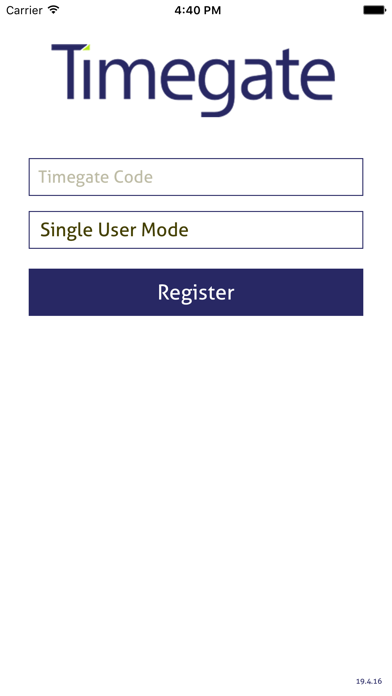
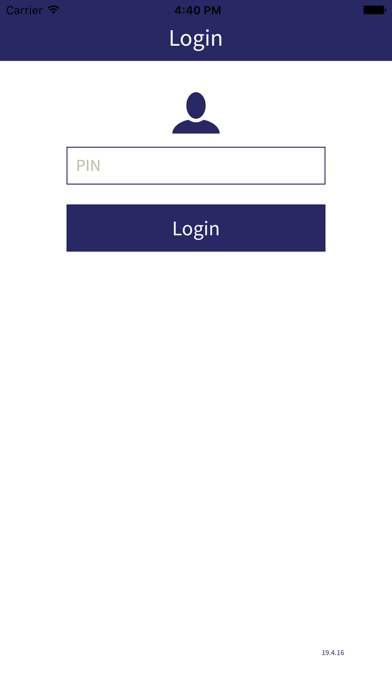
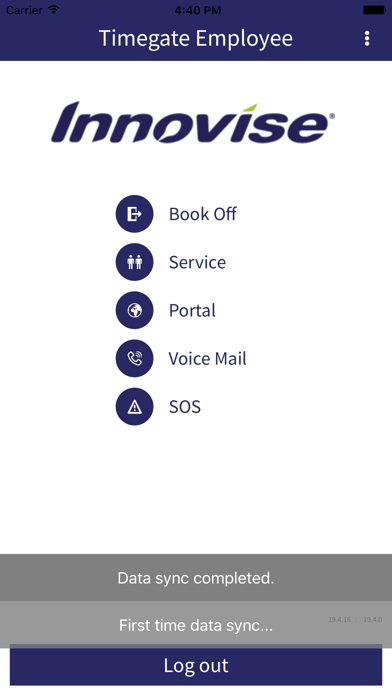
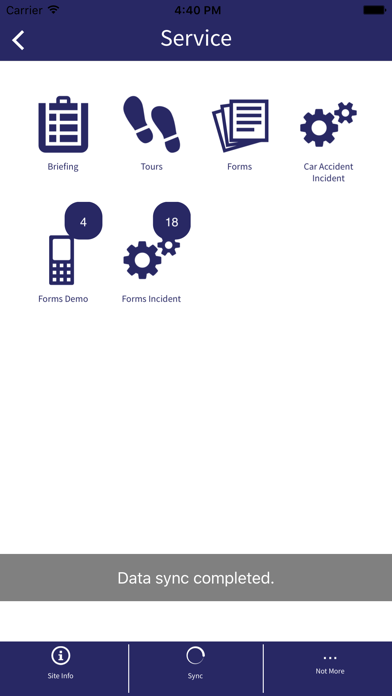
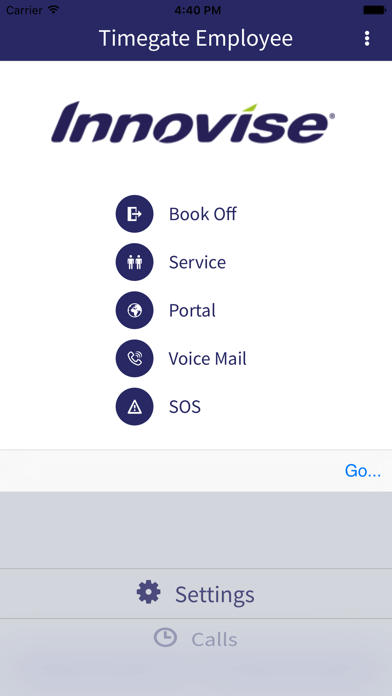
Timegate is the world’s leading Workforce Management solution for support services businesses. The Timegate Employee app removes the need to use a site telephone to record attendance, by allowing you to book on and off your shift, make health and safety check calls, raise incidents and complete forms and tours using the app. The app allows seamless access to the employee portal to allow you to book holidays, view your schedule, make requests, view company announcements and much more! Install Guide: 1. Ensure your mobile device is using the latest system update. 2. Install or Reinstall Timegate Employee App from store. 3. Once installed, ensure the Timegate Employee app is allowed to access your devices location services. 4. Enter your Client code and Personal Identification Number (PIN). If you do not have these, please ask a member of your management team. NB. Your employer may not make all features available as this is subject to the security policies of your employer.
Latest release
What’s New
Updated to support iOS26
Audience growth
Ratings growth
Baseline captured. Growth appears after the crawler observes a changed rating count.
Momentum comes from crawler snapshots for the tracked storefront. “Viral growth signal” means unusually fast recent rating gains; it is an indicator, not download data.
Price tracking
Price intelligence
First snapshot captured. The trend line starts after the next crawler price observation.
- First observed Aug 27, 2026 · 3:14 AM Free
Screenshots