About this app
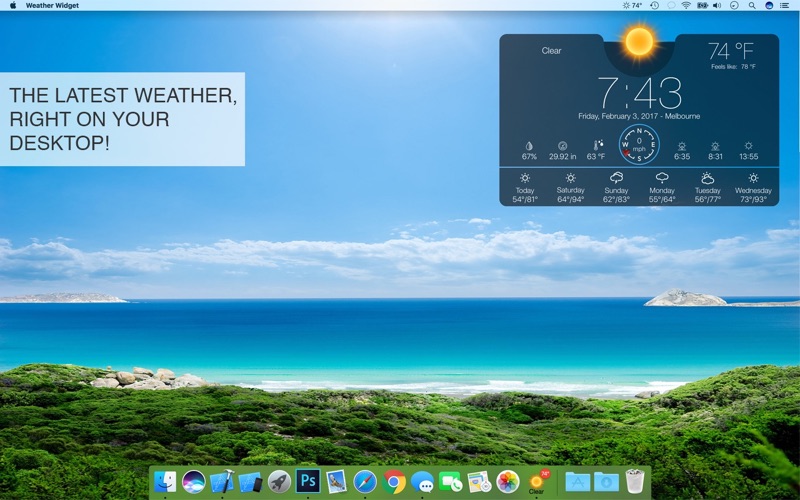
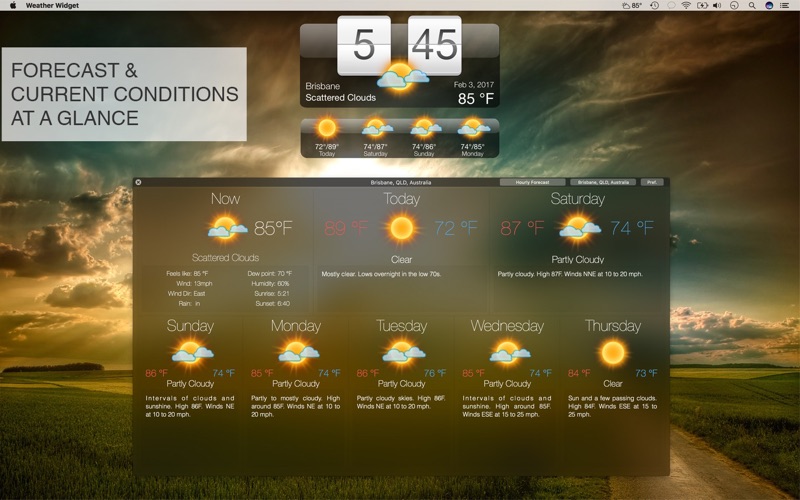
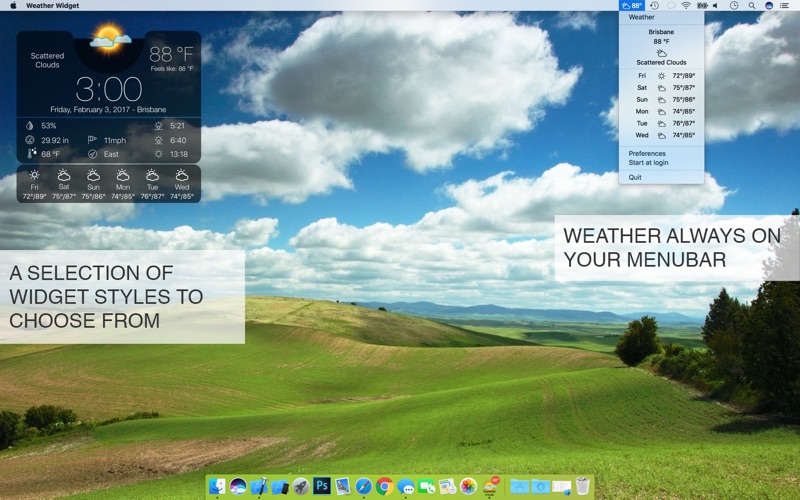
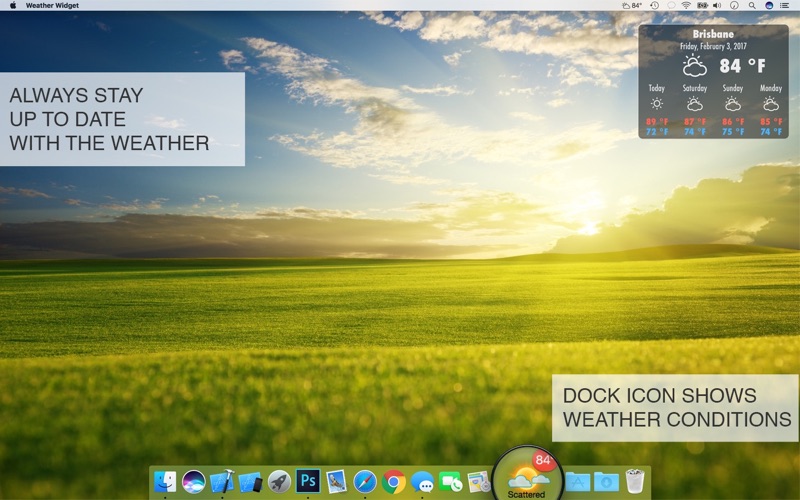
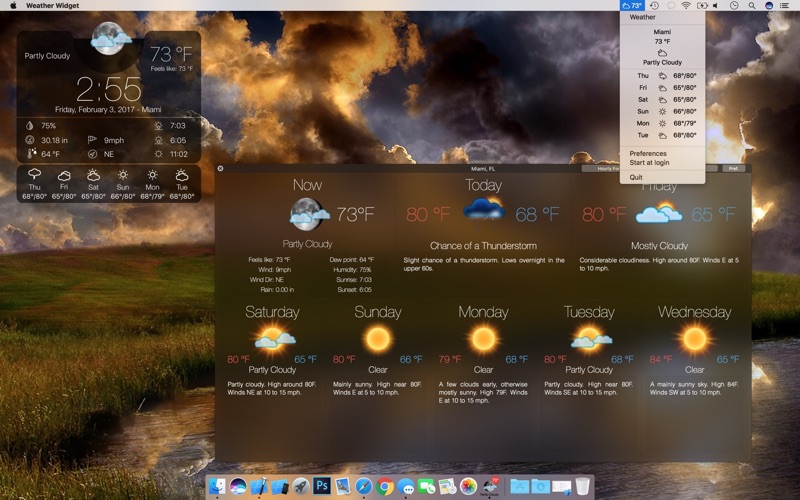
Stay ahead of the weather with Weather Widget – a stylish and customizable desktop tool that gives you real-time updates at a glance. Track weather worldwide, customize your widget, and access detailed forecasts with a single click. Download Weather Widget now and make weather monitoring effortless and elegant. Weather Forecast - Forecast locations worldwide - Multiple locations support - Imperial or Metric units (F & mph or C & km/h) - Start at login option Widget - Choose from a selection of widget design options - Move your widget anywhere on your desktop with the Click & Drag feature in the app preferences - Option to resize your widget - Option to change opacity of your widget (make it see-through) - Hot corner functionality: set a hot corner to instantly reveal desktop & widget by moving mouse to that corner - “Show Desktop” functionality: moves all windows away to show desktop & widget after a set period of inactivity Menu bar Weather - Menu bar can be set to show current temperature, forecast or wind - One click on menu bar shows brief drop-down forecast - Easy access to app menu to open detailed weather window and app settings Dock Weather - Dock icon appearance can be customized - Dock icon can be set to show current temperature, forecast or wind - Menu bar also shows the weather Detailed Weather - Click the dock icon once to bring up the detailed weather window - Provides a detailed hourly weather forecast - Switch easily between your locations with the drop down locations menu Stay on top of the weather with Weather Widget – a blend of style, convenience, and powerful features that keep you informed at a glance. Whether you need quick updates or detailed forecasts, Weather Widget has you covered. Download now and transform your desktop into a personal weather station!
Latest release
What’s New
+ Bug Fixes: We've squashed some minor bugs to ensure a smoother experience. + Performance Improvements: Small enhancements have been added for a more responsive app. Your support and feedback are invaluable to us. Thanks for sticking with us!
Audience growth
Ratings growth
Baseline captured. Growth appears after the crawler observes a changed rating count.
Momentum comes from crawler snapshots for the tracked storefront. “Viral growth signal” means unusually fast recent rating gains; it is an indicator, not download data.
Price tracking
Price intelligence
First snapshot captured. The trend line starts after the next crawler price observation.
- First observed Aug 10, 2026 · 6:18 AM $5.99
Screenshots