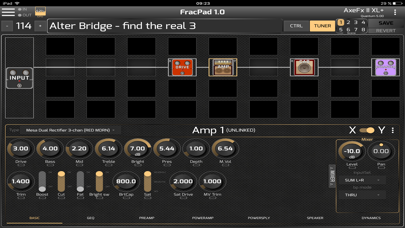
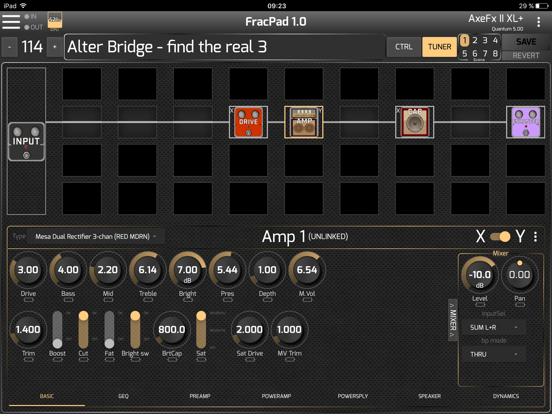
About this app
Control your AxeFx®, AX8®, FX8® or FM3/FM9®. Modify your presets layout, name and blocks settings, load or save presets, and many more functions ! For FM3, AxeFx II/XL/XL+ control you will need a 3rd party MIDI interface. For AX8/FX8, direct USB connection is needed as the AX8/FX8 does not support MIDI port sysex anymore ! For AxeFx III/FM9, direct USB connection is recommended AxeFx generation 1 are not supported. A full description of the connection options is available here : http://wiki.fractalaudio.com/axefx2/index.php?title=FracPad
Latest release
What’s New
Supports AxeFx III® firmware 27.00, FM9® firmware 8.00 and FM3® 9.00
Audience growth
Ratings growth
Baseline captured. Growth appears after the crawler observes a changed rating count.
Momentum comes from crawler snapshots for the tracked storefront. “Viral growth signal” means unusually fast recent rating gains; it is an indicator, not download data.
Price tracking
Price intelligence
First snapshot captured. The trend line starts after the next crawler price observation.
- First observed Sep 2, 2026 · 10:53 AM Free
Screenshots