About this app
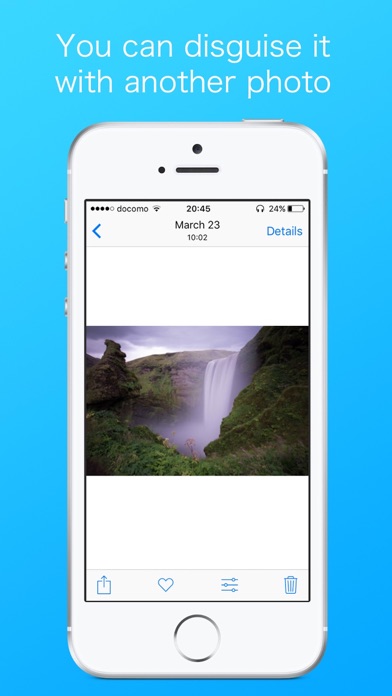
You might have a photo you don’t want to share with anyone inside "Photos" app. You can disguise such a photo into a different looking one by using this app! Of course you can reverse it to the original one anytime you would like to. This app can be used only inside "Photo" app -Guide- 1,Pick the photo you want to disguise and tap the Edit button. 2,Tap the three dot leader, select "Photo Disguiser". 3,Tap "Select Photo", choose the photo to disguise. 5,Tap "Disguise" button. The photo will be replaced. 6,tap "Done" and check mark. When you want to revert to original, 1,Select a disguised photo, tap the edit button. 2,When you tap the "Revert" button, the photo will be reverted.
Latest release
What’s New
This app has been updated by Apple to prepare for watchOS 27 compatibility. No new features are included. fixed bug
Audience growth
Ratings growth
Baseline captured. Growth appears after the crawler observes a changed rating count.
Momentum comes from crawler snapshots for the tracked storefront. “Viral growth signal” means unusually fast recent rating gains; it is an indicator, not download data.
Price tracking
Price intelligence
First snapshot captured. The trend line starts after the next crawler price observation.
- First observed Aug 30, 2026 · 4:12 PM Free
Screenshots