About this app
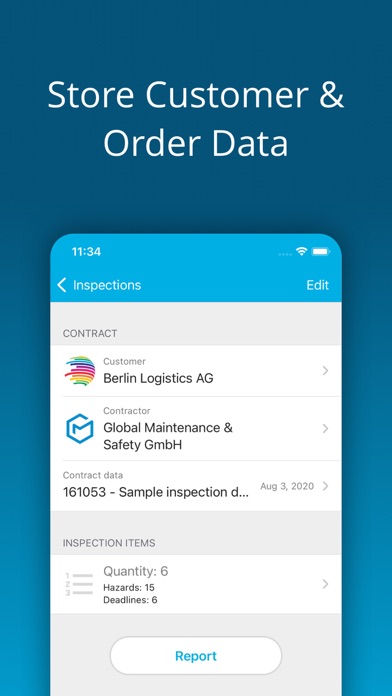
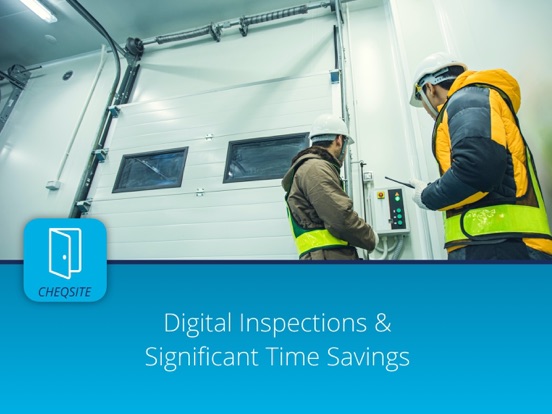
Standardized inspection of doors and gates i.a. according to DIN EN 16005, DIN EN 18650, DIN EN 12453, ASR A1.7, DGUV A3, DGUV 208-022. Inspect power-operated doors and gates as well as fire doors and fire gates even faster and more efficiently. The entire inspection process, from the preparation of checklists, to the actual inspection on site, to the reporting, is standardized and digitalized. For more software and apps in the field of occupational safety, health and maintenance, please visit our website. Inspection of swing door, turnstile, revolving gate, revolving door, tilting door, roller shutter, sliding door, sectional door, etc. is now very easy. Create your own templates for checklists if you want to add or change the pre-installed checklists. At the end of an inspection, you create a uniform documentation according to common standards. A CHEQSITE account is required to use this app. Our service team will be happy to assist you with the setup and use. Please also have a look at the instructions on the CHEQSITE YouTube channel. BENEFITS - Significant time savings with each inspection. - Standardized inspection process & documentation. - Improved transparency and compliance. - Modern appearance towards customers and employees. FUNCTIONS OVERVIEW - Inspect on site - no Internet access required. - Store order data, customer data and contractors. - Document defects and hazards with photos. - Scan codes and find / copy assets. - Use pre-installed checklist templates or create your own inspection lists. - Generate uniform reports and documentation. - Import and export data, e.g. via cloud services or in-house servers.
Latest release
What’s New
- Page numbers in the PDF report are calculated more accurately. - Content at the bottom of pages, such as customer information, is displayed in the PDF report in such a way that there is no overlap with the footer, even with very long content. - Attributes have been added to the basic template. - The overview of inspection items in the inspection report now also contains a summary of the individual items. - Minor bug fixes and further performance improvements.
Audience growth
Ratings growth
Baseline captured. Growth appears after the crawler observes a changed rating count.
Momentum comes from crawler snapshots for the tracked storefront. “Viral growth signal” means unusually fast recent rating gains; it is an indicator, not download data.
Price tracking
Price intelligence
First snapshot captured. The trend line starts after the next crawler price observation.
- First observed Sep 1, 2026 · 2:39 PM Free
Screenshots