About this app
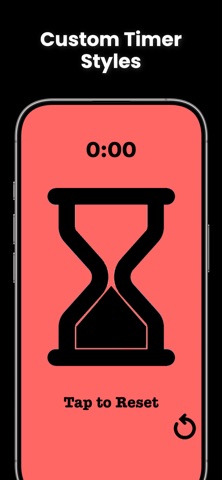
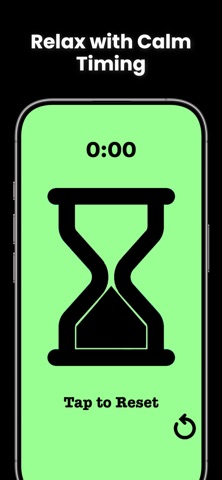
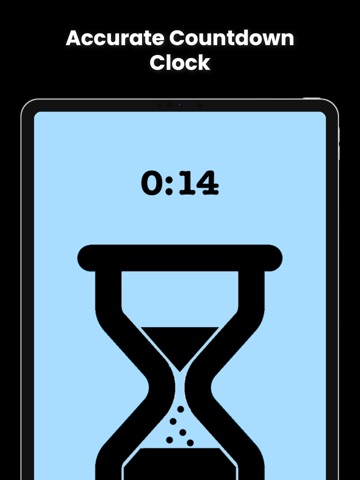
Looking for a simple, reliable timer for your activities? Whether you’re timing a study session, a workout, or simply need a quick way to track time, Sand Timer has you covered! With its realistic sand flow animation, you’ll experience the soothing and intuitive feel of a traditional hourglass, right on your phone. Sand Timer offers a simple, visually engaging way to keep track of time, whether you’re managing your productivity, setting a cooking timer, or just need a quick countdown. It’s easy to set, fun to use, and helps you stay on track for all your timing needs. Top Features You’ll Love: Sand Animation – Watch the sand flow smoothly through the timer, providing a calming and visually pleasing experience while you track your time. Adjustable Timer Settings – Set the timer for any duration you need, from seconds to hours, with the ability to quickly adjust for all types of activities. Multiple Timers – Create and manage multiple timers at once to keep track of various tasks simultaneously. Customizable Themes – Choose from a variety of themes to match your style, whether you prefer a minimalist design or a more vibrant look. Sound Alerts – Get notified when your time is up with a sound alert, making sure you never miss an important moment. Who Can Use Sand Timer? Sand Timer is perfect for anyone who needs a simple, elegant timer. Whether you’re a student needing a Pomodoro timer, a cook timing recipes, or someone just needing a visual countdown, Sand Timer is easy to use and designed to fit your needs. Download Sand Timer today and add a little more calm and focus to your day! EULA: https://www.apple.com/legal/internet-services/itunes/dev/stdeula/
Latest release
What’s New
Bug Fixes
Audience growth
Ratings growth
Baseline captured. Growth appears after the crawler observes a changed rating count.
Momentum comes from crawler snapshots for the tracked storefront. “Viral growth signal” means unusually fast recent rating gains; it is an indicator, not download data.
Price tracking
Price intelligence
First snapshot captured. The trend line starts after the next crawler price observation.
- First observed Aug 12, 2026 · 4:55 PM Free
Screenshots