About this app
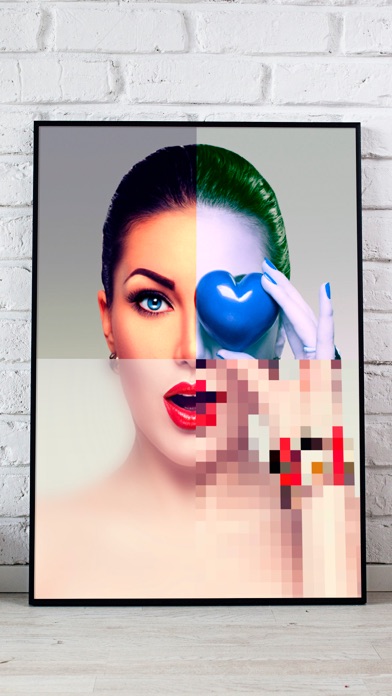
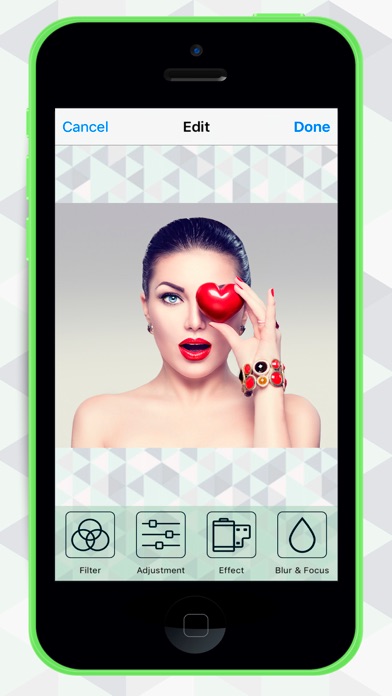
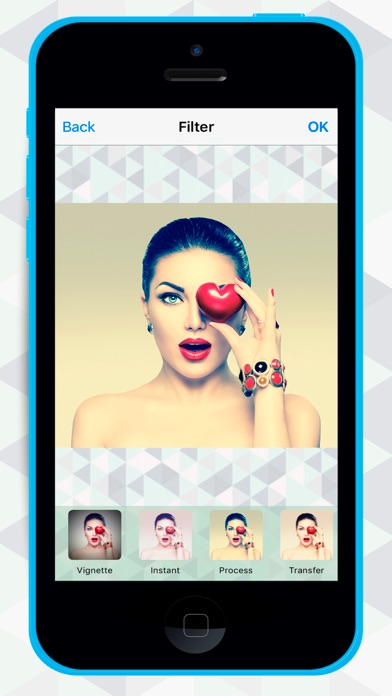
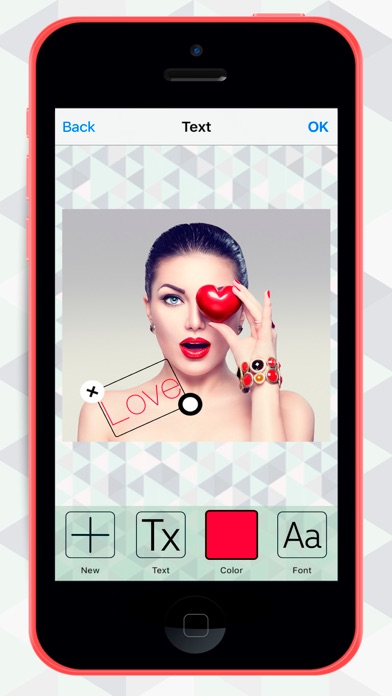
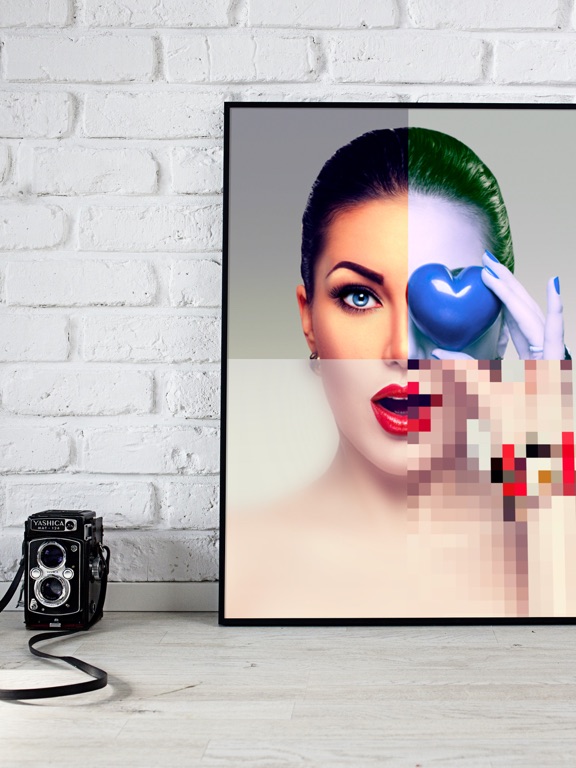
Photo editor with incredible effects and filters to create montages and collages Are you looking for simple photoshop tricks, photo montages and collages to edit your photos in a quick and easy way? Use our Photo editor – effects and filters for collages app with the best photo filters and effects for your photos and create fun custom edited images to improve the quality of your pictures. We offer you the latest photo filters and effects in trend with the coolest and funniest collages options on our application! Import your personal photos or pictures and start to decorate your images with fun photo effects or filters. A quick, easy and simple way to cut and paste to create fun photo montages or collages: • Great variety of filters, choose the one that best suits your image: sepia, white and black, color, insta frames ... • Adjusts brightness, contrast, and saturation • Photo effects to change color, pixelar photos or pixelar faces and vignetting mode • Tilt shift blur effects • Image background blurring effect • Use your 2 finger to edit and rotate or resize the photo. • Draw on photos, paint on pictures or write texts on images • Color Splash effect highlights certain colors in a picture • Crop the image and format the pictures for your Instagram or instaphotos • Add fun stickers, emoji or emoticons such as funny snap filters with hipster mustaches, lips, faces, Christmas or Halloween effects or Wanted posters filter. • SAVE your photos and SHARE them on Facebook, WhatsApp or Instagram. If you like our app, please rate and comment to help us improve! You can buy a version without ads.
Latest release
What’s New
Some improvements
Audience growth
Ratings growth
Baseline captured. Growth appears after the crawler observes a changed rating count.
Momentum comes from crawler snapshots for the tracked storefront. “Viral growth signal” means unusually fast recent rating gains; it is an indicator, not download data.
Price tracking
Price intelligence
First snapshot captured. The trend line starts after the next crawler price observation.
- First observed Aug 13, 2026 · 11:05 PM Free
Screenshots