About this app
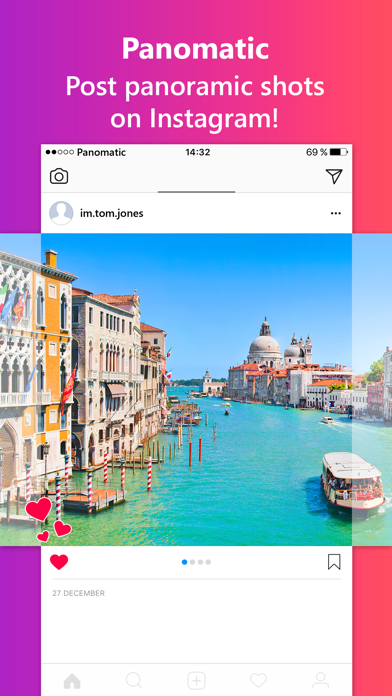
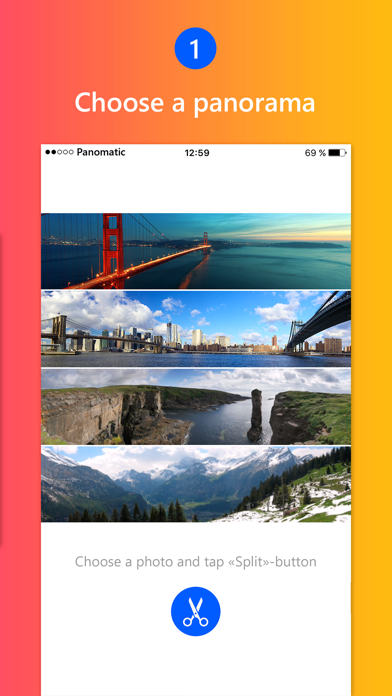
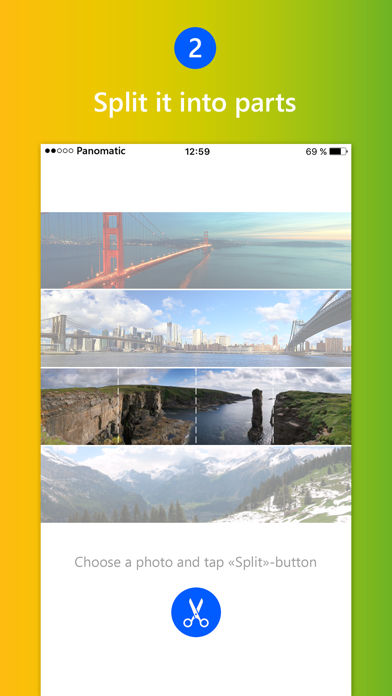
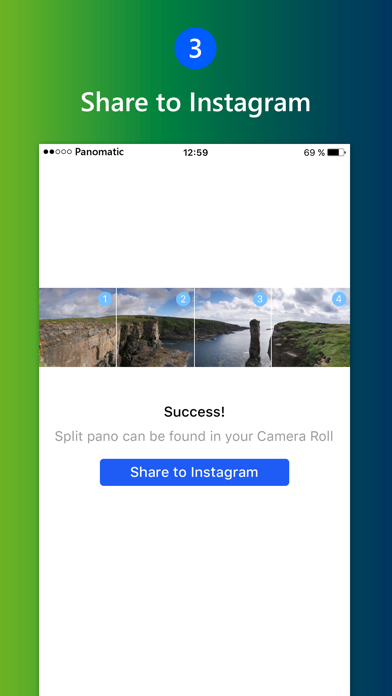
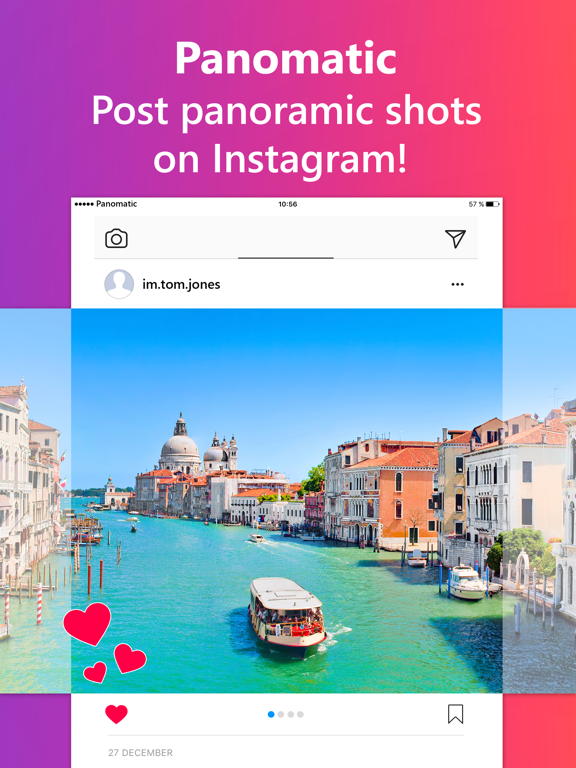
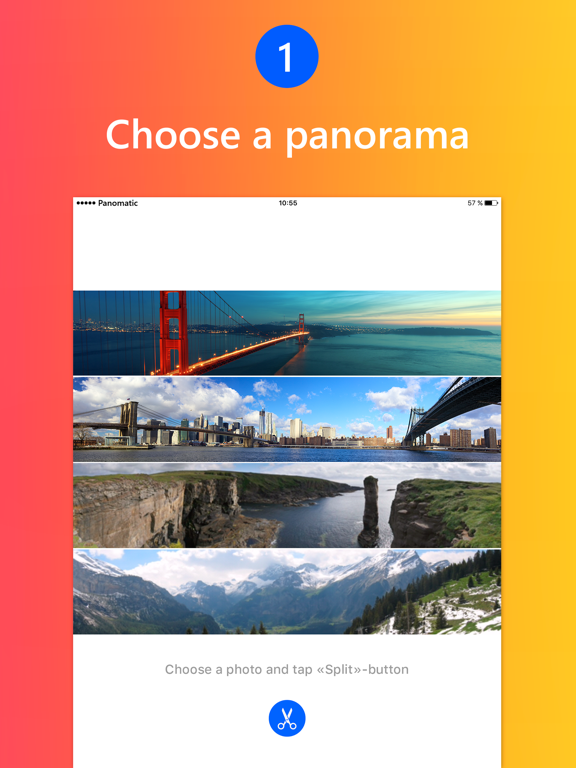
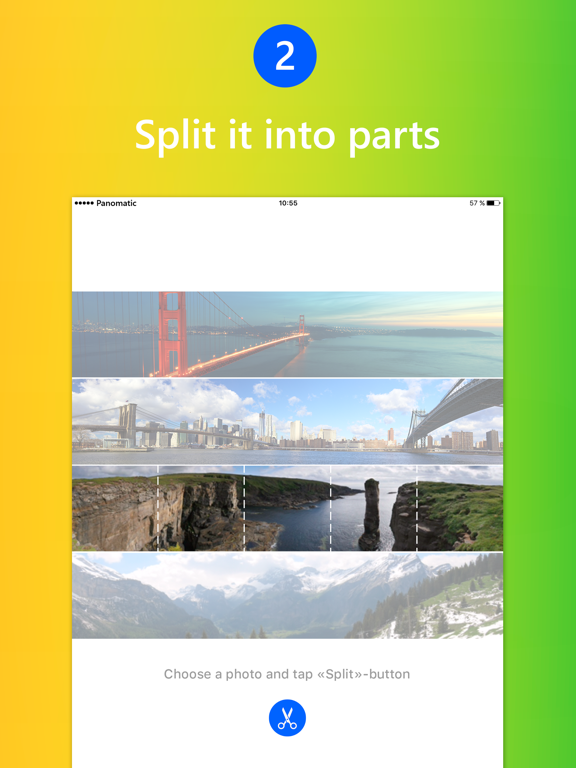
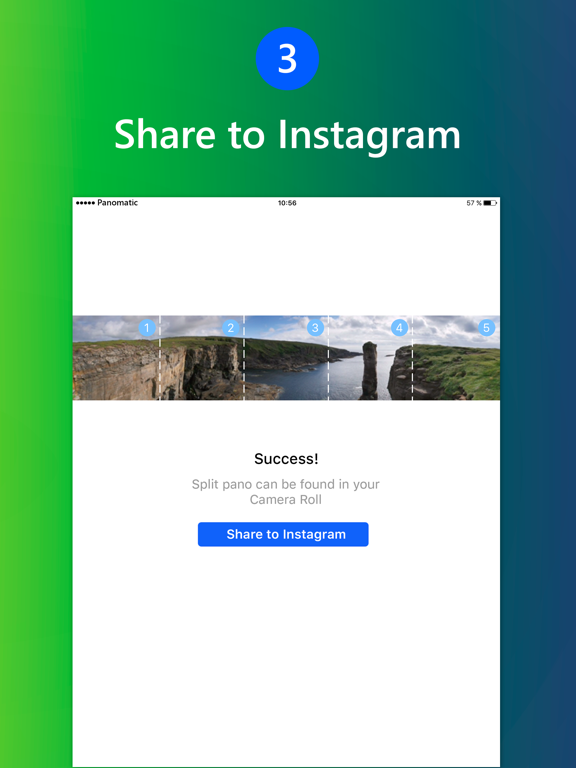
With Panomatic, you can now upload and view beautiful panoramic photos on Instagram in an entirely new way! Swipe through multiple photos in one post and see how the entire panoramic shot comes to life! Its super easy! How to add a panoramic post: 1. Upload your panoramic photo (‘Pano’); 2. Click ‘Split’; 3. Your panoramic post is ready! Individual shots have been saved to your Camera Roll. You can now upload them on Instagram as part of a single post and leave your friends in awe of the 360° beauty and level of detail!
Latest release
What’s New
This app has been updated by Apple to prepare for watchOS 27 compatibility. No new features are included. We've been busy shooting some beautiful panoramic shots... and improving the app!
Audience growth
Ratings growth
Baseline captured. Growth appears after the crawler observes a changed rating count.
Momentum comes from crawler snapshots for the tracked storefront. “Viral growth signal” means unusually fast recent rating gains; it is an indicator, not download data.
Price tracking
Price intelligence
First snapshot captured. The trend line starts after the next crawler price observation.
- First observed Aug 10, 2026 · 6:39 AM Free
Screenshots