About this app
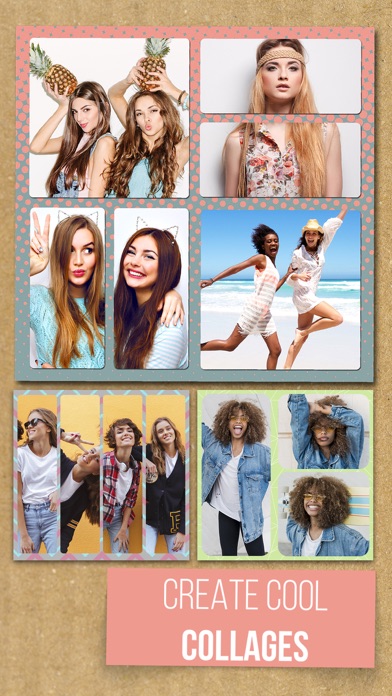
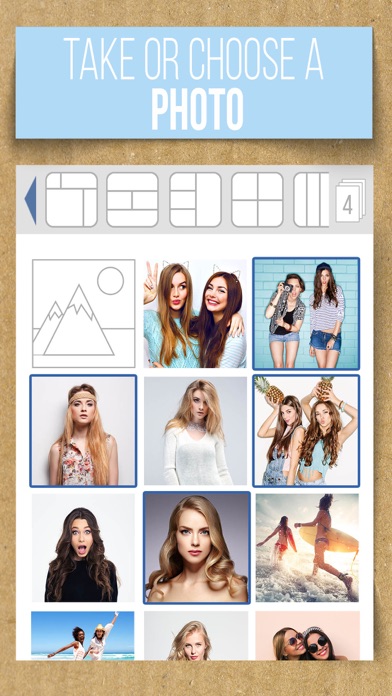
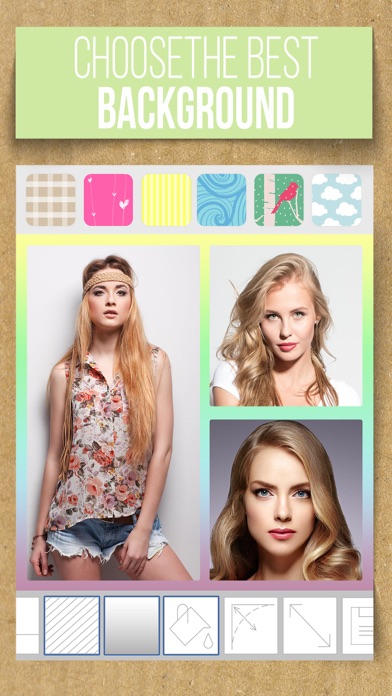
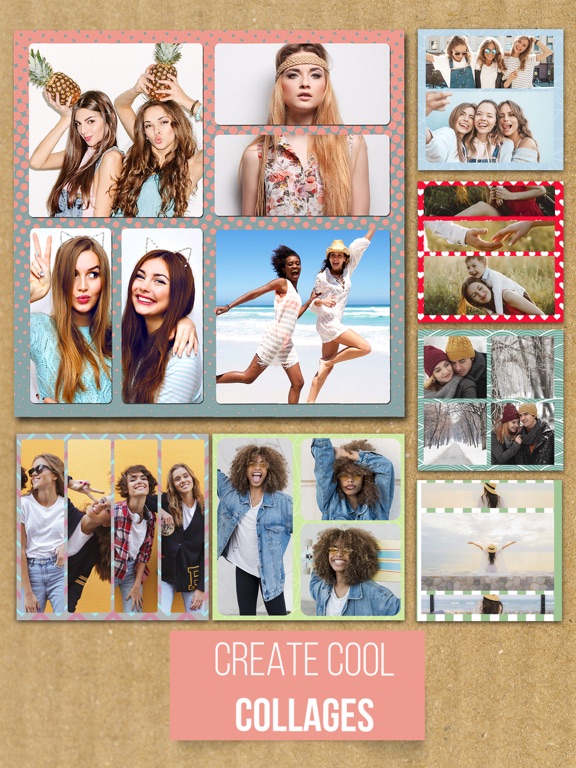
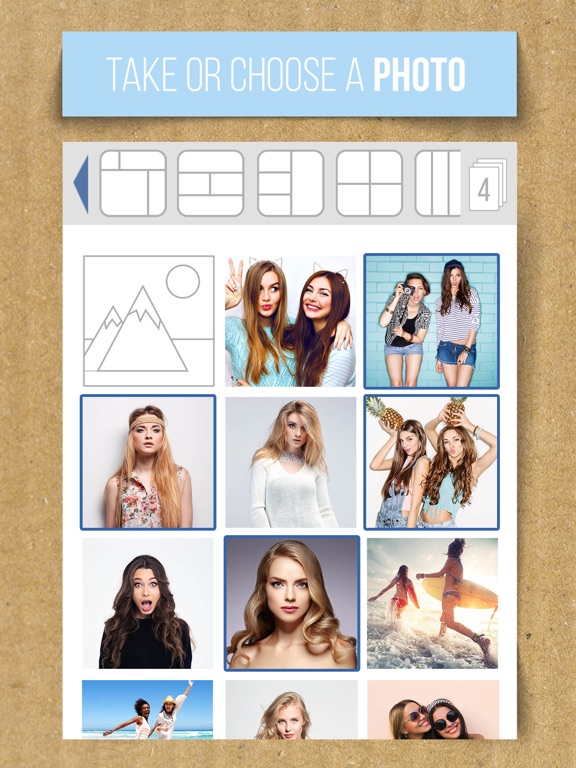
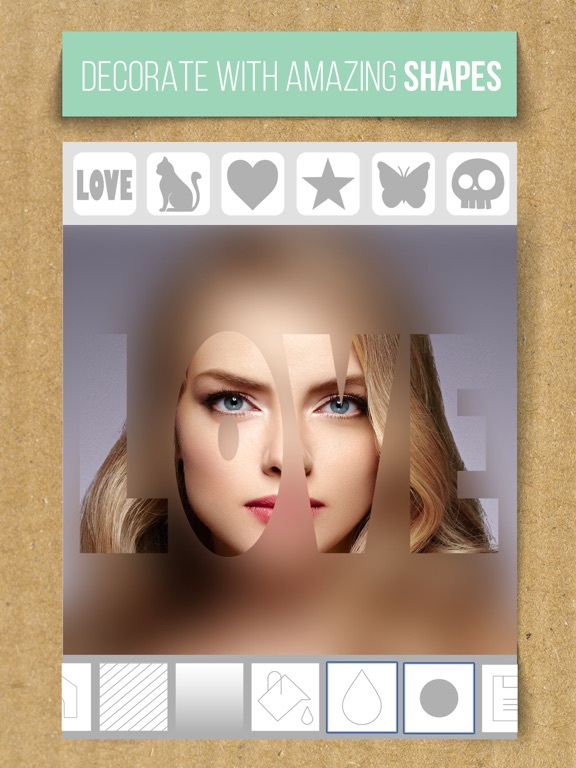
Are you looking for a photo editor to create the best collage maker with the coolest layout, templates and photo grid features? Download now and start to edit your images in a single photo collage grid with various layout options, shapes, frames and background effects! Create fun custom edited images to improve the quality of your pictures. We offer you the latest pic stitching tools and photo editing options and photo effects in trend to join multiple photos into a beautiful collage. With our pic stitching app, you can stitch or join multiple photos together and edit the thickness and color of your borders and edges of your frames and shapes layouts. Change the canvas size, zoom in or out photos and add overlays to your work. Give a professional look to joined photos by changing border size and color. A quick, easy and simple way to create photo collage and pic stitch! - Take new pictures or choose up to seven photos from your gallery - Choose grid layout and join photos together - Choose your special shape collage layouts or frames and resize their thickness - Add custom tilt shift blur effects or vignette effects - Modify backgrounds – gradient background or solid color background - Modify borders and resize their thickness - Apply tilt shift blur effects or image background blurring effect - Resize or swap images, you can also pinch to zoom in or out the image - Crop the image and format the pictures for your social networks - Save your photos and share them on social media with your friends or family If you like our app, please rate and comment to help us improve!
Latest release
What’s New
Thread problem the first time the application was opened causing it to crash fixed
Audience growth
Ratings growth
Baseline captured. Growth appears after the crawler observes a changed rating count.
Momentum comes from crawler snapshots for the tracked storefront. “Viral growth signal” means unusually fast recent rating gains; it is an indicator, not download data.
Price tracking
Price intelligence
First snapshot captured. The trend line starts after the next crawler price observation.
- First observed Aug 13, 2026 · 11:05 PM Free
Screenshots