About this app
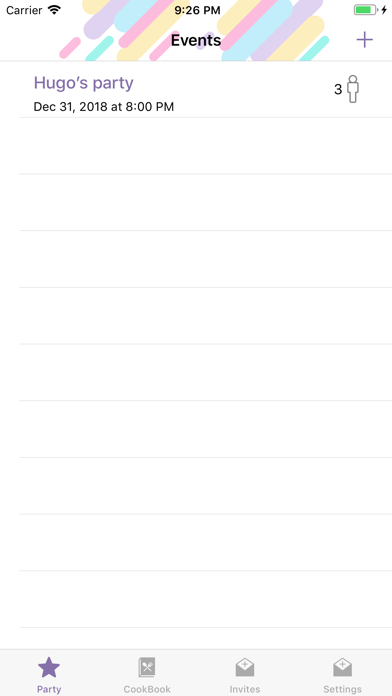
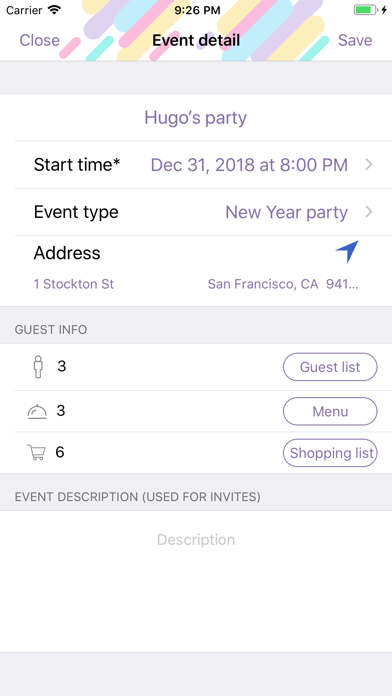
1. Create an event and add notes. 2. Make a guest list, send invitations and get real-time responses. 3. Create, save and publish recipes. 4. Make an individual menu out of “My CookBook” or “Shared CookBook” recipes. 5. Get all menu items calculated automatically, depending on a number of guests. 6. Use easy-to-follow shopping list with real-time updates. 7. Share your favorite recipes with friends. How to make a fabulous party in just 6 steps: 1. Describe your party: name, type, date, place, text for invitations. 2. Create a guest list using your Contacts. 3. Invite your friends via Messages, email or any other messenger, and get their real-time responses. 5. Make a menu out of your CookBook or Shared CookBook recipes. Choose number of portions and you’ll get all the ingredients calculated automatically. All the ingredients will be displayed in the shopping list. 5. Buy everything you need for a party using an easy-to-follow shopping list. 6. Cook your favorite meals using recipes from your menu. Share your recipes easily by simply sending a link via any messenger. They’ll be added automatically to your friends’ CookBooks. Coming soon: - Menus sending - Unique cards for each party - Powerful TO DO list - Parties timeline - Unlimited images for your favorite recipes
Latest release
What’s New
Several bugs has been fixed
Audience growth
Ratings growth
Baseline captured. Growth appears after the crawler observes a changed rating count.
Momentum comes from crawler snapshots for the tracked storefront. “Viral growth signal” means unusually fast recent rating gains; it is an indicator, not download data.
Price tracking
Price intelligence
First snapshot captured. The trend line starts after the next crawler price observation.
- First observed Sep 1, 2026 · 2:33 PM Free
Screenshots