About this app
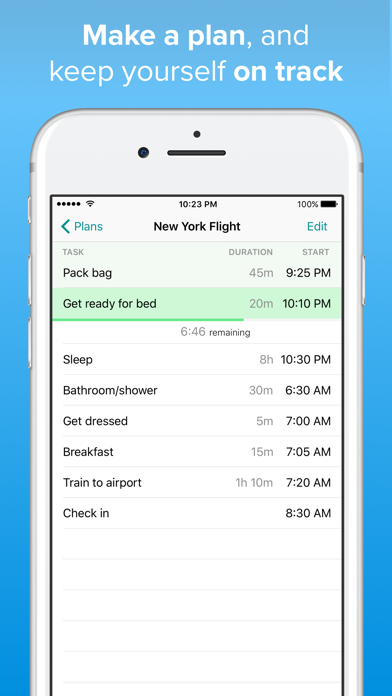
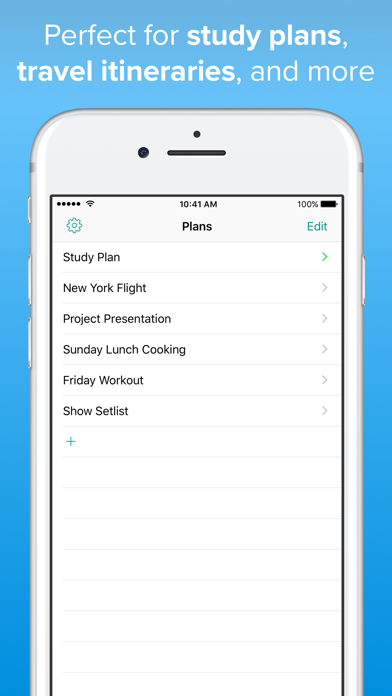
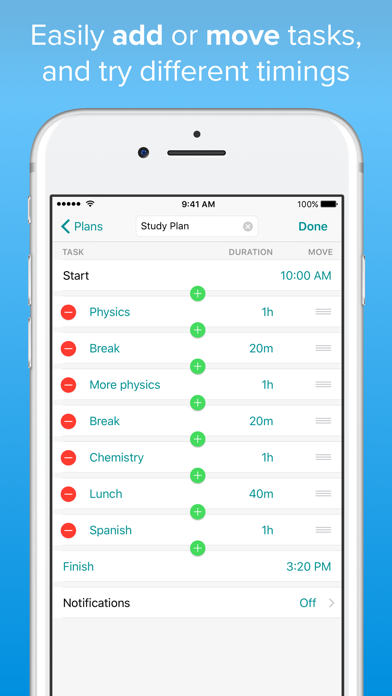
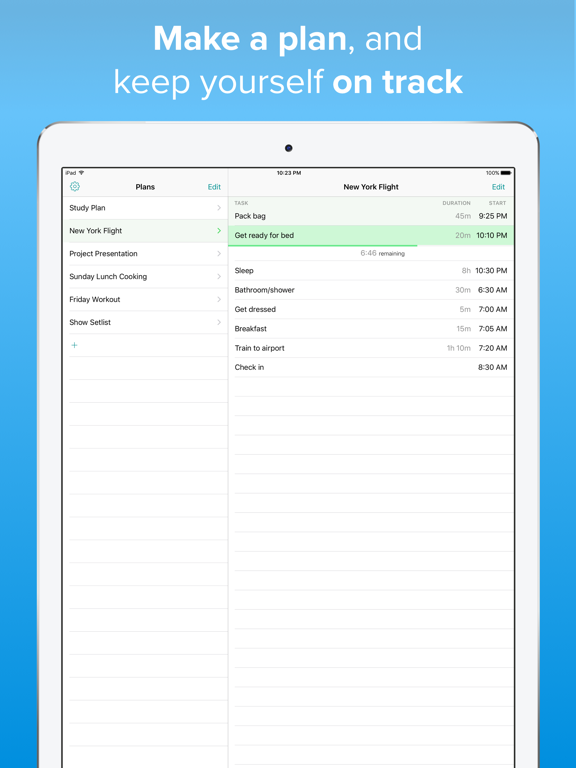
Day Planner helps you plan how to use a block of time, figure out what you have time for, and keep yourself on track with the plan. It's perfect for - travel itineraries - study plans - business presentations/meeting planning - complex meal cooking plans - interval or circuit training workouts - set lists for musicians You make a plan by setting the start time or the end time, and then add your tasks and the app calculates the start time for each task. If you set a fixed end time then the app calculates working backwards so you know what time you need to get started. When you reach the plan's scheduled start time Day Planner shows which task is the current one with a countdown timer. You can optionally turn on notifications for the beginning of each task so that you don't need to have the app running to keep on track. Once you've made a plan you can re-use it again and again and copy it to make variations. Editing your plan is super-quick with custom autocompletion to help you add tasks you've used in other plans by typing just a few characters. Your data is automatically and instantly synced via iCloud so you can switch between your iPhone and your iPad and your plans will always be in sync. You can have up to two plans for free, and when you want more you can unlock that limit with an in-app upgrade with pay-what-you-want pricing.
Latest release
What’s New
Added some highly requested features! - You can now set notifications to happen only on certain days of the week. Thank you very much to everyone who suggested that. - A widget is now available (on iOS 14). It shows your current and upcoming tasks for your chosen plan. After adding the widget to your home screen, go into jiggle mode and tap the widget to choose which plan it should show.
Audience growth
Ratings growth
Baseline captured. Growth appears after the crawler observes a changed rating count.
Momentum comes from crawler snapshots for the tracked storefront. “Viral growth signal” means unusually fast recent rating gains; it is an indicator, not download data.
Price tracking
Price intelligence
- First observed Aug 15, 2026 · 1:13 AM Free
Screenshots