About this app
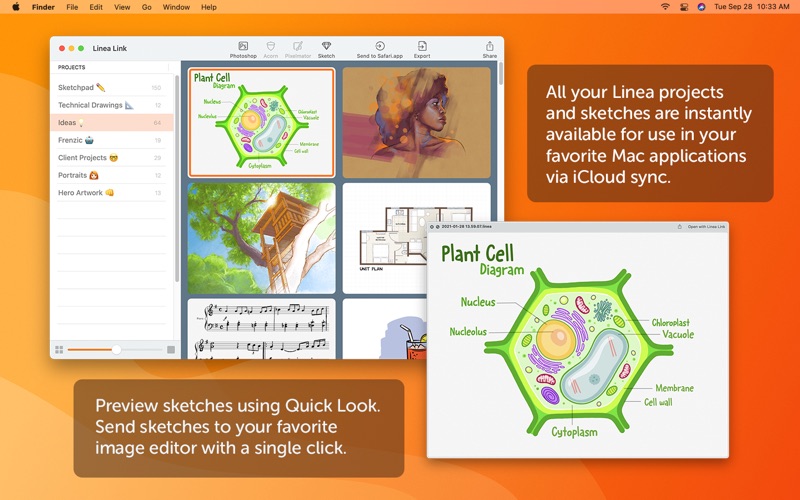
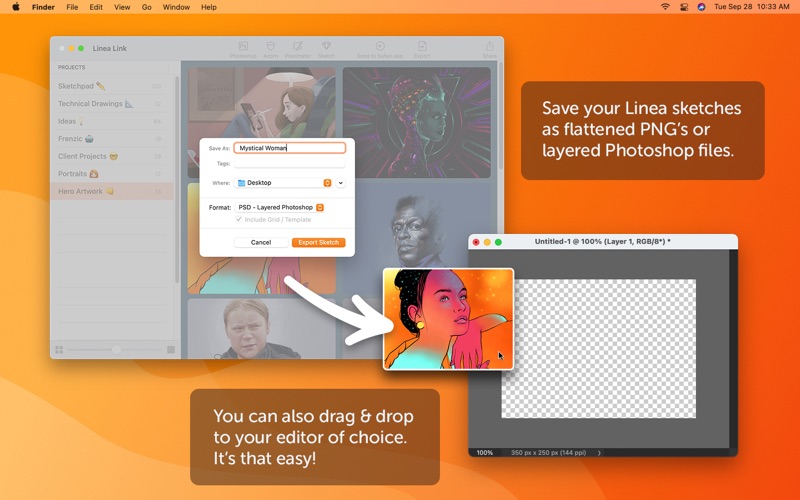
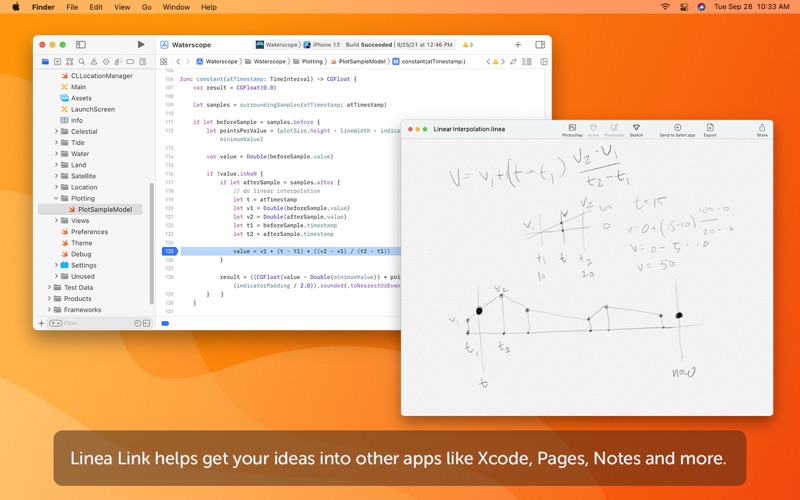
Linea Link is the easiest way to get sketches drawn on your iPad or iPhone over to your macOS desktop. Using iCloud sync, all your Linea projects and sketches are instantly available for use in your favorite Mac applications. Start a new Photoshop document using Linea's layers. Reference a quick design sketch while working in Xcode. Transcribe meeting notes into a Pages document. Linea on iOS works great to get an idea started, and Linea Link is the first step to making it real. If you draw with Linea Sketch, Linea Link will quickly become an indispensable part of your creative workflow. Features include: • Effortlessly browse content synced via iCloud • Send sketches to your favorite image editor with a single click • Easily preview Linea sketches using Quick Look • Share sketches via iMessage, email, and more • Save Linea sketches as PNG, PSD, or TIFF • Use "Send To" to send PNG images to Preview or any other app • Adjustable thumbnail size for a clearer view of your sketches Supports the following third-party image editors: • Adobe Photoshop • Affinity Designer • Affinity Photo • Pixelmator • Sketch • Acorn
Latest release
What’s New
Updated Linea Link's user interface to support macOS 26 Tahoe, new skewing of text annotations from Linea Sketch and fixed several export bugs. - User interface updated for Liquid Glass / macOS 26 - Support for Linea Sketch 4.4's new skewed text annotation layers - Updated the export to Acorn action to work with Acorn 8 - Affinity export options removed
Audience growth
Ratings growth
Baseline captured. Growth appears after the crawler observes a changed rating count.
Momentum comes from crawler snapshots for the tracked storefront. “Viral growth signal” means unusually fast recent rating gains; it is an indicator, not download data.
Price tracking
Price intelligence
First snapshot captured. The trend line starts after the next crawler price observation.
- First observed Sep 23, 2026 · 2:40 AM Free
Screenshots