About this app
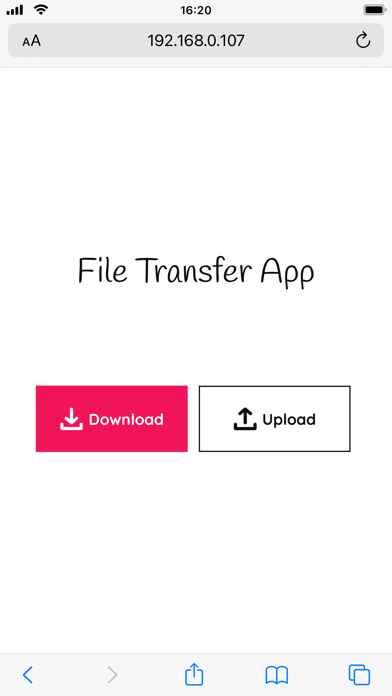
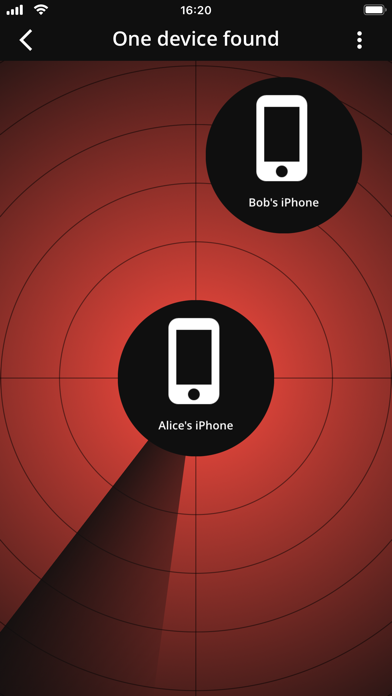
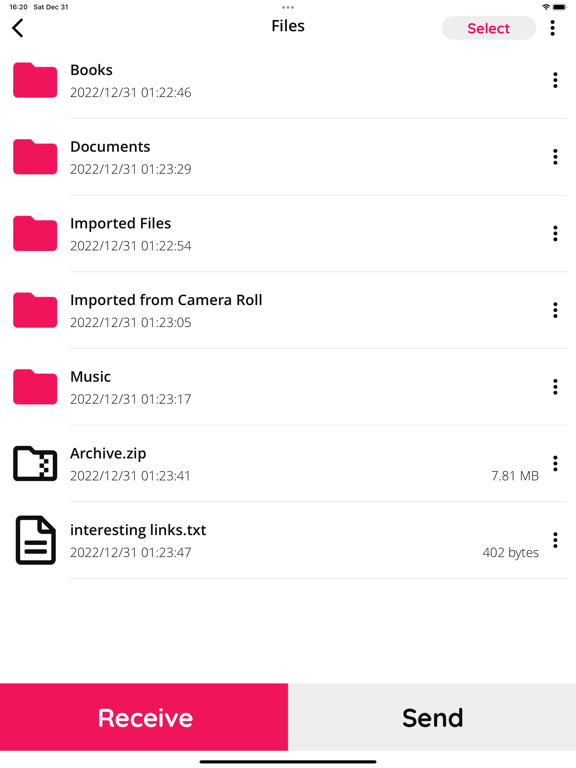
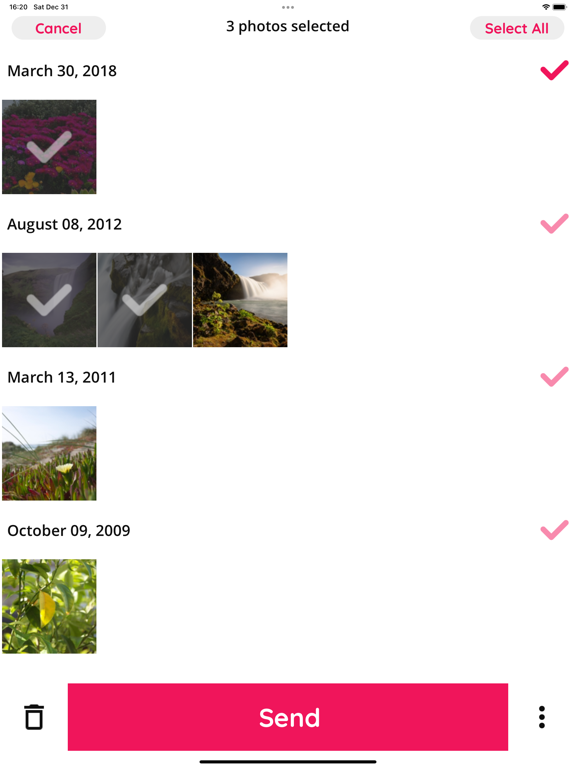
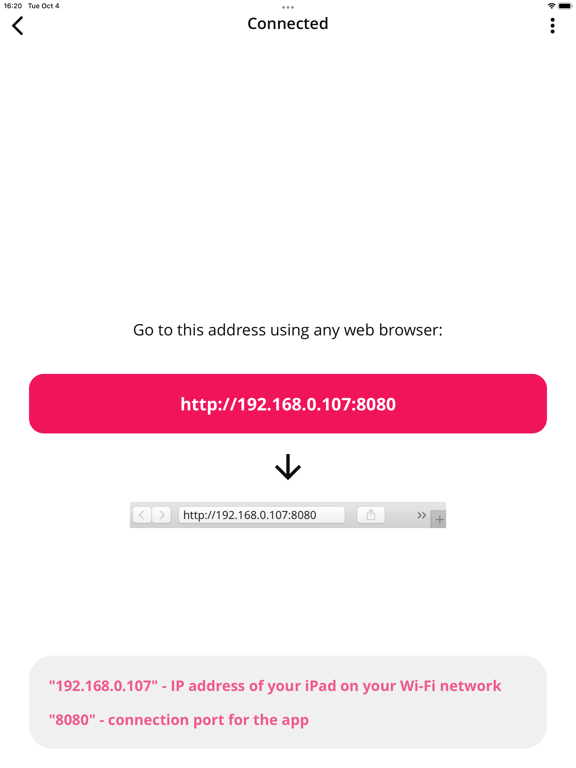
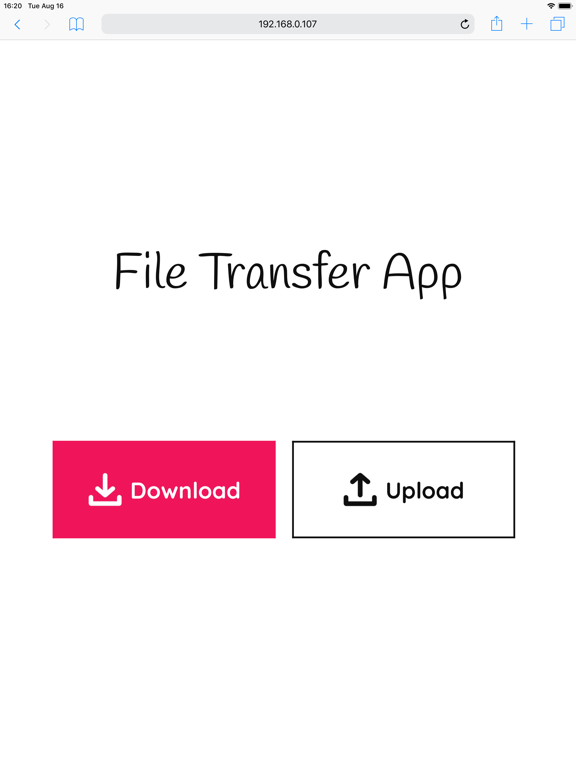
File Transfer App allows you to share files between your iPhone, iPad, Computer and any other nearby device with any operating system. The app provides you with two ways of sharing files between your iPhone and another device: (1) Using a Web Page: Share files between your iPhone and another device using the app's webpage and any web browser. In this case the webpage is hosted by the app's embedded server on your iPhone within your WiFi network. The webpage can be accessed only inside your WiFi network while the app is showing address of the webpage. This way you can download the selected files as a ZIP archive directly from your iPhone to PC or smartphone. And you can also upload files from computer or smartphone to iPhone. And you don't even need to install anything on another device as long as there is a web browser and both of your devices are connected to the same WiFi network. (2) You can also share files between iOS devices without the use of a web browser. • You can quickly transfer any number of files (including photos and videos) of any size for free. • Transfer pictures & videos in original sizes. • File Manager ("Files" section): there you can do basic operations with files such as copy, move, rename, share or open in another app. You can also make ZIP archives and uncompress them. • Import photos and videos from Camera Roll (Photo Library) to the app's private folder ("Files" section) • Export photos and videos from the app's private folder ("Files" section) to Camera Roll • Play Music: Received audio files can be played in the app's embedded music player. You can also create playlists of songs or audiobooks. • Preserve photos' metadata in all transfer directions (EXIF, location, etc). • In the app's settings you can select option to convert HEIC files to JPG before send them to computer. • Your files are transferred directly from device to device within your local WiFi network. They are never stored on any intermediary server. • The app is extremely easy to use. • Dark Mode support. • You can buy the Ad-Free version.
Latest release
What’s New
• minor interface improvements
Audience growth
Ratings growth
Baseline captured. Growth appears after the crawler observes a changed rating count.
Momentum comes from crawler snapshots for the tracked storefront. “Viral growth signal” means unusually fast recent rating gains; it is an indicator, not download data.
Price tracking
Price intelligence
- First observed Aug 13, 2026 · 2:36 PM Free
Screenshots