About this app
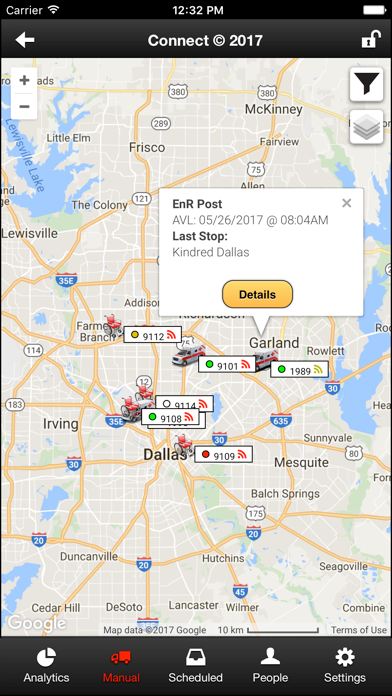
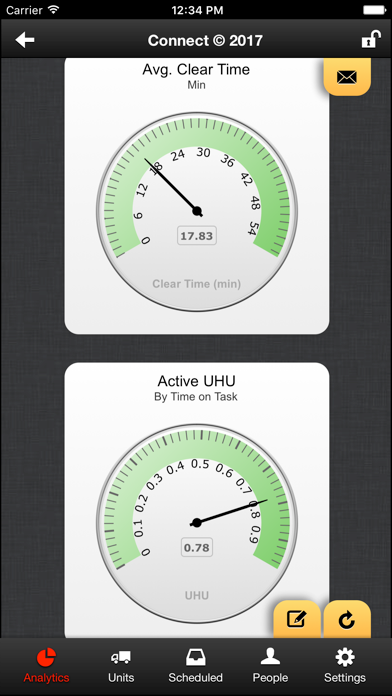
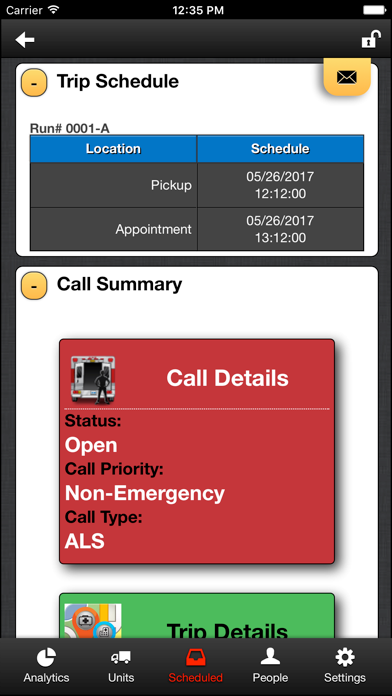
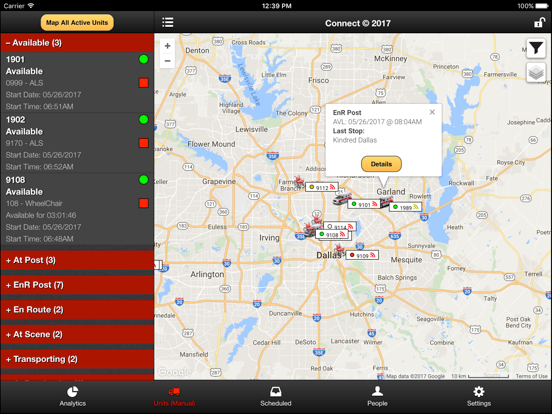
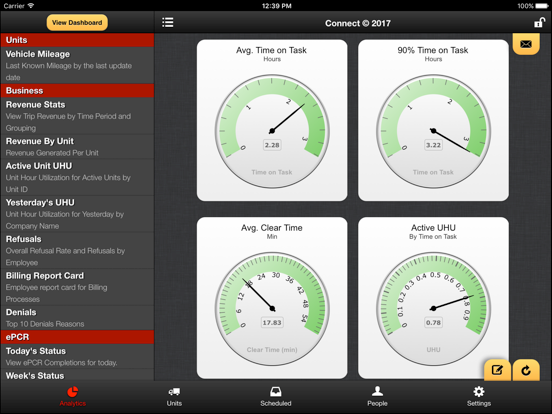
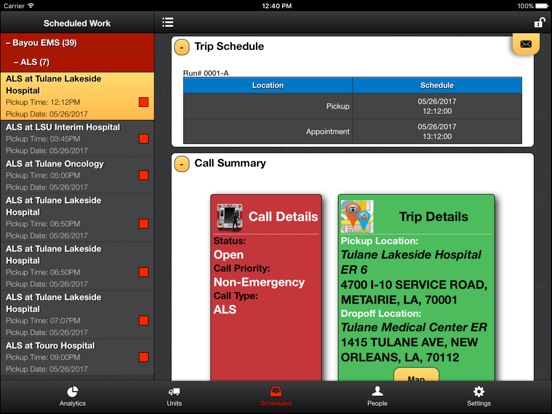
EMS Field Managers, finally an App Designed specifically for you. Street Eagle Connect, powered by EMS Anyware, places, at your fingertips, full wireless access to data residing on your dispatching system! ** HOW OUR SERVICE WORKS ** - Our monthly service includes support, custom analytics development, and app content tailored specific to your operation. - Our data exchanger service runs on your dispatching system. We currently support JefBar, Zoll RescueNet, Traumasoft, and MRES. Not using one of these? We are willing to expand to any other system. - Our service securely captures data from your system and sends it to our cloud to be accessed via Street Eagle Connect. We maintain a secure, HIPAA compliant cloud environment. - Enjoy up to date information about your operation from "Anyware". ** EFFICIENTLY MANAGE AND TRACK YOUR OPERATIONS ANYWARE ** - Summary Analytics that help you to decide what needs attention or where your problem areas may be. - Active Units allows you to see all the units currently in the field, where they are, which crew is assigned, and what trips they have taken during the current shift. Many Statuses will be color coded using the same colors you have set up in your dispatching system. - Scheduled Work allows you to view all of your open work items that are scheduled within the next 24hrs. - People allows you to view all of your crew members and their information stored in the dispatching system. Street Eagle Connect will compute their assigned unit hours worked in the current pay period based on the trips they have been assigned, allowing you to resource load work and manage overtime. - Setup in-app push notifications to be alerted of critical events. Notifications can be set up globally for your operation as well as individually for each user, all from within the app. - Configure the app with filters which allow you to view only specific companies/divisions, dispatch areas or call types defined in your system.
Latest release
What’s New
* Fixes issues with iPads not properly launching directions.
Audience growth
Ratings growth
Baseline captured. Growth appears after the crawler observes a changed rating count.
Momentum comes from crawler snapshots for the tracked storefront. “Viral growth signal” means unusually fast recent rating gains; it is an indicator, not download data.
Price tracking
Price intelligence
First snapshot captured. The trend line starts after the next crawler price observation.
- First observed Sep 6, 2026 · 11:38 PM Free
Screenshots