About this app
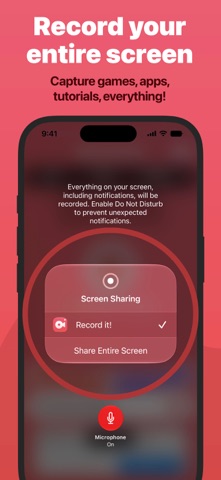
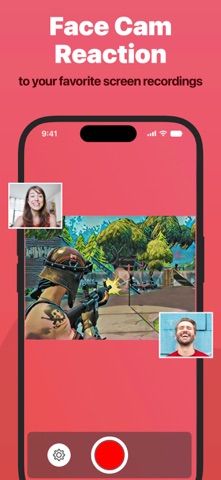
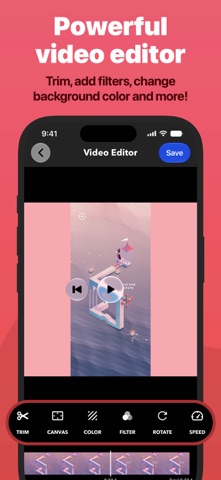
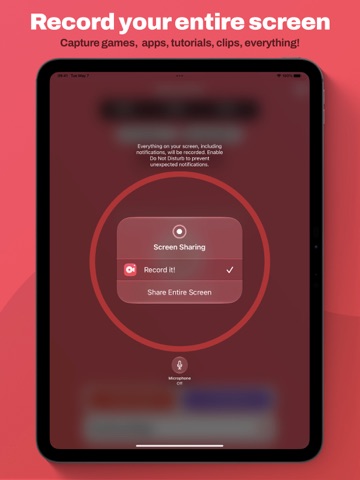
Record It! is a screen recorder for iPhone and iPad. Capture anything on your screen in one tap: games, app demos, tutorials, training videos, then trim it, add a face-cam reaction, and share it without leaving the app. RECORD • One tap to start recording your entire screen • Capture games, apps, tutorials, and walkthroughs • Configure bitrate, audio channels, video encoder, and quality. • A Live Activity keeps recording status visible in the Dynamic Island FACE CAM REACTIONS • Overlay your camera live while you record, on supported iPad models • Or add a face-cam reaction to any recording afterward • React to videos from your camera roll • Set the reaction's shape, position, and size AUDIO COMMENTARY • Record audio-only commentary over your video VIDEO EDITOR • Trim, rotate, and adjust playback speed • Apply video filters • Change the canvas and background color ORGANIZER • Every recording in one place, with quick access to what you need SHARE • Save straight to your camera roll • AirDrop to a Mac or another device • Export to Files, email, or any app that accepts video — including desktop editors for more specialized work Face-cam reactions are the fastest way to put yourself in the frame: let people watch you play, or walk someone through a task in your own voice. Sharing is limited to 10-minute videos. Upgrade to Record It! Pro to share longer recordings (In-App Purchase).
Latest release
What’s New
Rebuilt for iOS 27 Record It! now runs on ScreenCaptureKit, replacing the recording engine the app has used since 2017. You should notice the difference right away: • More reliable recording: fewer dropped and interrupted sessions • Higher-quality output across the entire screen • New Capture settings: set bitrate, audio channels, video encoder, and video quality, or leave the defaults alone • A Live Activity keeps your recording status visible in the Dynamic Island for the length of a session • Redesigned Capture settings screen • Record It! is now available in Spanish, French, Italian, Portuguese, German, Japanese, and Simplified Chinese + Update 5.0.1 fixes issue when renaming a video + Update 5.0.2 fixes "Storage Full" bug that stopped recording prematurely Thanks for nine years of feedback, a lot of it shaped this release. Hope you enjoy this release. For support, write us at support@record-it.app
Audience growth
Ratings growth
Momentum comes from crawler snapshots for the tracked storefront. “Viral growth signal” means unusually fast recent rating gains; it is an indicator, not download data.
Price tracking
Price intelligence
- First observed Aug 10, 2026 · 6:22 PM Free
Screenshots