About this app
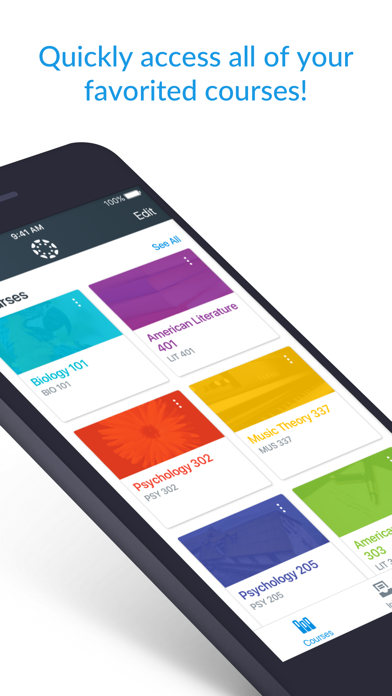
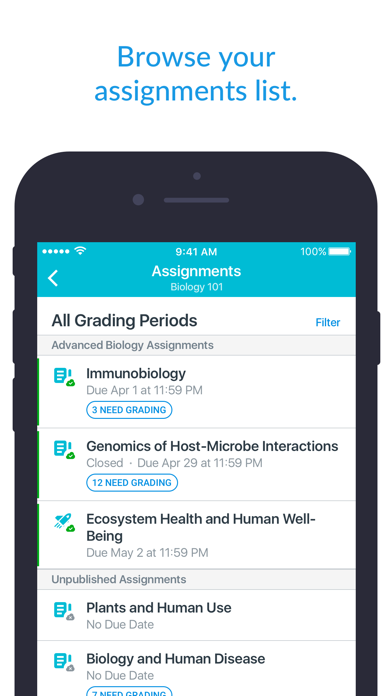
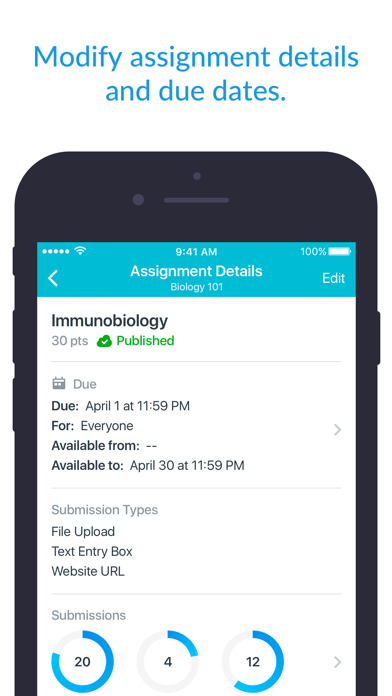
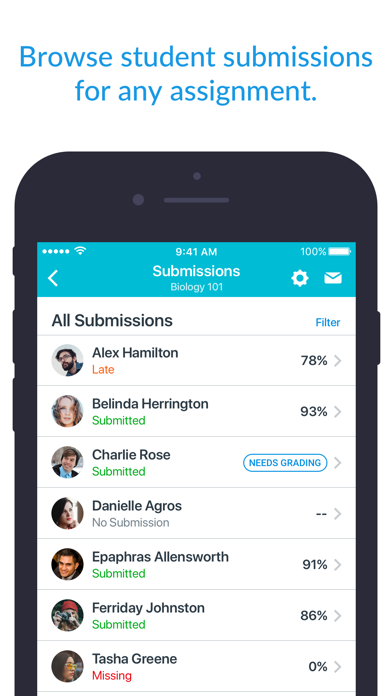
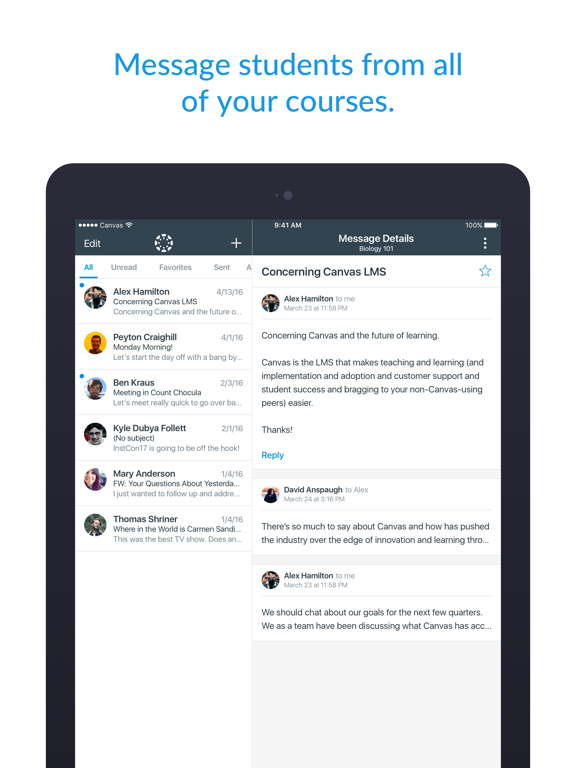
Save time. Teach on the go. Canvas Teacher helps educators, instructors, and teachers grade, give feedback, and manage their classes from anywhere. What you can do • Grade or mark work: Use mobile friendly SpeedGrader to annotate assignments, apply rubrics and give written, audio, or video feedback • Communicate: Post class announcements, reply in discussions, and send messages right from your device • Update content: Adjust due dates, publish/unpublish assignments, or fix typos in seconds • Stay connected: Manage your Inbox, reply to student questions, and keep class communication flowing on the move Canvas Teacher is designed for educators—making mobile grading and class management faster and easier.
Latest release
What’s New
- Improved file download for conversation attachments. - Fixed detail screens losing their content after rotating the device. - Fixed some external LTI tools, custom links not being available.
Audience growth
Ratings growth
Baseline captured. Growth appears after the crawler observes a changed rating count.
Momentum comes from crawler snapshots for the tracked storefront. “Viral growth signal” means unusually fast recent rating gains; it is an indicator, not download data.
Price tracking
Price intelligence
First snapshot captured. The trend line starts after the next crawler price observation.
- First observed Aug 13, 2026 · 2:24 PM Free
Screenshots