About this app
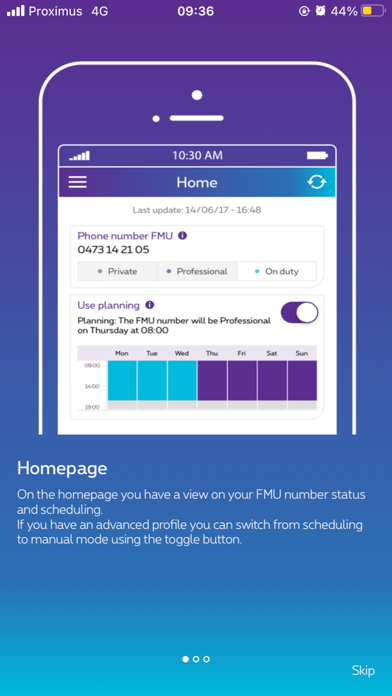
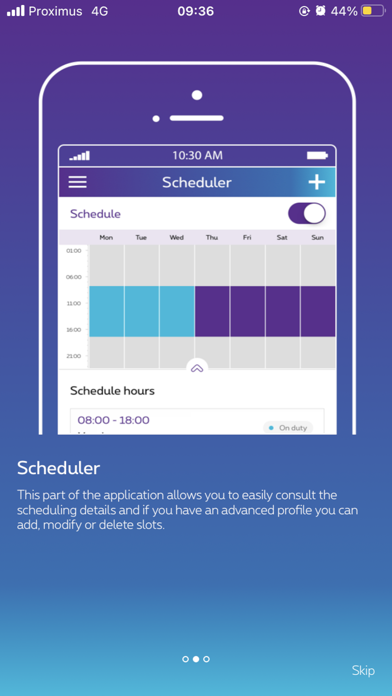
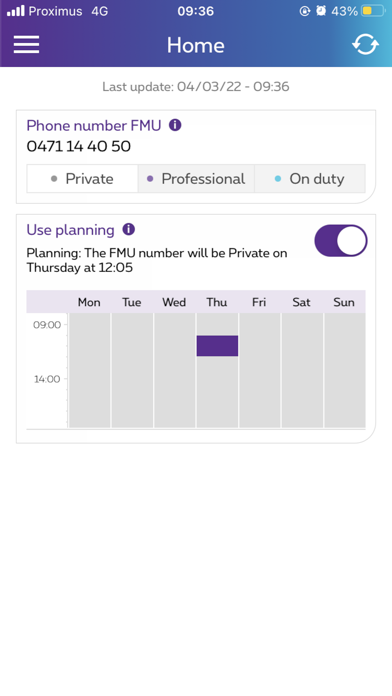
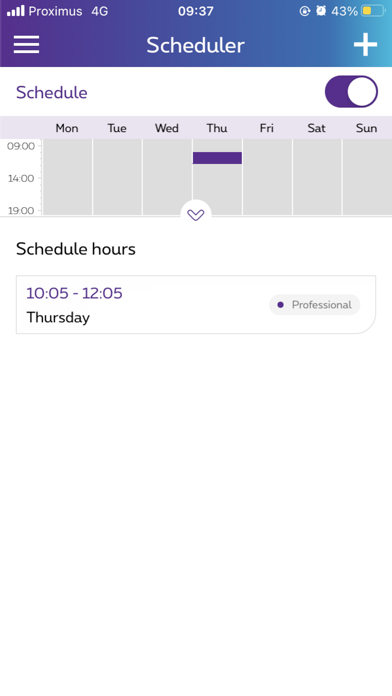
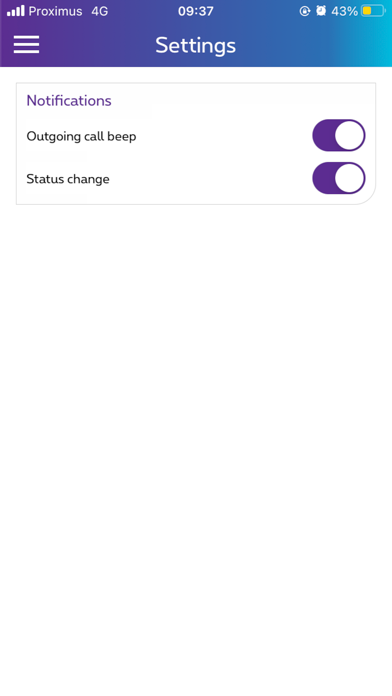
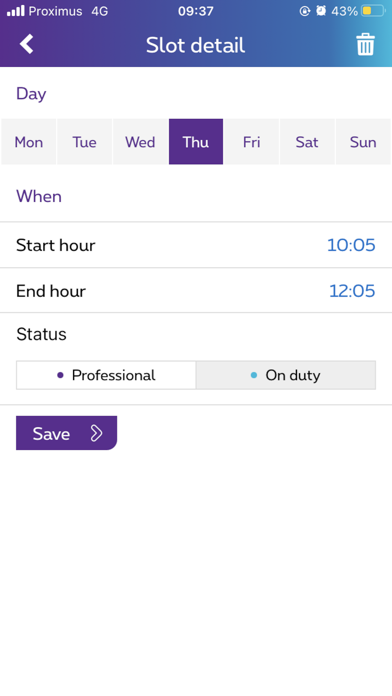
With FMU mobile application you get a view on your FMU profile scheduling and on your FMU settings. You are able to see when your mobile number is in “professional” mode, “private” mode or “on duty “mode. If you have the FMU end-user self-managed version, you can also change the scheduling parameters and define your own planning.
Latest release
What’s New
Bug fixes
Audience growth
Ratings growth
Baseline captured. Growth appears after the crawler observes a changed rating count.
Momentum comes from crawler snapshots for the tracked storefront. “Viral growth signal” means unusually fast recent rating gains; it is an indicator, not download data.
Price tracking
Price intelligence
First snapshot captured. The trend line starts after the next crawler price observation.
- First observed Aug 10, 2026 · 8:33 AM Free
Screenshots