About this app
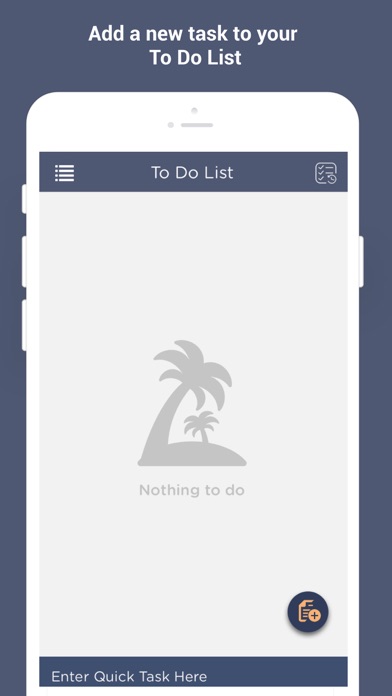
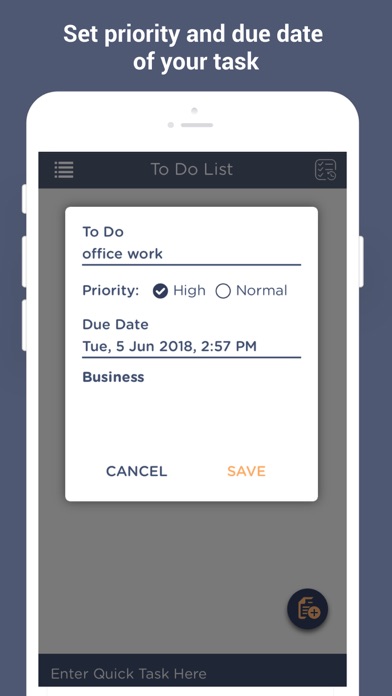
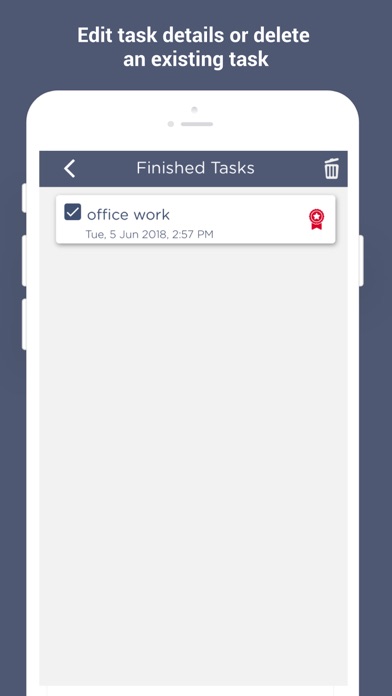
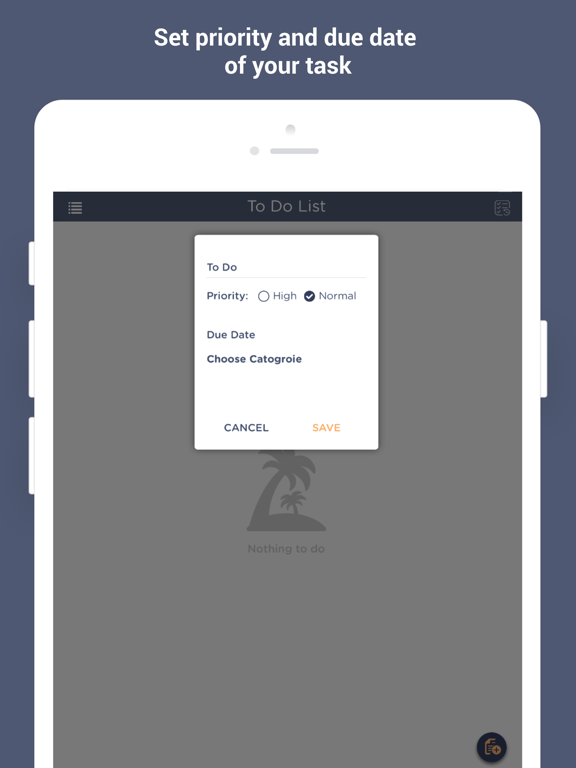
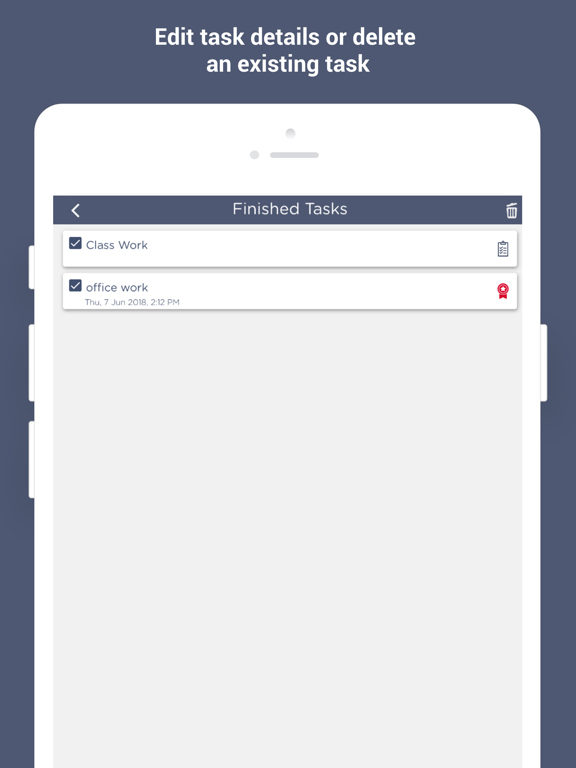
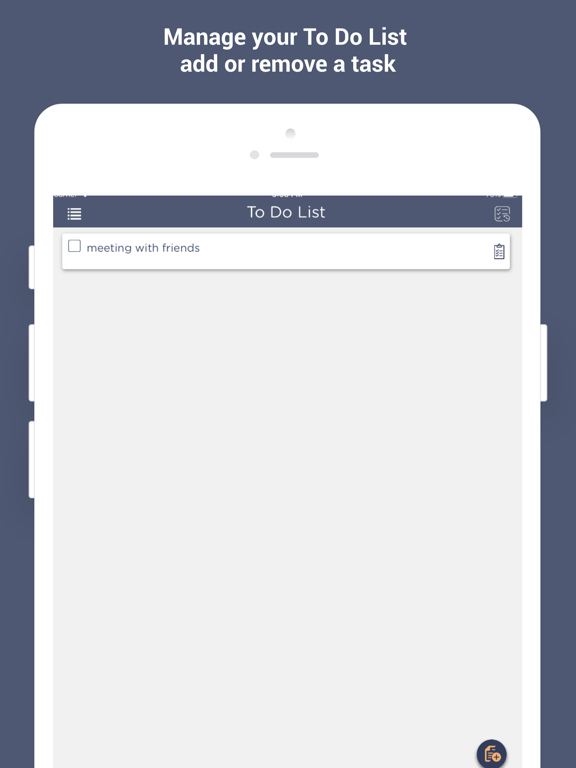
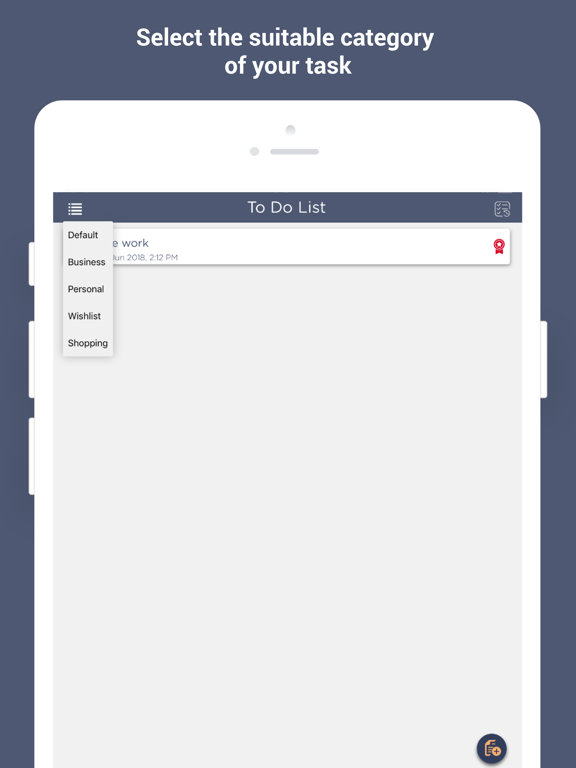
Looking for an app to help you keep up with your priorities? Download To Do List - Checklist App now! We offer you the simplest to do list app that allows you to keep and manage a task list to help you complete all your tasks in time. This is the best To Do List – Checklist App that will help you manage and keep track of your task list in a convenient way. How often do you get in a situation where you couldn’t meet a deadline only because you forgot? Humans are prone to errors. Being humans, it is natural for us to forget things which can often lead us to trouble. But not if we have a solution for that. The To Do List – Checklist App is the ultimate answer to all your problems. We have exclusively designed the to do list app to be your efficient friend and a personal task manager, right on your iOS device. This best to do list app or checklist app is extremely handy when it comes to make a task list and stay organized. We bet that it was never this easier to keep up with the tasks of your everyday life. All you have to do is just download the to do list app, and it will do the rest for you. With its quick and logical, reminder based layout, to do app enables you to prioritize the things that you need to do in a convenient way. You can add a new to do with the title, priority, due date and you will get a reminder notification on your device at the set time. Keep your life organized with a minimal number of taps with this quick, user-friendly app. Features of the To Do List - Checklist App - Quick and friendly task management and friendly interface - Smart notifications at the exact time - Never miss a deadline by planning ahead - Option to delete the task or check as completed - Enhance performance and productivity - Simple yet effective organization and task tracking How to Use the To Do List - Checklist App - Download and install the to do list app on your iOS device - Once the app is installed, open it - On the home page, tap a button on bottom right to add a new to do - Enter the to do title, set the priority as High or Normal, and enter the due date - Tap on Save to add the task or Cancel to cancel - When the to do is completed check the box - You can delete a task by swiping to the left - Tap the button on the top right to see the completed task list - You can also enter a quick task If you wish to make your life more organized by making a task list, wait no more. Download and install the best To Do List app for your iOS device, NOW! If you encounter any problem while installing or using the app, feel free to get in touch with us. You can either leave a review, describing your issue or you can write to us on the given contact details.
Latest release
What’s New
- Issue fixing and performance Enhancement
Audience growth
Ratings growth
Baseline captured. Growth appears after the crawler observes a changed rating count.
Momentum comes from crawler snapshots for the tracked storefront. “Viral growth signal” means unusually fast recent rating gains; it is an indicator, not download data.
Price tracking
Price intelligence
First snapshot captured. The trend line starts after the next crawler price observation.
- First observed Aug 6, 2026 · 12:38 AM Free
Screenshots