About this app
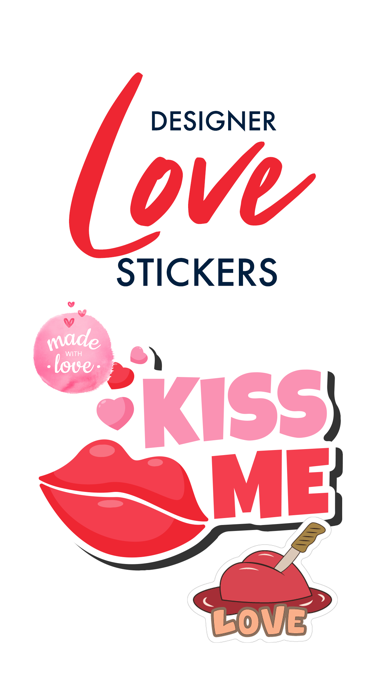
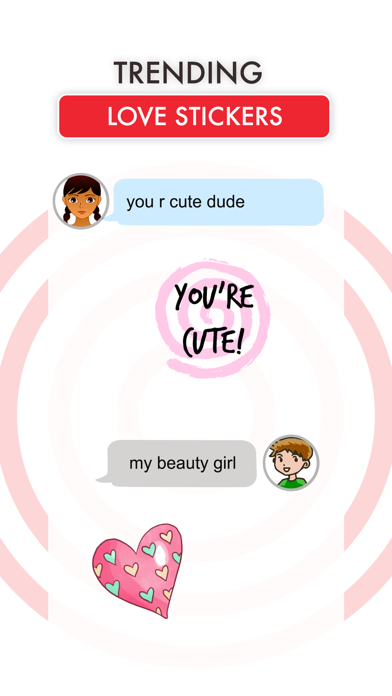
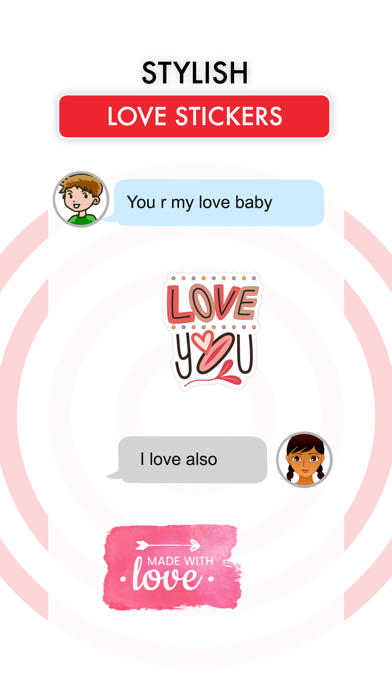
Send your messages with Love Stickers ! Make your chat more loving and special with Love stickers. Express your love, kiss, miss for him/her ! How to Use and Install: - Open iMessage from your iPhone. - Click on the Appstore icon. - Tap the four oval icon on the lower left corner to open the app drawer. - From there, tap the plus icon labelled 'Store' to access the Messages App Store. - Click on manage store. - Select the your's Stickers app . - Just with a single tap send stickers. - Also simply long touch and peel off the stickers to add them with your texts!!
Latest release
What’s New
-Stability Fixes and Enhancement in Stickers.
Audience growth
Ratings growth
Baseline captured. Growth appears after the crawler observes a changed rating count.
Momentum comes from crawler snapshots for the tracked storefront. “Viral growth signal” means unusually fast recent rating gains; it is an indicator, not download data.
Price tracking
Price intelligence
First snapshot captured. The trend line starts after the next crawler price observation.
- First observed Aug 20, 2026 · 10:42 PM $0.99
Screenshots