About this app
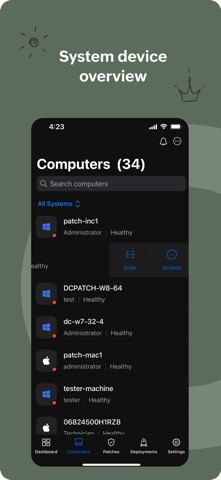
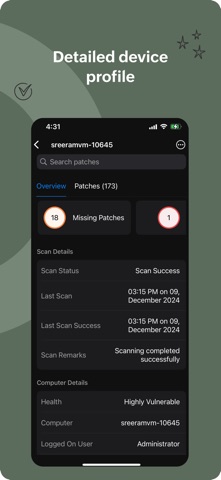
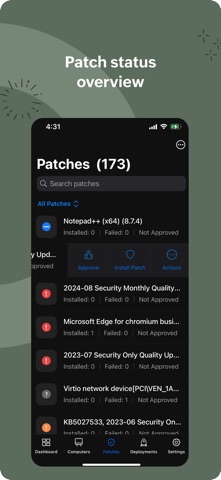
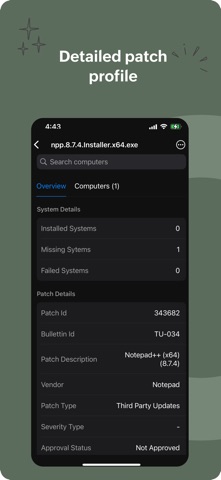
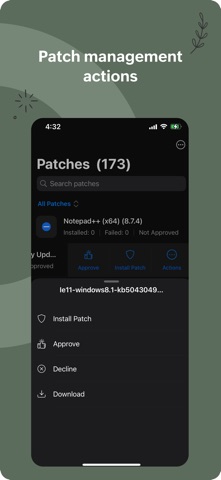
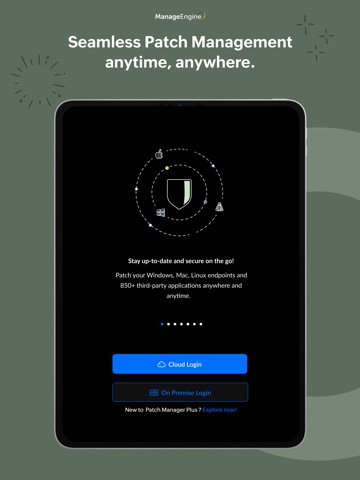
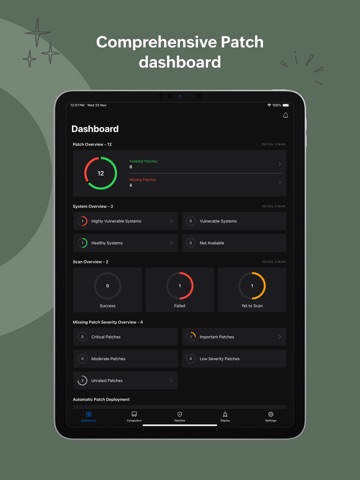
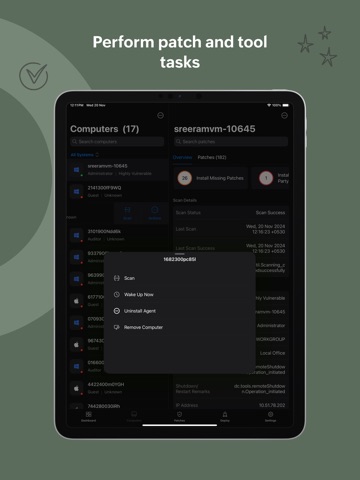
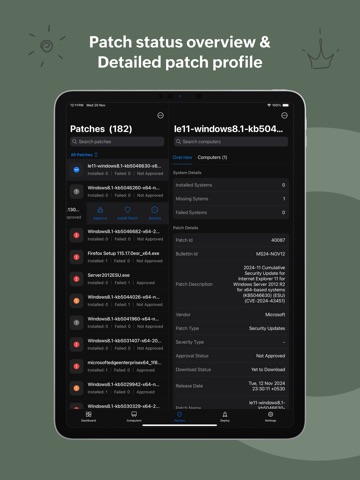
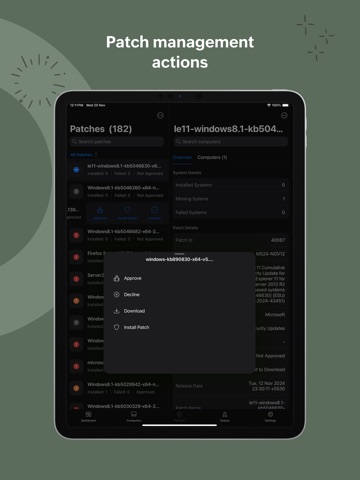
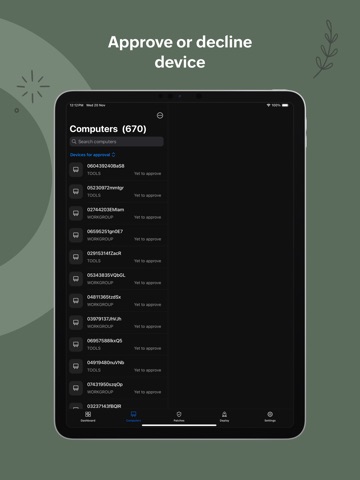
Patch Management for Windows, Mac, Linux, and Third-Party Applications Effortlessly Manage Patches Across Platforms Key Features: 1.Detect Vulnerable Systems: Identify systems missing critical patches by synchronizing with an online patch database and performing regular scans. 2.Test and Approve Patches Automatically: Create test groups based on OS and departments, automatically test newly released patches, and approve them based on deployment results. 3.Automate Patch Download and Deployment: Automatically download and deploy missing patches during non-business hours with customizable deployment policies, including reboot configurations. 4.Decline Patches: Exclude patches for legacy applications, specific users or departments, or entire patch families as needed. 5.Comprehensive System Health Reports: Access detailed reports on vulnerable systems, installed patches, and missing patches to keep your IT environment secure. Seamless Patch Management Anytime, Anywhere ManageEngine Patch Manager Plus empowers IT administrators to manage patching on desktops, laptops, servers, and virtual machines on the go. It supports Windows, Mac, Linux, and third-party applications for devices within LAN, WAN, and roaming environments. Activation Instructions: For On-Premises Deployment: Install the Patch Manager Plus app on your device. Enter the server name and port details used by Patch Manager Plus. Sign in using the credentials for the Patch Manager Plus console. For Cloud Deployment: Create a Patch Manager account via the web browser. Log in to the mobile app using the same credentials as your browser account. ManageEngine Patch Manager Plus simplifies patch management, giving IT admins the tools to secure their environments with ease, anytime and anywhere.
Latest release
What’s New
View and manage the test groups in Deployments tab when manual approval settings enabled.
Audience growth
Ratings growth
Baseline captured. Growth appears after the crawler observes a changed rating count.
Momentum comes from crawler snapshots for the tracked storefront. “Viral growth signal” means unusually fast recent rating gains; it is an indicator, not download data.
Price tracking
Price intelligence
First snapshot captured. The trend line starts after the next crawler price observation.
- First observed Sep 20, 2026 · 4:31 AM Free
Screenshots